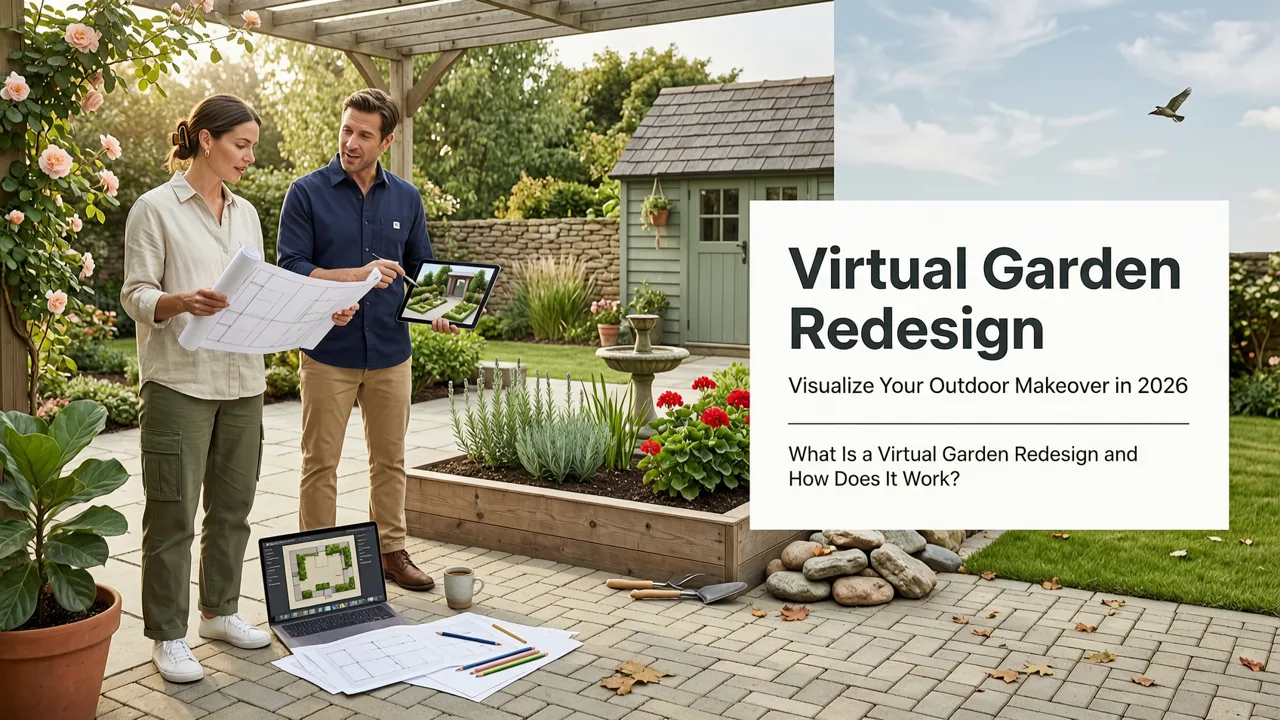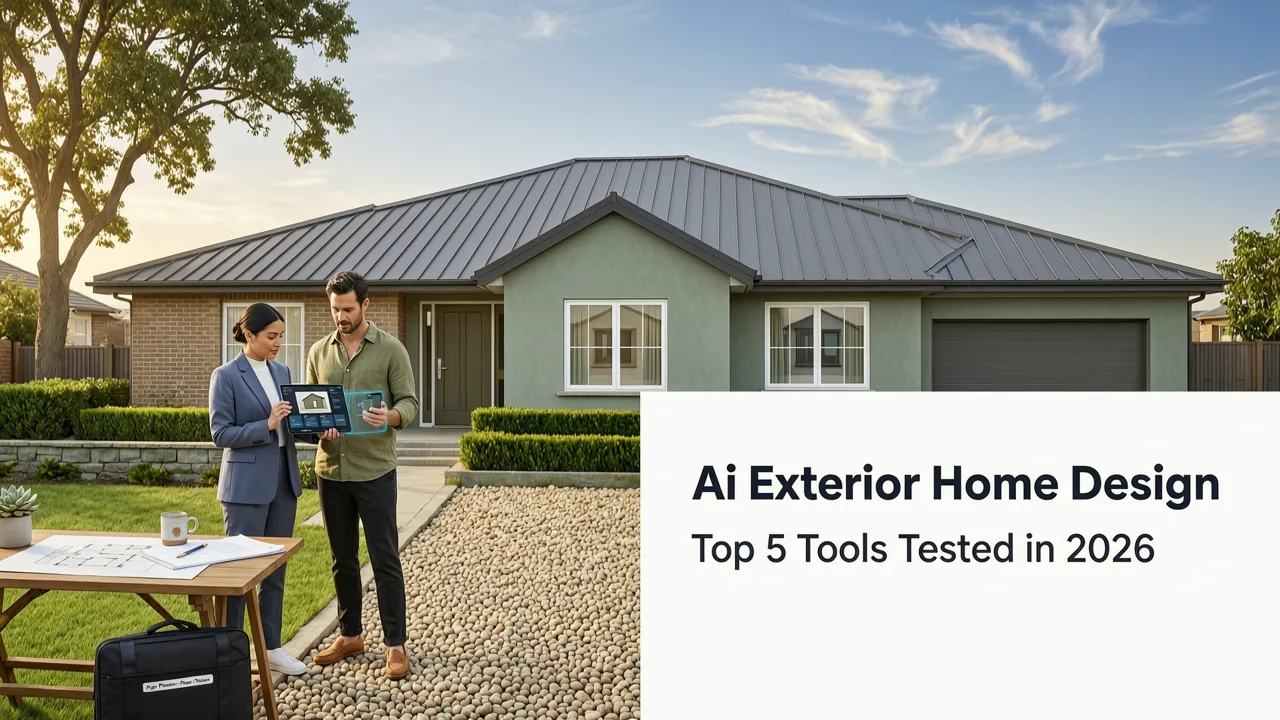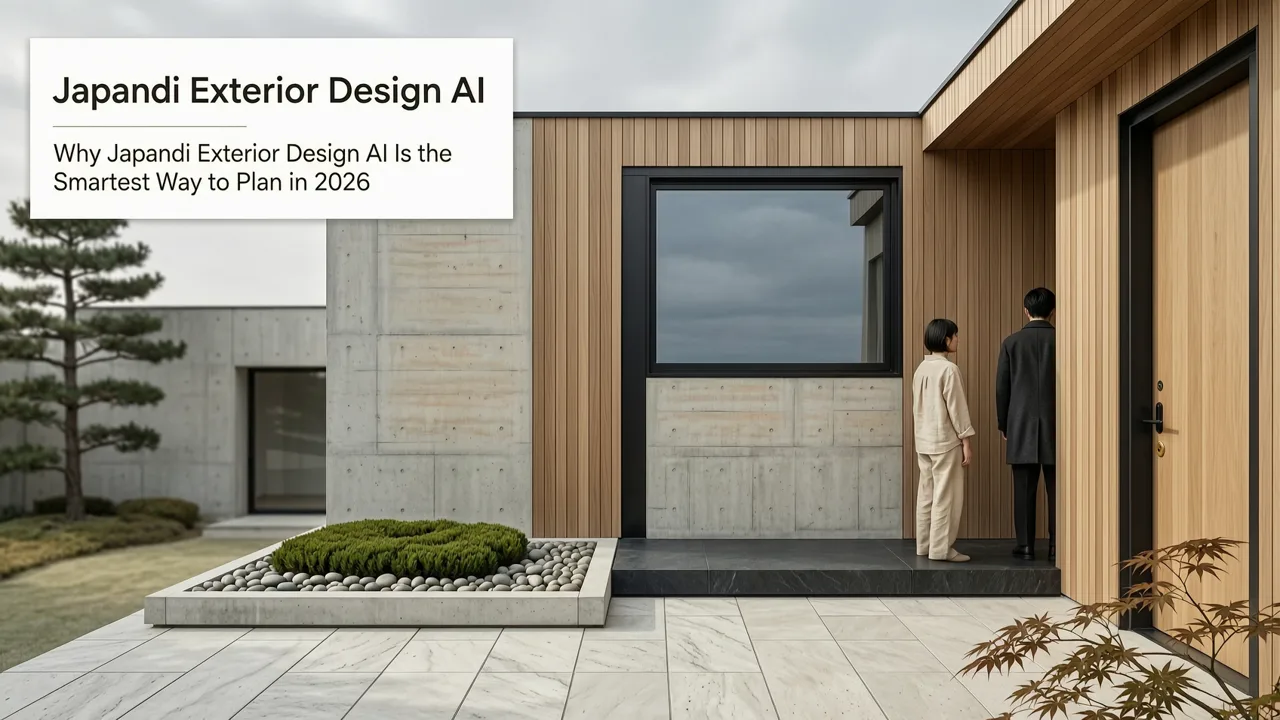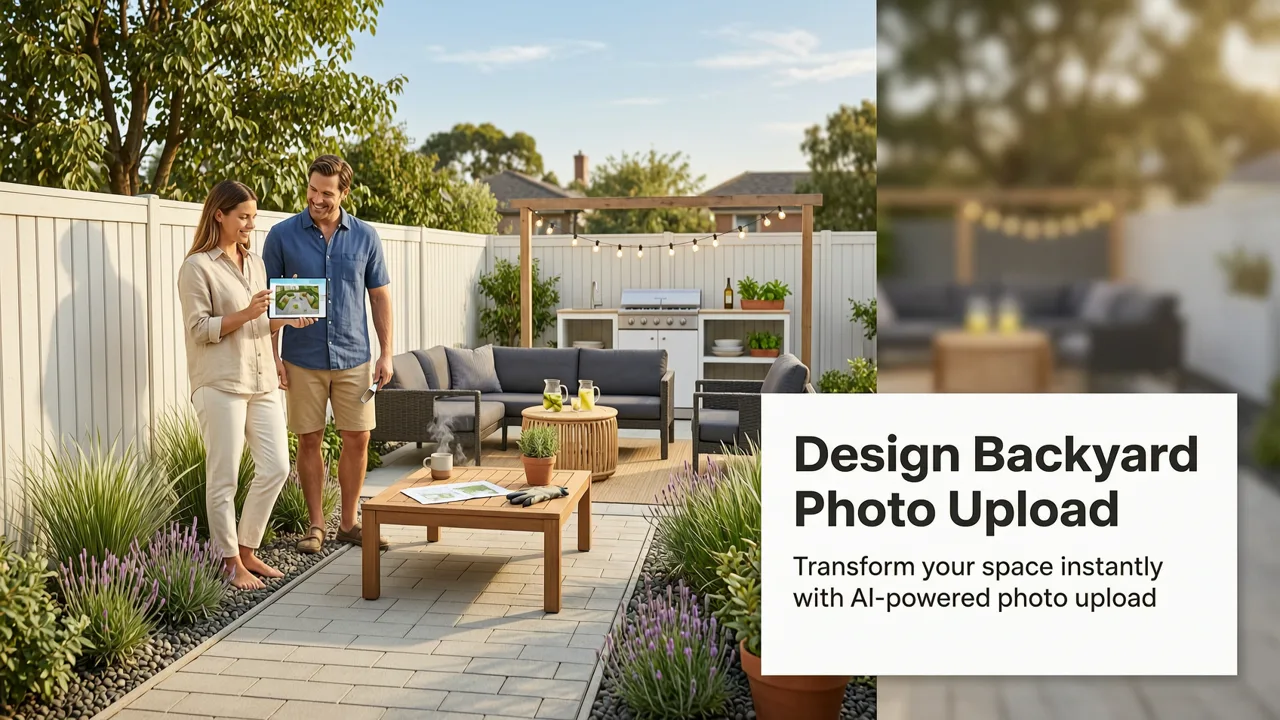
Why Designing a Backyard with Photo Upload Is the 2026 Standard
If you have ever stared at a patch of overgrown grass or an outdated patio and struggled to envision its potential, you understand the frustration of traditional landscape planning. Hiring a professional designer is expensive, and learning complex 3D modeling software takes months. The solution that has completely transformed outdoor renovation planning is the ability to design backyard with photo upload using advanced artificial intelligence.
In 2026, AI-driven visualization tools have moved far beyond simple filters. Modern spatial computing and generative models can now analyze the unique geometry, lighting, and existing structures of your specific outdoor space. By simply uploading a photograph, you can generate photorealistic, true-to-scale previews of various landscape styles, hardscape materials, and planting schemes in a matter of seconds. This technology bridges the gap between imagination and execution, allowing homeowners, renters, and real estate professionals to make confident, data-backed decisions before breaking ground.
How to Design Backyard with Photo Upload in 4 Simple Steps
Executing a successful AI landscape visualization requires a blend of good photography and strategic prompt or style selection. Follow this structured approach to ensure your generated designs are both beautiful and practically applicable to your real-world space.
👉 100 Garden & Backyard Ideas I Wish I’d Found Sooner!
by 100 IDEAS!
Step 1: Capture the Right Base Photo
The quality of your AI output is directly tied to the quality of your input image. To design a backyard with photo upload effectively, you need a clear, well-lit baseline.
- Mind the lighting: Take the photo during the golden hour—shortly after sunrise or before sunset. This provides soft, even lighting that helps the AI accurately interpret shadows and textures without harsh contrast.
- Choose a wide, straight angle: Stand as far back as possible to capture the entire space. Use the standard lens on your smartphone rather than the ultra-wide lens, which can distort perspective and confuse the AI regarding spatial proportions.
- Clear minor clutter: While AI can ignore small objects, removing temporary items like toys, hoses, or trash bins helps the model focus on the actual architectural and landscape features of the yard.
Step 2: Select Your Landscape Style
Once your photo is uploaded, the platform will prompt you to choose a design direction. AI tools in 2026 are trained on millions of landscape architecture portfolios. You can select from predefined styles such as Modern Minimalist, Mediterranean, Japanese Zen, or Cottage Garden. The AI will then apply the specific material palettes, plant species, and structural elements characteristic of your chosen style to your existing yard layout.
Step 3: Generate and Refine the AI Preview
After selecting your style, the generative engine processes the image. This involves analyzing the depth map of your yard, identifying the horizon line, and recognizing existing permanent structures like fences, decks, or large trees that should remain in the design.
As platforms prioritize ethical and accurate data handling, leading AI providers adhere to strict guidelines regarding user-uploaded property data, ensuring your home's visual information remains secure and is used solely for generating your personal design responsibility frameworks. Once the initial render is complete, review the output. Most tools allow you to mask specific areas—such as keeping your existing patio but changing the surrounding planting beds—and regenerate just those sections.
Step 4: Export and Share Your Design
When you achieve a visualization that aligns with your vision, export the high-resolution images. These renders are invaluable for communicating your ideas to contractors, estimating material quantities, or simply sharing concepts with family members to build consensus on the renovation.
Top Backyard Styles to Visualize with AI in 2026
Choosing the right aesthetic is crucial for ensuring your outdoor space complements your home's architecture. Below is a comparison of the most popular backyard styles available for AI visualization this year, detailing their core characteristics and ideal applications.
| Landscape Style | Key Hardscape Features | Typical Plant Palette | Best Suited For |
|---|---|---|---|
| Modern Minimalist | Concrete pavers, clean lines, integrated LED lighting, Corten steel planters. | Ornamental grasses, sculptural agaves, monochromatic foliage. | Contemporary homes, small urban yards, and low-maintenance requirements. |
| Mediterranean | Terracotta tiles, stucco walls, gravel pathways, wrought iron accents. | Lavender, rosemary, olive trees, bougainvillea. | Warm climates, sloped yards, and homeowners seeking a resort-like atmosphere. |
| Cottage Garden | Winding stone paths, wooden picket fences, arched trellises, raised brick beds. | Dense mixtures of perennials, climbing roses, foxgloves, and herbs. | Traditional homes, larger spaces, and those who enjoy active gardening. |
| Japanese Zen | Raked gravel, natural stepping stones, bamboo fencing, water basins. | Japanese maples, moss, pine trees, hostas. | Shaded yards, side gardens, and creating a tranquil, meditative retreat. |
| Tropical Oasis | Teak decking, thatched pergolas, natural stone water features. | Bird of paradise, monstera, palm trees, hibiscus. | Warm, humid climates and large backyards with ample sunlight. |
The Advantages of AI Photo Upload Design Over Traditional Methods
Transitioning from traditional CAD software or mental guesswork to AI-powered visualization offers several distinct advantages for both amateur renovators and professional designers.
Unmatched Spatial Accuracy
Older design tools required users to manually input measurements and build 3D models from scratch. Today, when you design a backyard with photo upload, the AI automatically calculates perspective and scale. It understands that a fence in the background is further away than a planter in the foreground. This spatial awareness ensures that the furniture, fire pits, and planting beds generated in the preview will actually fit in your physical space.
Dynamic Lighting and Material Rendering
Lighting drastically alters the perception of outdoor materials. A stone paver that looks warm and inviting in a catalog might appear cold and gray in a shaded yard. Advanced AI models simulate how different materials interact with the specific lighting conditions present in your original photograph. This level of detail is just as critical outdoors as it is indoors; understanding how light affects color and texture is a principle shared by experts who visualize interior paint shades before committing to a purchase.
Cost and Time Efficiency
Traditional landscape design involves multiple consultation fees, site visits, and weeks of waiting for draft plans. AI visualization compresses this timeline into minutes. You can iterate through dozens of design variations in a single afternoon, exploring different material combinations and layouts without incurring additional costs. This rapid prototyping allows you to narrow down your preferences before ever contacting a contractor.
Integrating Backyard Design with Your Overall Home Aesthetic
A successful landscape design does not exist in a vacuum; it must flow seamlessly from the interior of your home. When planning your exterior makeover, consider how the backyard connects to your indoor living spaces.
If your interior features bold, modern design elements, extending those visual cues outdoors creates a cohesive property aesthetic. For instance, if you have utilized striking interior colors to define your living spaces, you might explore how those same color principles can be applied to exterior feature walls, painted fences, or outdoor furniture. Exploring how interior and exterior themes interact can provide a unified look, similar to how designers balance accent wall paint ideas inside the home with complementary outdoor decor.
Furthermore, consider the sightlines from your main windows. The AI tool allows you to upload photos taken from inside your home looking out, ensuring that the backyard design you choose provides a beautiful, framed view from your primary living areas.
Common Mistakes to Avoid When Uploading Backyard Photos
To ensure the highest quality renders, be mindful of these frequent errors users make during the upload process:
- Using heavily filtered photos: Avoid uploading images that already have heavy color grading or HDR filters applied. The AI needs true-to-life color data to accurately render new materials.
- Ignoring the horizon line: If the photo is tilted severely, the AI may struggle to establish the correct ground plane, resulting in floating furniture or slanted patios. Keep your camera level.
- Overloading the prompt: If the tool allows for custom text prompts alongside the photo, keep them focused. Asking for "a modern patio with a fire pit, tropical plants, a water feature, and a pergola" all at once can confuse the model. Focus on one primary style or structural change per generation.
Conclusion and Next Steps
The ability to design a backyard with photo upload has democratized landscape architecture, putting professional-grade visualization tools directly into the hands of homeowners. By leveraging AI to preview styles, test materials, and validate spatial layouts, you eliminate the guesswork from your renovation project. You can approach contractors with a clear, photorealistic vision, ensuring that the final build matches your expectations perfectly.
Ready to transform your outdoor space? Upload your first backyard photo today and explore the endless possibilities of AI-driven landscape design. For more inspiration on how to harmonize your indoor and outdoor spaces, be sure to explore our comprehensive guides on interior visualization and color theory.