Why White Wall Paint AI Visualization Is the Smartest Way to Choose a Shade in 2026
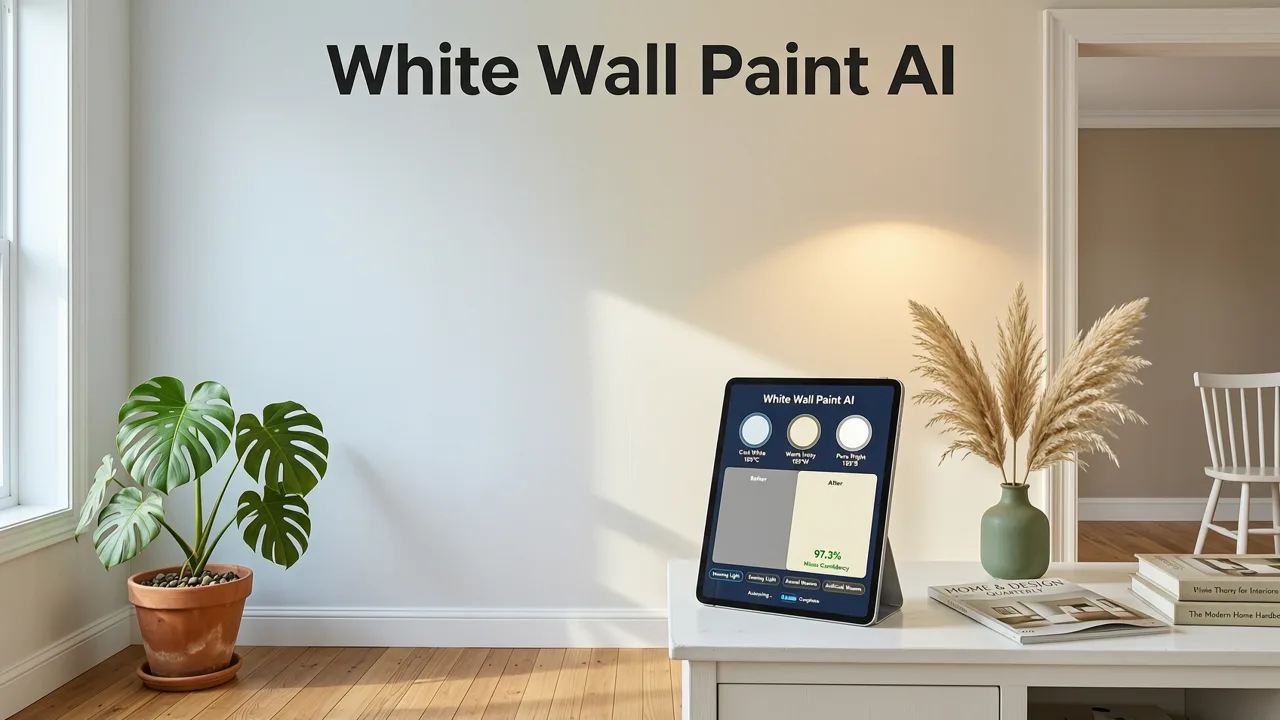
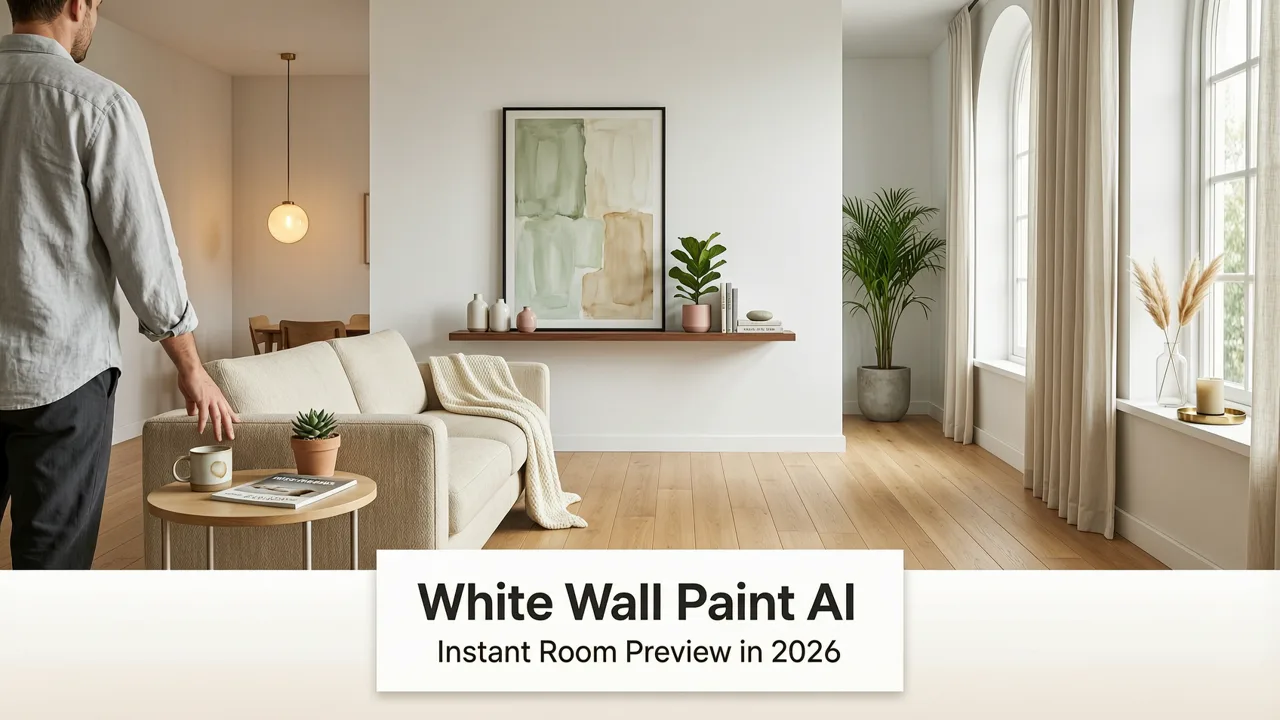
If you have ever watched a white paint sample dry and then watched it change again by sunset, you already know that picking the right white is harder than it looks. White wall paint AI visualization solves that problem by rendering every shade you are considering directly onto a photo of your actual room, so you can compare options in minutes instead of weeks.
Unlike old-school swatches or digital color pickers that ignore your furniture, lighting, and ceiling height, modern AI visualization tools account for the way light behaves in your specific space. The result is a photorealistic preview that tells you whether a white will read warm, cool, gray, or creamy in your room before you commit.
What White Wall Paint AI Visualization Actually Does
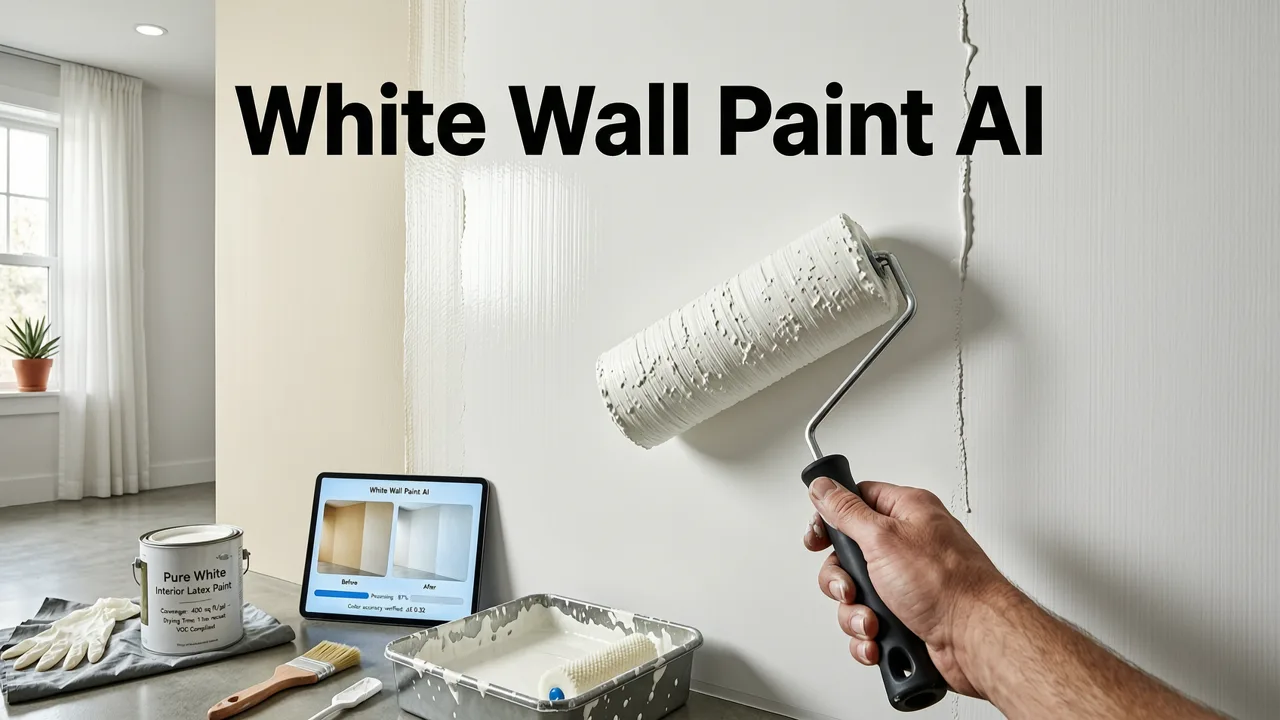
At its core, white wall paint AI visualization is a generative image tool trained on millions of interior photographs and color science data. You upload a photo of your room, select a white shade (or describe the tone you want), and the AI repaints the walls while preserving the geometry, shadows, textures, and furnishings already in the frame.
Paint your House exterior using AI ✅ | Best Home exterior color Using AI 🏡
by Tech With JP
The technology behind this has matured significantly by 2026. Diffusion-based models now understand material properties, light direction, and color temperature well enough to avoid the flat, painted-on look that older tools produced. For a deeper look at how these models are built and governed, the OpenAI documentation offers useful context on how responsible AI image generation works today.
How the Tool Interprets Your Room
When you upload a photo, the AI runs through a short sequence of analysis steps:
- Segmentation. The model identifies walls, ceilings, trim, floors, and furnishings as separate layers.
- Light mapping. It estimates the direction, intensity, and color temperature of the light sources in the scene.
- Material inference. It detects whether the existing wall is matte, eggshell, satin, or glossy, and preserves that finish in the preview.
- Color application. It applies the selected white shade using the inferred lighting so the preview looks like a real photograph, not a filter.
The 8 Best White Paint Shades to Test with AI Visualization in 2026
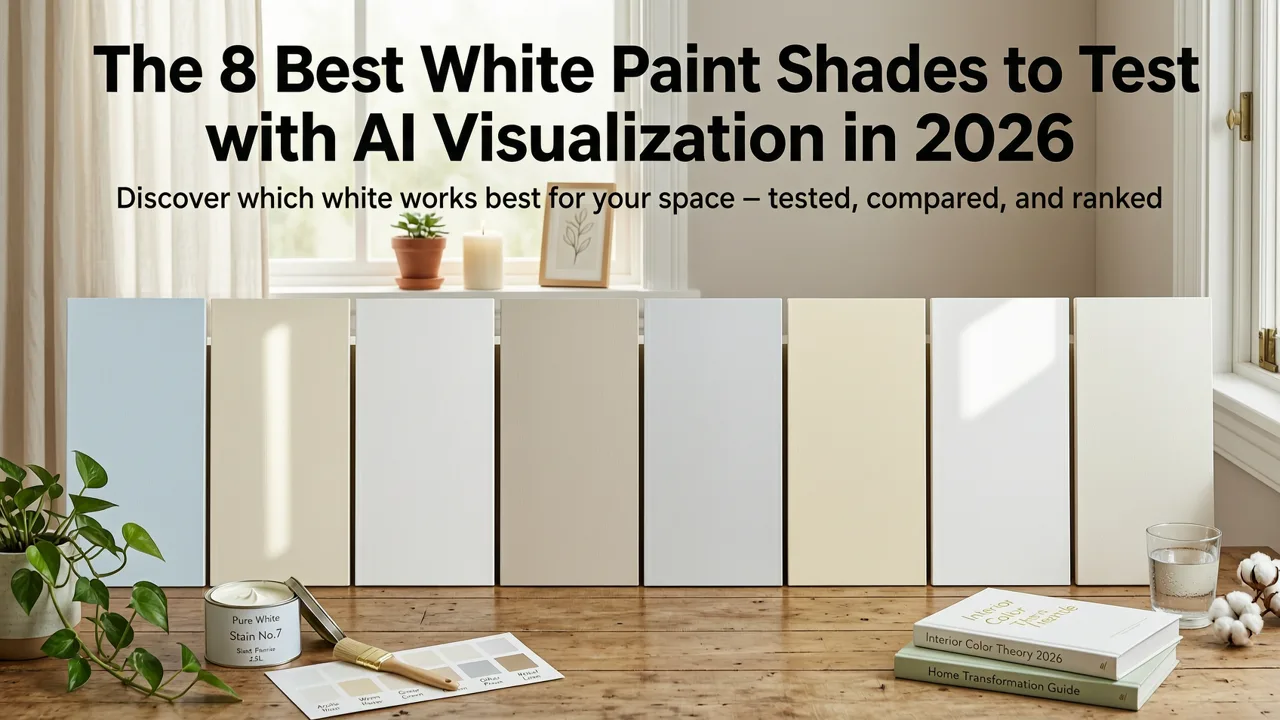
Not all whites are created equal, and AI visualization makes those differences obvious. Below are eight of the most popular white paint colors homeowners test with AI tools this year, along with the room types where each one performs best.
| Paint Shade | Brand | Undertone | Best For |
|---|---|---|---|
| White Dove OC-17 | Benjamin Moore | Warm, slightly creamy | Living rooms, kitchens with wood tones |
| Chantilly Lace OC-65 | Benjamin Moore | Clean, near-pure white | Modern kitchens, trim, ceilings |
| Alabaster SW 7008 | Sherwin-Williams | Warm greige-white | Bedrooms, open-plan spaces |
| Extra White SW 7006 | Sherwin-Williams | Cool, crisp | Bathrooms, contemporary offices |
| Simply White OC-117 | Benjamin Moore | Soft warm white | North-facing rooms, hallways |
| Decorators White OC-149 | Benjamin Moore | Neutral, no strong undertone | Gallery walls, art-forward rooms |
| Swiss Coffee OC-45 | Benjamin Moore | Warm, creamy yellow | Traditional and transitional spaces |
| Pointing 2003-3B | Farrow & Ball | Earthy, chalky warm | Heritage homes, period features |
For a deeper dive into how these shades perform specifically in compact spaces, our guide on the best white paint for small rooms breaks down AI-tested results room by room.
How to Use White Wall Paint AI Visualization Step by Step
Getting a reliable preview takes only a few minutes if you follow a simple workflow. Here is the process most interior designers and homeowners use in 2026.
Step 1: Capture a Clean, Well-Lit Photo
Stand in the corner of the room diagonally opposite the main light source. Use natural daylight if possible, or turn on the room's primary overhead light. Keep the camera level and avoid wide-angle distortion by stepping back rather than zooming out. The clearer the photo, the more accurate the AI preview will be.
Step 2: Upload and Select Your Whites
Upload the photo to the AI visualization tool and choose the white shades you want to compare. Most platforms let you select from popular brand palettes or input a custom hex code. Run two to four shades side by side for the most useful comparison.
Step 3: Evaluate at Different Times of Day
Advanced AI tools now let you simulate morning, midday, and evening light within the same room. A white that looks perfect at noon can shift dramatically under warm incandescent bulbs at night. Testing across lighting conditions is the single biggest advantage of AI visualization over physical swatches.
Step 4: Compare Trim, Ceiling, and Wall Together
One often-overlooked feature is the ability to assign different whites to the walls, trim, and ceiling in the same preview. This lets you see whether your wall white and trim white create the subtle contrast you want, or whether they clash.
White Wall Paint AI Visualization vs. Traditional Sampling Methods
Homeowners in 2026 have more options than ever for previewing paint. Here is how AI visualization compares to the alternatives.
| Method | Speed | Accuracy in Your Room | Cost | Number of Shades Tested |
|---|---|---|---|---|
| Physical peel-and-stick swatches | 1–3 days (shipping) | High | $5–$10 per swatch | Typically 3–5 |
| Brush-out sample boards | 2–4 hours plus drying | High | $8–$15 per sample pot | Typically 2–4 |
| Brand mobile color apps | Seconds | Moderate (flat overlay) | Free | Unlimited |
| White wall paint AI visualization | Seconds | High (light-aware) | Free to low monthly cost | Unlimited |
AI visualization does not replace a final physical sample before purchase, but it dramatically narrows the field so you only need to buy one or two sample pots instead of six.
Common Mistakes to Avoid When Visualizing White Paint with AI
Even the best AI tool will produce misleading results if the input photo is poor or the workflow is rushed. Watch out for these pitfalls.
- Using a heavily filtered or edited photo. Filters alter color balance and confuse the AI's light mapping.
- Shooting in mixed lighting. If half the room is in sunlight and half is under a warm lamp, the preview may look inconsistent. Pick one lighting condition per session.
- Ignoring the finish. A matte white and a satin white of the same shade will look different on the wall. Make sure the AI tool lets you specify the sheen.
- Testing only one shade at a time. Whites reveal their undertones in comparison. Always preview at least two options side by side.
- Forgetting the ceiling. A slightly brighter white on the ceiling can make the whole room feel airier. Most AI tools let you adjust the ceiling separately.
Extending the Approach: White Walls Beyond the Interior
White wall paint AI visualization is not limited to bedrooms and living rooms. The same workflow applies to exteriors, trim, and outdoor structures.
Exteriors and Garden Structures
If you are considering white paint for a fence, garden wall, or exterior trim, the AI can render those surfaces against the real sky and landscaping in your photo. This is especially useful for testing how a white exterior will read against green foliage or stone hardscaping. Our guide on small garden redesign AI covers how to visualize outdoor surfaces alongside planting changes, and the modern garden design ideas for 2026 piece shows how white garden walls fit into current trends.
Backyard Living Areas
For covered patios, pergolas, and outdoor kitchens, the backyard design with photo workflow lets you test white paint on structures while simultaneously visualizing furniture and layout changes.
Why AI Visualization Is Especially Useful for White Paint
White is uniquely difficult to choose because the differences between shades are subtle and highly dependent on context. A warm white next to a cool white may look identical on a swatch card but dramatically different once applied to a north-facing wall beside oak flooring.
AI visualization compresses the trial-and-error cycle from weeks to minutes. It also encourages experimentation. Homeowners who might have tested three whites in the past now routinely test ten or fifteen, leading to more confident decisions and fewer repaints.
For those interested in how these generative tools are built and governed, Google's AI responsibility guidance offers a useful framework for understanding the principles behind trustworthy AI image generation.
What to Look for in a White Wall Paint AI Visualization Tool
Not every app on the market delivers equally reliable results. When evaluating tools, prioritize the following capabilities:
- Light-aware rendering. The tool should adjust the paint preview based on the lighting in your photo, not just overlay a flat color.
- Brand-accurate palettes. Look for tools that include real paint codes from Benjamin Moore, Sherwin-Williams, Farrow & Ball, and other major brands.
- Finish selection. The ability to toggle between matte, eggshell, satin, and semi-gloss makes a meaningful difference for whites.
- Side-by-side comparison. Viewing multiple shades on the same photo is essential for spotting undertone differences.
- Export and sharing. You should be able to save or share previews with a partner, contractor, or designer for feedback.
Who Benefits Most from White Wall Paint AI Visualization
This technology serves a wide range of users, each with slightly different priorities.
Homeowners and Renters
For anyone planning a repaint, AI visualization removes the guesswork and reduces the cost of sample pots. Renters who need landlord approval can share realistic previews to get faster sign-off.
Interior Designers
Designers use AI visualization to present multiple options to clients in a single meeting, shortening the decision cycle and reducing revision rounds.
Real Estate Agents and Stagers
Agents staging a property for sale can use AI visualization to show buyers how a room will look with freshly painted white walls, helping them visualize the space's potential without the cost of a physical repaint.
Paint Retailers and Contractors
Forward-thinking paint stores and painting contractors now offer AI visualization as a value-added service, helping customers choose with confidence and reducing callbacks for color dissatisfaction.
Tips for Getting the Most Accurate AI Preview of White Paint
- Photograph the room at the time of day you use it most. If you spend evenings in the living room, shoot under your evening lighting.
- Remove or minimize bright-colored objects from the frame, as they can influence the AI's color balance interpretation.
- Take multiple photos from different angles and test the same white across all of them for consistency.
- Once you narrow down to one or two favorites, order a physical sample pot to confirm the AI preview matches reality under your actual lighting.
The Bottom Line on White Wall Paint AI Visualization
Choosing the right white paint has always been one of the most deceptively difficult decisions in home design. In 2026, white wall paint AI visualization turns that decision from a weeks-long ordeal into a matter of minutes, giving you photorealistic, light-accurate previews of any shade in your actual room.
Whether you are refreshing a single bedroom or rethinking the palette of an entire home, the technology lets you test more options, compare them fairly, and commit with confidence. Upload a photo, pick your whites, and see the difference before you buy a single brush.