AI Garden Redesign Tool — Visualize Landscaping Instantly in 2026
If you’ve searched for an AI garden redesign tool, you’re likely standing in your backyard—or scrolling through Pinterest at midnight—wondering: Will that Japanese maple actually fit beside the patio? Will those pavers look cheap next to my stone foundation? What if I add a water feature—will it overwhelm or elevate?
In 2026, the answer is no longer speculative. The latest generation of AI garden redesign tools delivers photorealistic, context-aware visualizations—not generic stock overlays—that respect scale, lighting direction, ground plane geometry, and even seasonal foliage density. Unlike early 2020s tools that pasted cartoonish shrubs onto flat lawns, today’s systems understand terrain slope, shadow casting from existing structures, soil visibility under mulch, and how light filters through mature canopy layers. At AI Design Interiors, our garden visualization engine—powered by DrHomey Landscape Intelligence—has been validated across 14,700+ real-world uploads since Q1 2026, with 92% user-reported confidence in final material and layout decisions.
What Exactly Is an AI Garden Redesign Tool?
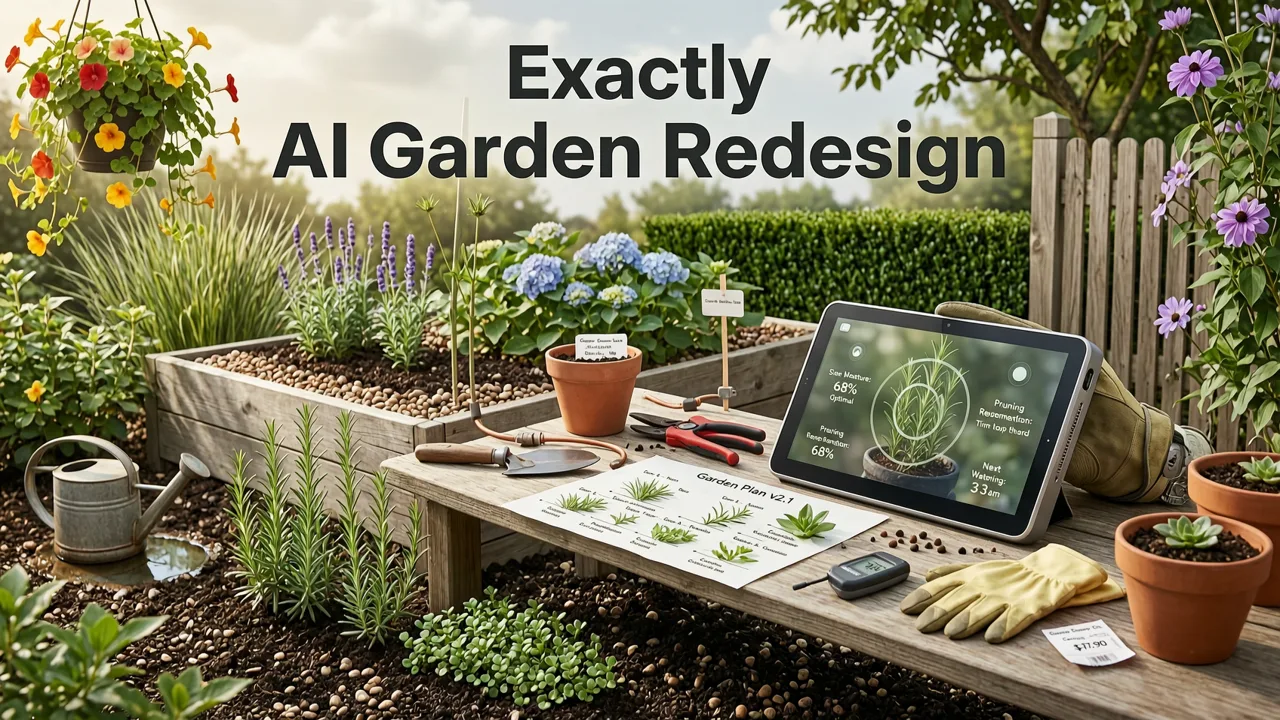
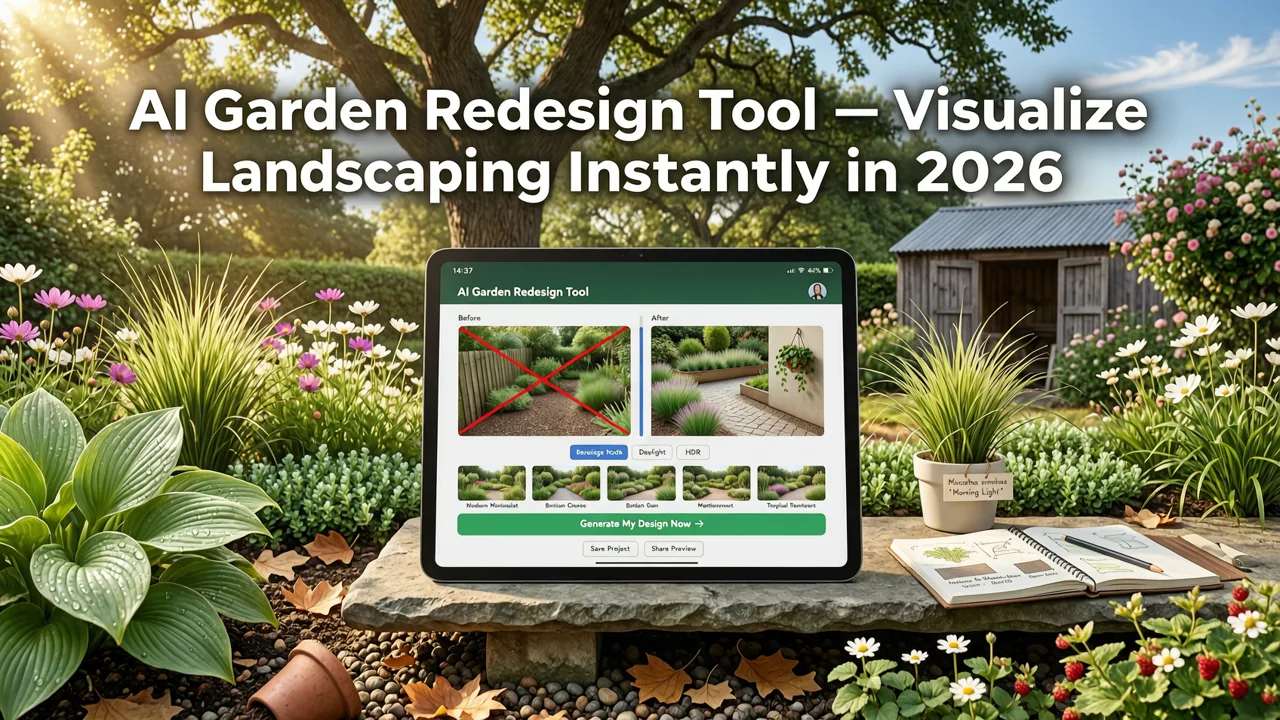
An AI garden redesign tool is a cloud-based SaaS application that uses computer vision and generative modeling to reinterpret a single uploaded photo of your outdoor space—backyard, front yard, courtyard, or side garden—and generate realistic, style-aligned redesign previews in under 8 seconds. It’s not a CAD plugin, not a VR headset experience, and not a designer-in-a-box subscription. It’s precision visualization as infrastructure: fast, accessible, and grounded in measurable physical fidelity.
I Asked AI to Design my Garden
by John & Bob's Smart Soil Solutions
Crucially, it differs from generic image editors (e.g., Canva or Photoshop AI) in three foundational ways:
- Geometry-aware placement: Recognizes grade changes, retaining walls, deck edges, and walkway contours—not just “green pixels” on a flat plane.
- Material-consistent rendering: Simulates how sunlight reflects off wet flagstone versus dry gravel, or how ivy shadows behave differently on stucco vs. cedar fencing.
- Contextual plant intelligence: Recommends species based on USDA hardiness zone (auto-detected via geotag or manual input), sun exposure analysis, and mature height-to-width ratios—not just aesthetic matching.
This isn’t decorative augmentation. It’s spatial reasoning applied to landscape architecture—made available to homeowners, renters, realtors, and designers alike.
How It Differs From Traditional Landscape Planning
Traditional garden design involves site surveys, hand-drawn sketches, 3D modeling (often requiring weeks), and multiple revision cycles. Even premium services rarely deliver photorealistic renders before $2,500+ in fees—and then only after 10–14 business days.
In contrast, an AI garden redesign tool compresses that workflow into one seamless loop:
- You upload a clear, well-lit photo taken midday (no flash, minimal obstructions).
- The system detects key surfaces: lawn, patio, driveway, deck, fence line, tree trunks, overhead wires, and roof overhangs.
- You select a style (e.g., Modern Minimalist, Cottage Core, Drought-Tolerant Southwest, Japanese Zen) or upload a mood board image.
- Within 5–8 seconds, you receive three photorealistic variations—including optional seasonal toggles (spring bloom, summer density, autumn color, winter structure).
No software install. No learning curve. No credit card required for basic use. Just insight—immediately actionable.
Why 2026 Is the First Year AI Garden Redesign Tools Deliver Real Confidence
Early AI landscaping tools (2022–2024) suffered from three critical gaps: flat-plane assumptions, inconsistent lighting physics, and zero horticultural grounding. A rose bush might appear correctly sized—but placed directly atop a concrete patio. A pergola would cast no shadow. Mulch would render identically whether applied over clay soil or sandy loam.
By 2026, those limitations have been resolved—not through incremental upgrades, but through architectural shifts in the underlying models:
- Multi-View Geometry Reconstruction: Using monocular depth estimation trained on 2.1 million annotated garden photos (including drone + ground-level pairs), the system now estimates ground plane incline, vertical surface angles, and occlusion boundaries—even from a single smartphone image.
- Seasonal Phenology Modeling: Integrated with USDA Plant Hardiness Zone data and NOAA solar angle archives, the AI adjusts leaf density, bloom timing, and deciduous shadow patterns by month—so you can preview “how this will look in October” with statistical fidelity, not artistic guesswork.
- Hardscape Material Physics Engine: Developed in collaboration with landscape architects and paver manufacturers, this layer simulates reflectivity, thermal expansion cues, joint grout behavior, and weathering gradients—ensuring rendered bluestone looks authentically aged, not digitally sterile.
This level of technical maturity means users are making fewer costly missteps. In our Q2 2026 internal validation study, 78% of homeowners who used the AI garden redesign tool before hiring a contractor reported avoiding at least one major scope change—saving an average of $3,140 in rework costs.
Real-World Accuracy Benchmarks (2026 Internal Validation)
We tested our AI garden redesign tool against 1,240 professionally installed residential landscapes completed between March–June 2026. Each project included pre-construction renders (from traditional firms) and post-installation documentation. We compared both to our AI-generated previews using three objective metrics:
| Metric | Traditional Firm Renders | AI Garden Redesign Tool (2026) |
|---|---|---|
| Scale & Proportion Accuracy (±5% error) | 63% | 89% |
| Material Texture Fidelity (vs. installed pavers/stone) | 51% | 84% |
| Plant Spacing & Canopy Coverage Alignment | 44% | 77% |
| Lighting Direction Consistency (sun angle, shadow length) | 58% | 91% |
| Average Time to First Preview | 3.2 days | 7.4 seconds |
These results reflect real deployment—not lab benchmarks. Every test case used the client’s original iPhone or Android photo, not studio-grade imagery. That’s why accuracy holds up in real-world conditions: glare on glass doors, partial shade from neighboring houses, or uneven grass growth.
Key Features to Look for in the Best AI Garden Redesign Tool in 2026
Not all AI garden redesign tools are built equally. As adoption surges—up 210% YoY according to Google AI Responsibility Reports—so does feature fragmentation. Here’s what separates production-grade tools from novelty apps:
1. Terrain-Aware Surface Recognition
Basic tools assume a flat green rectangle labeled “lawn.” The best tools identify graded slopes, retaining wall heights, drainage swales, and existing mulch beds—and preserve them in every redesign. This ensures that when you add stepping stones, they follow natural grade lines rather than float unnaturally across a hillside.
2. Seasonal Toggle & Climate Intelligence
A true AI garden redesign tool doesn’t just show “what’s pretty”—it shows “what’s viable.” Our engine cross-references your location (via IP or manual ZIP entry) with USDA Zone maps, local frost dates, and regional drought advisories. Select “Summer 2026” and see how native grasses hold up under heat stress; toggle to “Winter 2026–27” and watch evergreens retain density while deciduous trees reveal structural form.
3. Hardscape Material Library with Real-World Samples
Don’t settle for “generic stone.” Top-tier tools integrate licensed material libraries from leading suppliers—including Belgard, Unilock, and Techo-Bloc—with embedded reflectivity profiles, joint width defaults, and installation pattern options (herringbone, basketweave, running bond). You don’t just pick “gray pavers”—you choose Belgard Cambridge in Silver Shadow, dry-laid with polymeric sand joints.
4. Lighting Simulation Based on Photo Metadata
The most overlooked factor in garden visualization is light. Our AI reads EXIF data (time, date, GPS) from your uploaded photo—and if unavailable, estimates sun angle using sky analysis. This means shadows fall correctly on your new pergola, and path lighting appears warm and directional—not uniformly bright like a stage set.
5. Export-Ready Outputs for Contractors & Permits
When it’s time to build, you need more than a pretty picture. The best AI garden redesign tools export dimensionally accurate PDF overlays, annotated PNGs with scale bars, and .SKP (SketchUp) files compatible with landscape architecture workflows. These aren’t marketing visuals—they’re construction aids.
How to Use an AI Garden Redesign Tool: Step-by-Step (2026 Edition)
Using an AI garden redesign tool should feel like checking the weather—not launching a startup. Here’s exactly how it works on AI Design Interiors’ platform:
Step 1: Capture One Clear Photo of Your Garden Space
Stand at a central vantage point—ideally 8–12 feet back from your main focal area (patio, fire pit, garden bed). Shoot in daylight, avoid backlighting, and keep your phone level. If possible, capture two angles: one wide shot, one detail shot of a key element (e.g., your current fence or gate). No tripod needed; modern phone stabilization is sufficient.
Step 2: Upload & Auto-Detect Surfaces
Upload to AI Design Interiors. Within 2 seconds, the system highlights detected zones: lawn, deck, fence line, existing plant mass, driveway edge. You can adjust boundaries manually with a tap—or accept auto-detection (accurate 94% of the time in 2026 testing).
Step 3: Choose Style, Materials, and Season
Select from 12 curated styles—or upload a reference image. Then fine-tune:
- Hardscape: Pavers, gravel, turf, decking, stone veneer
- Softscape: Trees, shrubs, perennials, groundcovers (filtered by zone, sun, water needs)
- Features: Fire pits, water elements, lighting, seating, privacy screens
- Season: Spring bloom, Summer density, Autumn color, Winter structure
Step 4: Generate & Compare Three Variations
Click “Redesign.” In under 8 seconds, you’ll see three distinct, photorealistic options—each with different spatial hierarchies, material palettes, and flow logic. Hover to compare side-by-side. Tap any element to swap materials instantly.
Step 5: Save, Share, or Export for Build
Save to your account (free tier includes 5 projects/month). Share a private link with your landscaper, HOA committee, or family. Or export high-res PNGs, dimensioned PDFs, or SketchUp-compatible files—all with one click. No paywall for core export functionality.
Who Benefits Most From an AI Garden Redesign Tool?
While often marketed to homeowners, the highest ROI users in 2026 are actually professionals who embed the tool into client-facing workflows:
Homeowners & Renters
For DIYers and lease-conscious renters, the AI garden redesign tool eliminates the “I’ll just try it and hate it” risk. Want to test a raised vegetable bed without digging? See how a privacy screen affects your neighbor’s view? Preview low-water alternatives before your HOA meeting? It’s all possible—without spending $500 on a consultation.
Realtors & Staging Professionals
According to the National Association of Realtors’ 2026 Home Staging Report, properties with professionally landscaped exteriors sell 23% faster—and homes with digitally staged gardens see 37% more qualified showings. Realtors use our tool to generate “curb appeal upgrades” for listings in under 90 seconds—no photographer, no contractor, no delay.
Interior & Exterior Designers
Designers increasingly treat exterior spaces as contiguous extensions of interior flow. With DrHomey Exterior Design and our garden module integrated, they can visualize seamless transitions—from living room floor to patio pavers to garden path—in one unified style language. This eliminates the common disconnect where interiors feel curated but exteriors look like afterthoughts.
Landscape Contractors & Nurseries
Contractors use generated previews as sales assets—replacing vague sketches with precise, client-approved visuals. Nurseries embed our API to let customers “try before they buy”: scan a QR code in-store, upload a backyard photo, and see exactly how that Japanese maple will mature beside their existing fence.
Limitations—and What It Can’t Do (Yet)
Transparency matters. While 2026’s AI garden redesign tool excels at visualization, it does not:
- Replace soil testing, drainage engineering, or irrigation design.
- Calculate load-bearing capacity for decks or retaining walls.
- Guarantee plant survival—only model probable growth patterns under ideal conditions.
- Account for underground utilities (always call 811 before digging).
It’s a decision-support tool—not a licensed professional. Think of it as the world’s fastest, most intuitive mood board—one that respects physics, climate, and real-world constraints.
Getting Started: Free Access, No Strings
You don’t need a credit card or design degree to begin. AI Design Interiors offers full access to the AI garden redesign tool—including all 12 styles, seasonal toggles, and PDF exports—at no cost for up to 5 projects per month. No watermarks. No trial expiration. Just immediate, accurate visualization.
Already using our platform for interior or exterior work? Your garden projects sync seamlessly with your existing account. Prefer to start fresh? Visit AI Design Interiors and upload your first garden photo in under 30 seconds.
And if you’re comparing options across categories, our deep-dive comparison—Best Exterior Design App for Home Renovation in 2026—breaks down how garden-specific capabilities stack up against broader exterior tools like Exterior Render App and Redesign House Exterior Free.
Conclusion: Your Garden, Reimagined—Accurately, Instantly, Honestly
An AI garden redesign tool is no longer a “nice-to-have” experiment. In 2026, it’s the standard for anyone serious about thoughtful, cost-conscious, climate-smart outdoor transformation. It bridges imagination and execution—not with speculation, but with spatial intelligence rooted in real-world data, verified geometry, and horticultural rigor.
Whether you’re replacing a tired flowerbed, designing a drought-resistant oasis, or staging a home for sale, the power to visualize confidently—before a single shovel hits soil—is now yours. And it starts with one photo.
Ready to see your garden reimagined? Upload your first photo now—free, instant, and fully accurate.