How to Complete the AIDesignInteriors Login
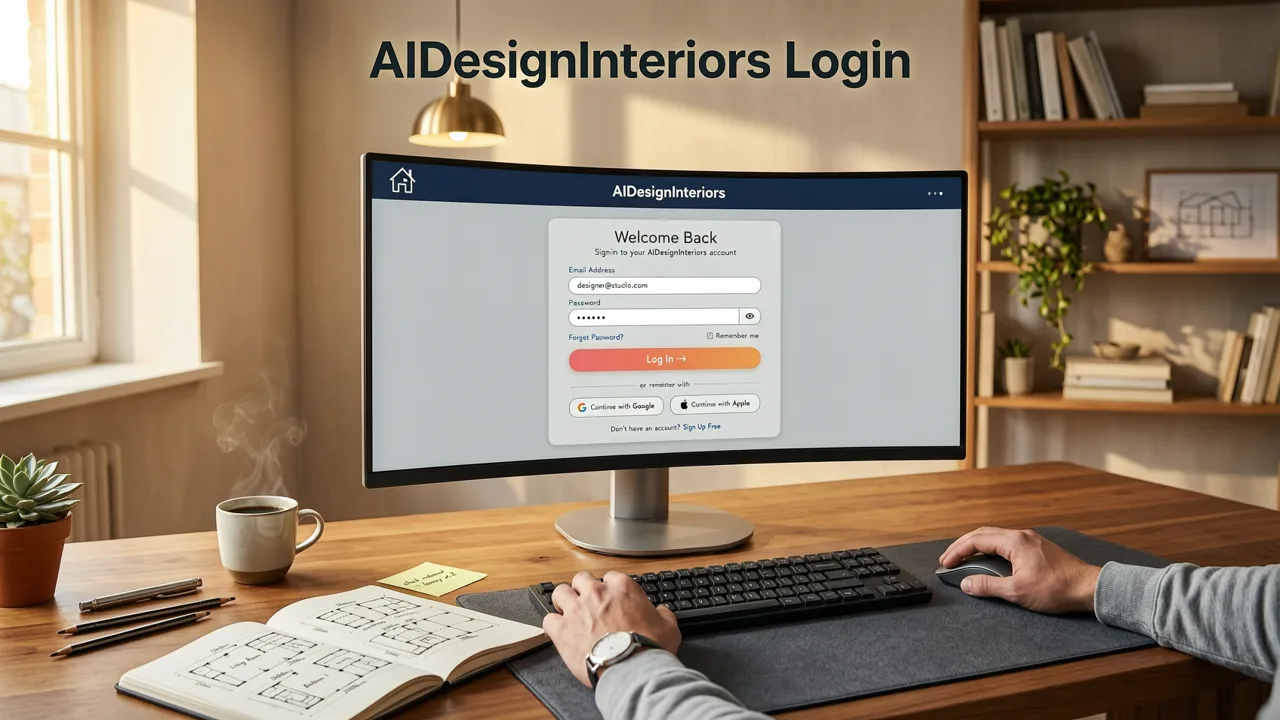
Accessing your account is the essential first step to transforming your living spaces and managing your renovation visualizations. To complete the aidesigninteriors login, navigate to the official website, click the login button located in the top right corner of the homepage, and enter your registered email address and password. Once authenticated, your personalized dashboard provides immediate access to all saved interior and exterior design projects, style preferences, and account settings.
For users who prefer mobile access, the same credentials apply across all devices. The platform utilizes secure, cloud-based synchronization, ensuring that a room visualization started on a desktop computer is instantly available on a tablet or smartphone once the login process is complete.
Related YouTube video for aidesigninteriors login
Recommended from YouTube search
Step-by-Step Access Instructions
- Navigate to the Portal: Open your preferred web browser and go to the main website URL.
- Locate the Authentication Button: Find the login prompt in the upper navigation bar.
- Enter Credentials: Type in the email address associated with your account and your secure password.
- Verify Identity (If Enabled): If multi-factor authentication is active, enter the code sent to your registered device.
- Access the Dashboard: Click the final submit button to enter your project workspace.
What to Do After Your AIDesignInteriors Login
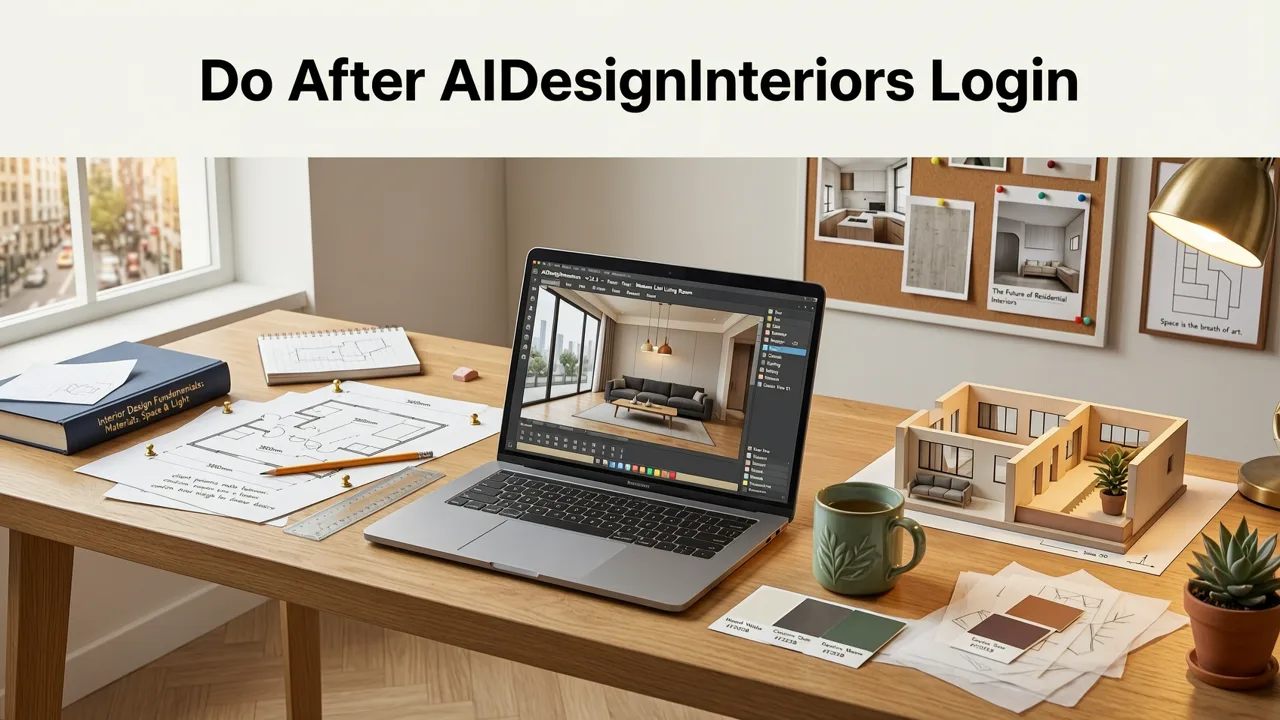
Once you have successfully accessed your account, the dashboard serves as your central command center for all home renovation visualizations. The interface is designed to help homeowners, renters, realtors, and interior designers organize their ideas efficiently.
Accessing Saved Room and Exterior Visualizations
The primary section of your dashboard is the projects folder. Here, every photorealistic preview you have generated is stored chronologically. You can filter these projects by room type—such as kitchens, living rooms, bedrooms, or outdoor spaces—or by the specific design style applied. This organization ensures that whether you are comparing different cabinet finishes for a kitchen remodel or evaluating patio layouts, your visual references are always one click away.
Managing Your Design Styles and Preferences
Beyond individual projects, your account settings allow you to manage your favorite design aesthetics. If you frequently work with specific themes, you can set them as defaults. For instance, if you are planning a minimalist overhaul, you might explore Scandinavian Interior Design Ideas for 2026 directly through the platform's style library and save those parameters to your profile for quick application to future photo uploads.
Security and Data Privacy During Login

When uploading personal photos of your home to generate AI-driven makeovers, data privacy is a paramount concern. The platform employs enterprise-grade encryption for all user sessions and stored images. The underlying machine learning models process your uploads to understand spatial geometry, lighting, and structural elements without compromising your personal data.
The architecture supporting these visualizations relies on advanced image recognition and generative frameworks. For users interested in the technical safeguards and data handling protocols of modern AI systems, reviewing resources like the OpenAI documentation provides deeper insights into how secure, large-scale language and vision models operate. Furthermore, the platform adheres to responsible AI development principles, ensuring that generated content remains realistic and structurally sound, aligning with broader industry standards outlined in Google AI guidance on safety and privacy.
Troubleshooting Common Login Issues
Occasionally, users may encounter friction when attempting to access their accounts. Understanding how to resolve these issues quickly ensures you can return to your renovation planning without delay.
Forgotten Passwords and Account Recovery
If you cannot remember your password, click the "Forgot Password" link on the login screen. You will be prompted to enter your registered email address. The system will immediately dispatch a secure, time-sensitive reset link. Click this link to create a new password. Ensure your new password includes a mix of uppercase letters, lowercase letters, numbers, and symbols to maintain account security.
Browser Compatibility and Cache Errors
A significant portion of login failures stems from outdated browser data. If the login page freezes, fails to load, or rejects correct credentials, try the following steps:
- Clear your browser's cache and cookies specifically for the website domain.
- Disable any third-party ad blockers or privacy extensions that might be interfering with the authentication scripts.
- Attempt the login using an incognito or private browsing window.
- Ensure your web browser is updated to the latest version.
Multi-Factor Authentication (MFA) Delays
If you have MFA enabled but are not receiving your verification code, check your mobile device's network connection. If the issue persists, use the backup recovery codes provided during your initial MFA setup. If those are lost, you will need to contact customer support to verify your identity and reset the authentication preferences.
Maximizing Your Dashboard for 2026 Renovations
Your account is not just a storage space; it is an active workspace for planning complex home improvements. By leveraging the full suite of tools available post-login, you can make highly informed decisions before committing to physical renovations.
Exploring Advanced AI Visualization Tools
The dashboard provides access to specialized modules for different areas of your property. If you are focusing on curb appeal or backyard transformations, the platform offers dedicated landscape rendering capabilities. You can read more about these capabilities in the guide on the Best AI App for Garden Visualization in 2026, which details how to retain hardscape structures while experimenting with new flora and patio materials.
Refining Interior Details with Precision
For interior spaces, the ability to test micro-changes is invaluable. Instead of buying multiple sample pots, you can use your account to test exact shades. The workflow is similar to the process described in the tutorial on how to Visualize Paint Color on Existing Wall Photo Using AI, allowing you to see how different lighting conditions in your specific room affect the final appearance of a color choice.
AIDesignInteriors Account Features Overview
To help you navigate your dashboard efficiently, the following table outlines the core sections available after completing your login.
| Dashboard Section | Primary Function | Key Benefits |
|---|---|---|
| My Projects | Stores all uploaded photos and generated AI visualizations. | Allows side-by-side comparison of different design styles for the exact same room. |
| Style Library | Curated list of design aesthetics, from modern to traditional. | Enables quick application of cohesive themes across multiple rooms. |
| Export & Share | Tools to download high-resolution images or share links. | Facilitates easy communication with contractors, realtors, or family members. |
| Account Settings | Manages billing, subscription tiers, and security preferences. | Provides full control over your payment methods and data privacy settings. |
Best Practices for Organizing Your Design Portfolio
As your collection of visualizations grows, maintaining an organized dashboard becomes critical. Use the tagging feature to label projects by priority, such as "Urgent," "Inspiration Only," or "Ready for Contractor." This simple habit ensures that when you are ready to execute a renovation, you are not sifting through dozens of experimental renders to find your final choices.
Additionally, take advantage of the notes feature attached to each project. Documenting specific measurements, preferred materials, or budget constraints directly within the project file creates a comprehensive brief that can be easily referenced or shared with professionals.
Conclusion
Completing the aidesigninteriors login is your gateway to a streamlined, visually driven approach to home renovation. By understanding how to navigate your dashboard, troubleshoot access issues, and utilize the advanced visualization tools at your disposal, you can confidently plan every detail of your space. Take full advantage of your account today to turn your renovation concepts into photorealistic realities.
Ready to expand your design horizons? Explore our comprehensive guides on Aidesign Garden Tool: AI Landscape Design in 2026 to bring your outdoor visions to life, or dive deeper into interior aesthetics to perfect your living spaces.