AI Green Wall Paint Preview — See Your Room Reimagined in Seconds
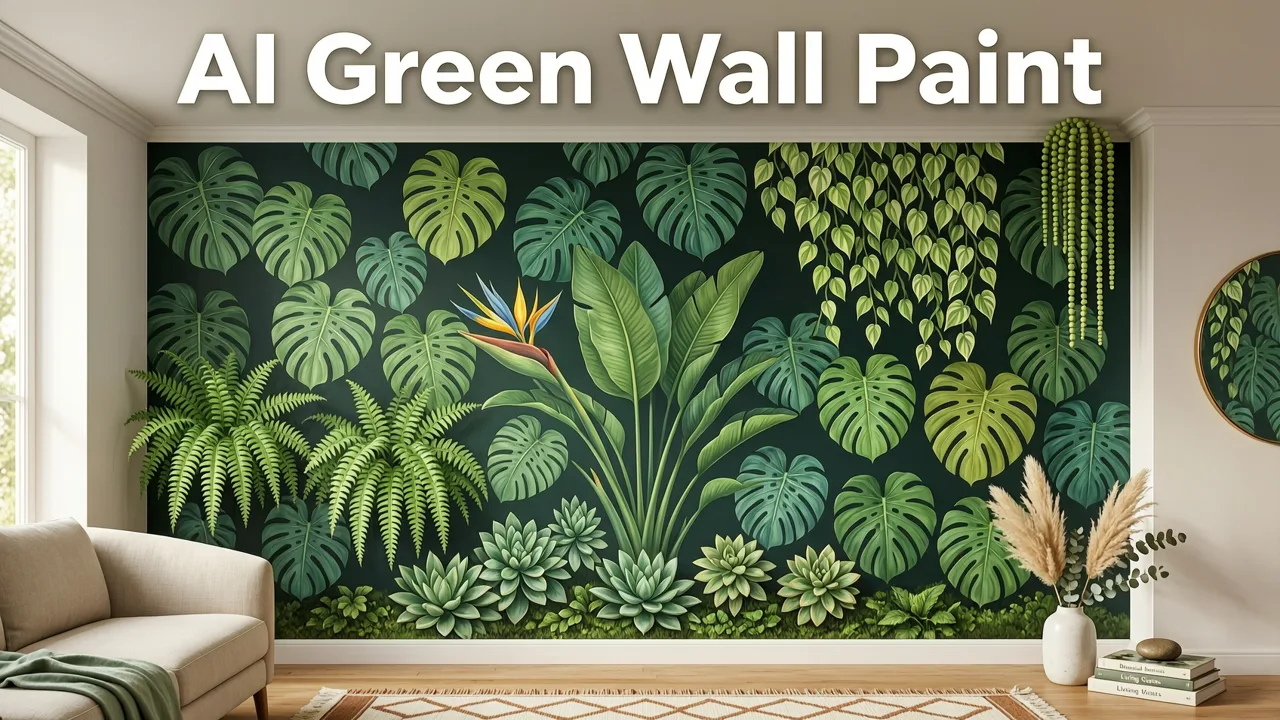
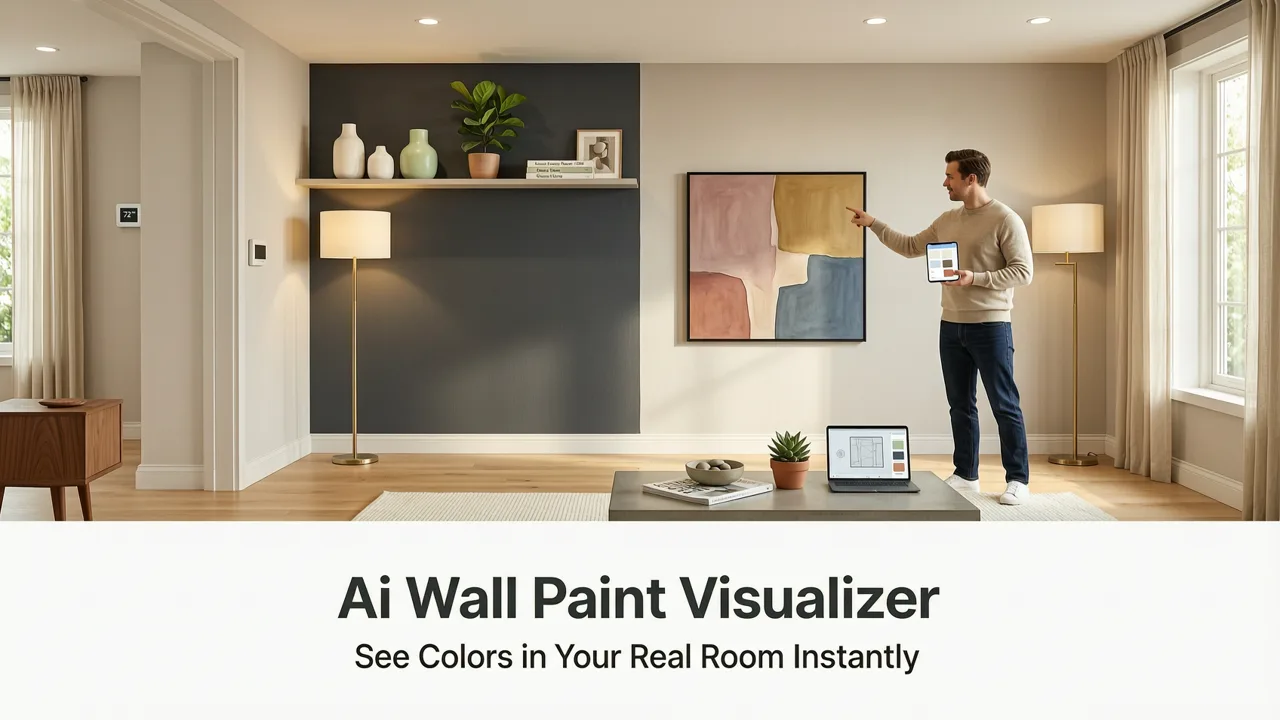
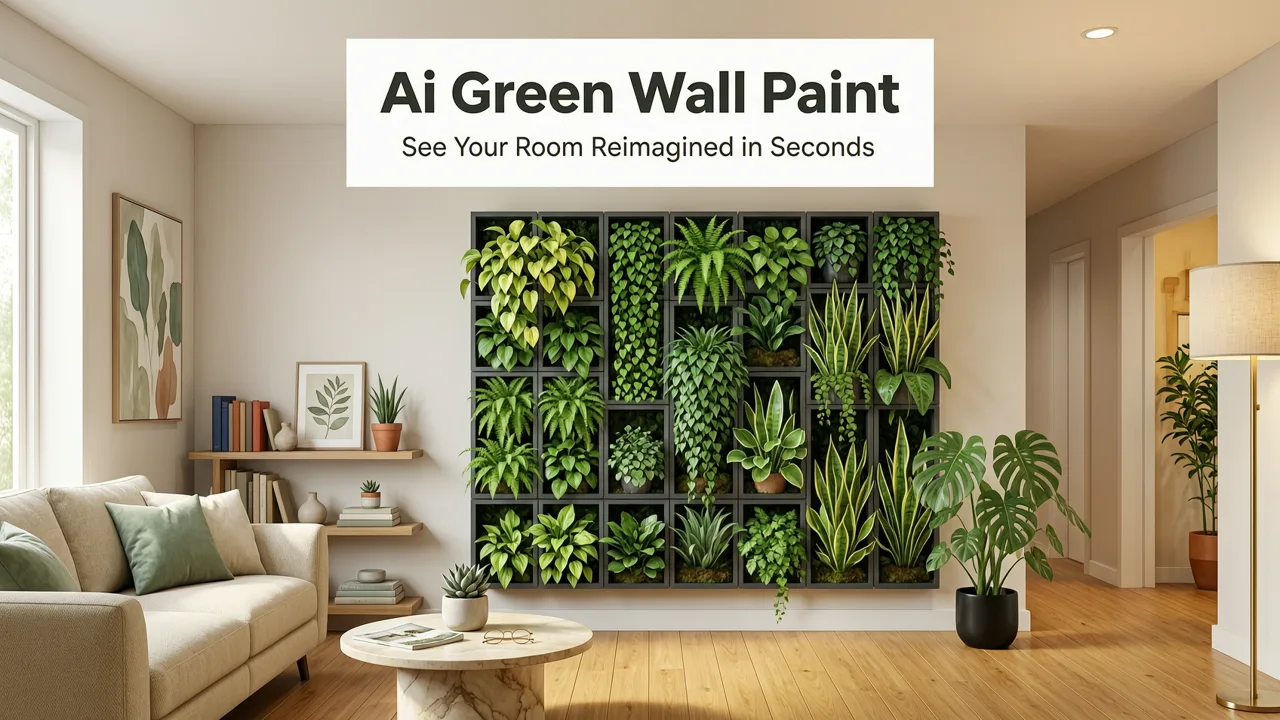
If you're searching for an ai green wall paint preview, you already know the frustration: swatches lie, lighting shifts throughout the day, and that sage you loved in-store looks muddy on your living room wall. The fastest, most reliable fix in 2026 is an AI-powered paint preview tool that maps real color onto your actual walls using depth-aware rendering — not flat color overlays.
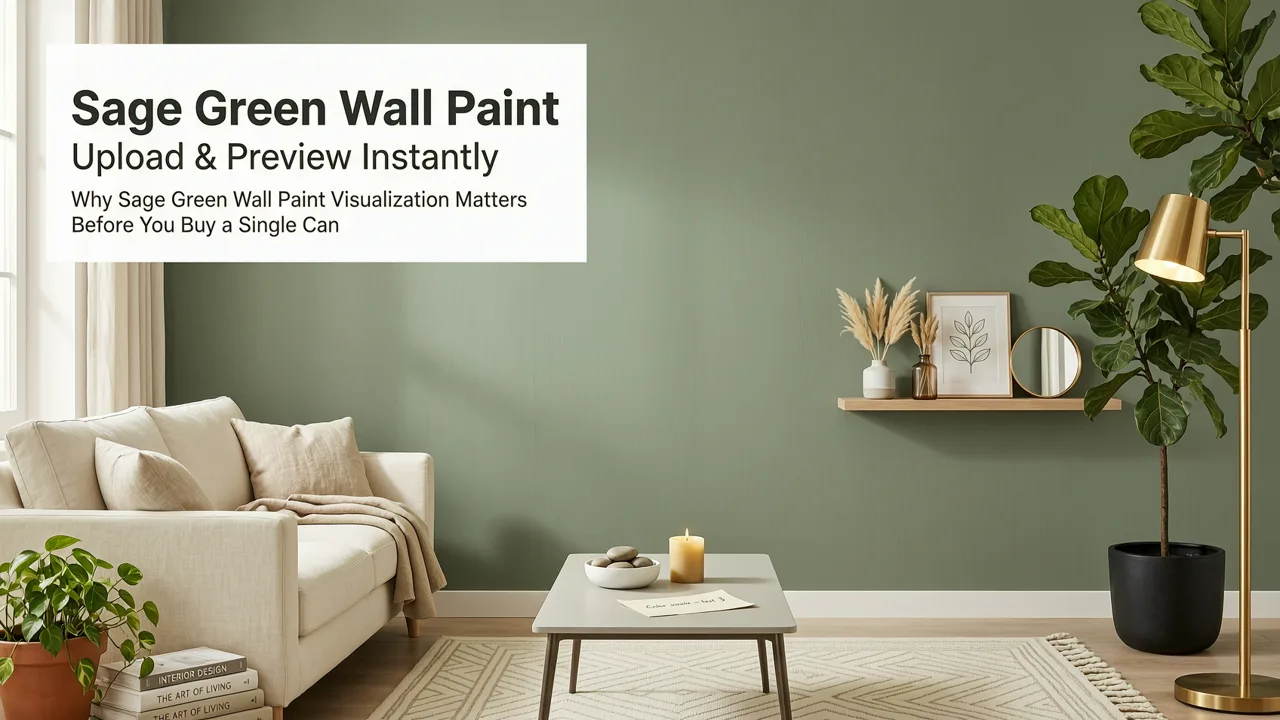
With AI Interior Design's green wall paint preview, you upload a single photo, choose from dozens of green shades — sage, emerald, olive, mint, forest, hunter — and receive a photorealistic render in seconds. No apps to install, no 3D modeling, no designer fees. It's the same technology trusted by homeowners, renters, and realtors who need to visualize a color change before committing to a gallon of paint.
Why an AI Green Wall Paint Preview Beats Traditional Swatches
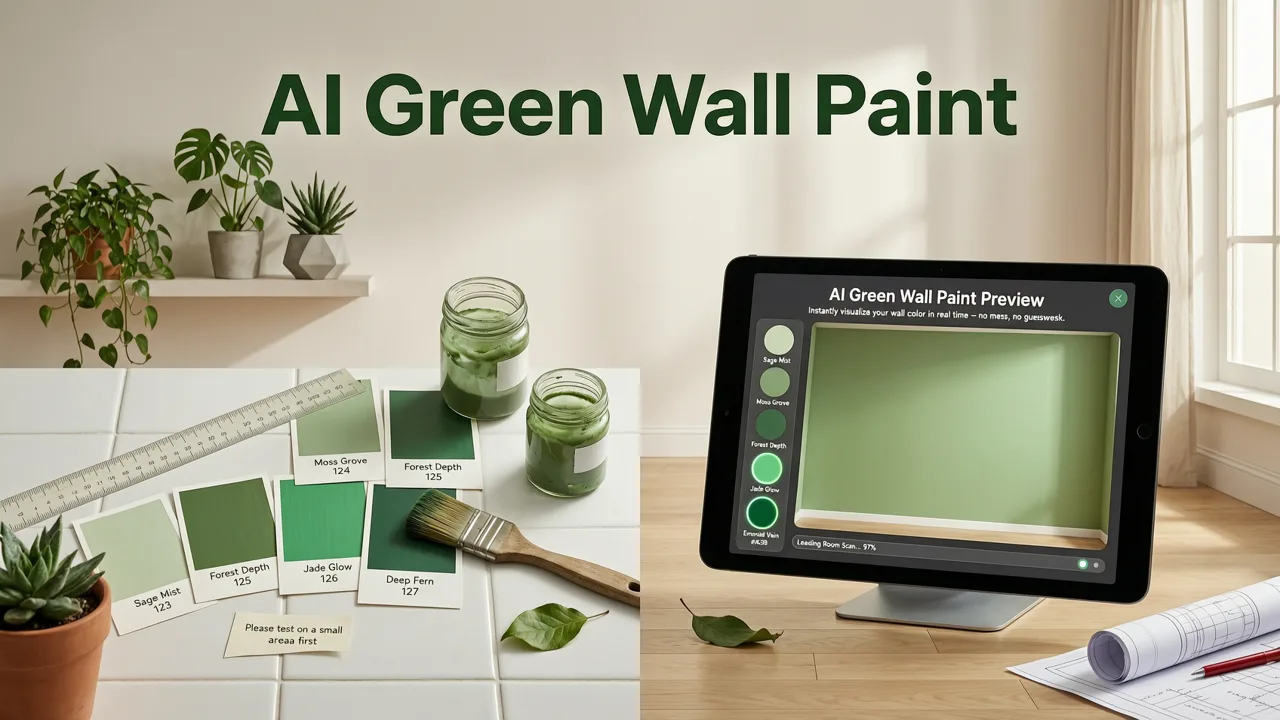
Paint companies have offered digital color visualizers for years, but most rely on simplistic masking that ignores shadows, trim, furniture, and natural light. The result? A flat, unrealistic preview that doesn't reflect how green paint will actually look in your space. A true AI green wall paint preview solves this with three capabilities:
5 AWESOME WALL COLORS FOR YOUR HOUSE *GREENEIGE*
by The Paint People
- Semantic wall segmentation — the AI identifies walls separately from ceilings, trim, windows, and decor.
- Lighting-aware color mapping — greens are adjusted for the direction and intensity of light in your photo.
- Material texture preservation — drywall texture, brick, or plaster remains visible beneath the new color.
The difference is dramatic. A swatch app paints your wall a uniform flat green. An AI tool renders sage with soft shadow falloff near the ceiling line, subtle warmth where afternoon sun hits, and a slightly cooler tone in the corner shaded by a bookshelf. That's the preview you need before buying paint.
How the AI Green Wall Paint Preview Works — Step by Step
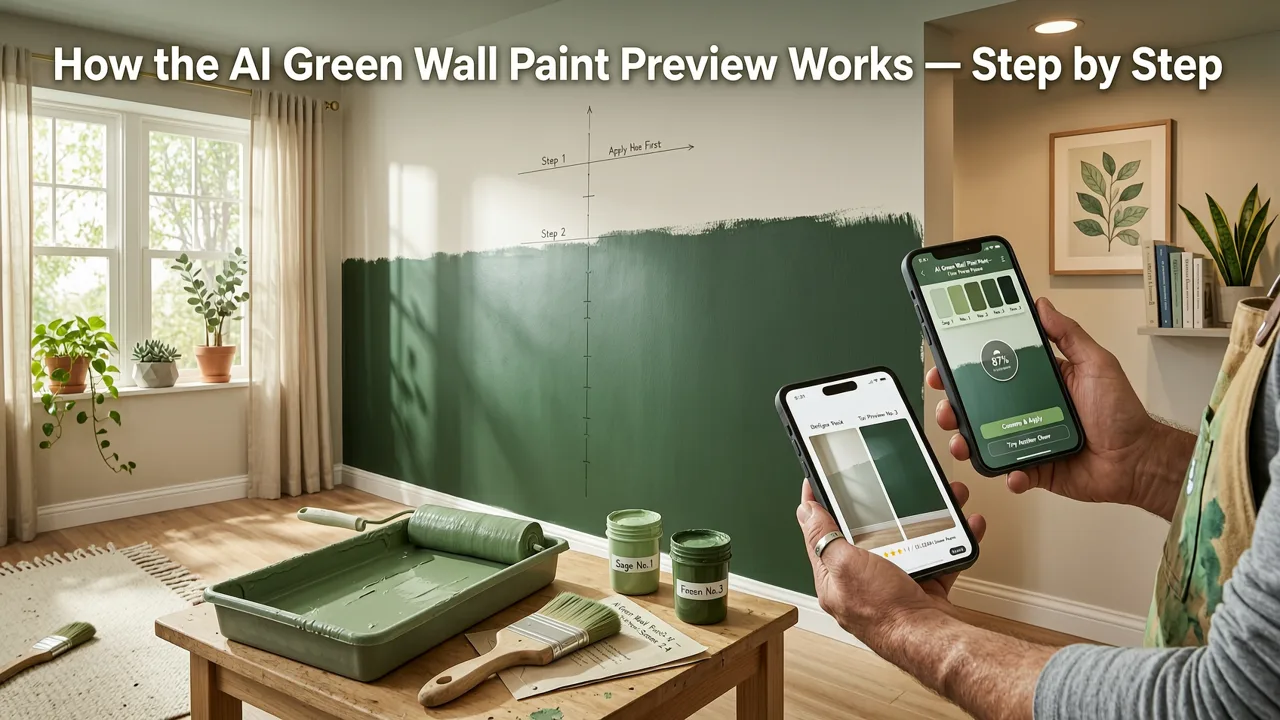
Using the tool is straightforward. Here's the workflow in 2026:
- Upload a photo of the room you want to visualize. Stand back to capture as much of the wall as possible, with even lighting.
- Select your green shade. Browse curated palettes: sage green, emerald green, olive green, mint green, forest green, hunter green, and more.
- Review the AI-generated preview. The tool renders a photorealistic image showing your walls in the chosen color within seconds.
- Compare shades side by side. Toggle between two or three greens to see which reads best in your light.
- Save or share your favorites with a partner, contractor, or designer.
The entire process takes under a minute. If you're also considering exterior updates, you can explore the redesign house exterior online tool to match your outdoor palette with your newly previewed interior greens.
Tips for the Best Photo Upload
Not every photo produces an equally accurate preview. Follow these guidelines:
- Shoot during daytime with natural light for the most true-to-life color rendering.
- Avoid wide-angle distortion — use your phone's standard or 1.5× lens.
- Include some surrounding context (furniture, flooring, trim) so the AI can preserve realistic boundaries.
- If you're previewing a green accent wall, make sure adjacent walls are visible for contrast reference.
Best Green Paint Shades to Preview with AI in 2026
Green has become the defining interior color of the mid-2020s. Designers are moving beyond safe neutrals and embracing green as a versatile, mood-enhancing palette. Here are the shades homeowners are previewing most frequently:
| Green Shade | Best Room Type | Mood & Vibe | Pairs Well With |
|---|---|---|---|
| Sage Green | Bedrooms, Bathrooms | Calm, organic, restorative | White trim, oak wood, linen |
| Emerald Green | Dining Rooms, Studies | Luxe, dramatic, confident | Brass hardware, velvet, marble |
| Olive Green | Living Rooms, Kitchens | Warm, grounded, earthy | Terracotta, walnut, cream |
| Mint Green | Nurseries, Small Baths | Fresh, airy, playful | White, light grey, rattan |
| Forest Green | Libraries, Powder Rooms | Moody, classic, enveloping | Dark wood, leather, antique gold |
| Hunter Green | Home Offices, Entryways | Focused, traditional, rich | Black accents, herringbone floors |
Each of these shades renders differently depending on your room's light exposure. That's exactly why an AI green wall paint preview is valuable — it shows you the shade in your room, not in a showroom.
Green Wall Paint Trends Shaping Interiors in 2026
Green isn't a single-trend flash. It's a sustained shift driven by biophilic design principles, wellness-focused interiors, and a desire for spaces that feel connected to nature. In 2026, several key movements are defining how green is used on walls:
- Biophilic saturation — deeper, more saturated greens replacing grey-heavy neutrals in living spaces.
- Two-tone green walls — pairing a darker green on the lower half with a lighter green or cream above for visual depth.
- Green-on-green layering — combining green walls with green textiles, plants, and artwork for immersive rooms.
- Exterior-interior continuity — using the same green family on interior walls and exterior accents to create flow.
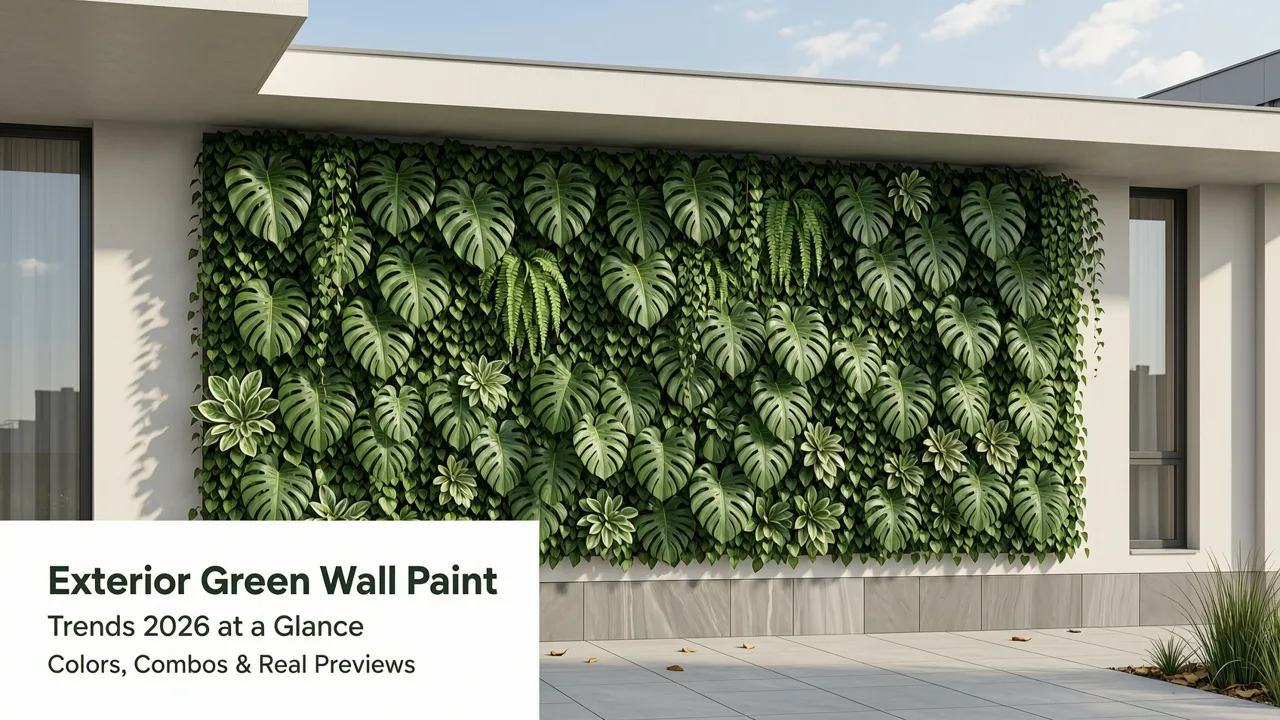
If you're considering exterior applications, the house exterior remodel visualization guide walks through how AI tools can preview green tones on siding, shutters, and front doors before you hire a painter.
Why Green Works in Almost Every Room
Green sits at the center of the color spectrum, making it uniquely adaptable. Cool greens (mint, sage) recede visually and make small rooms feel larger. Warm greens (olive, pistachio) create intimacy without the heaviness of brown or burgundy. And deep greens (emerald, forest) add sophistication that reads as both modern and timeless. The AI preview tool lets you test all of these effects in your actual space before committing.
Who Benefits Most from an AI Green Wall Paint Preview
This tool isn't just for homeowners debating between two shades of sage. It serves multiple audiences with different needs:
Homeowners Planning a DIY Paint Weekend
You want confidence before taping off walls. An AI preview eliminates the guesswork and the wasted trips to the paint store. Upload your photo, test five greens, and order the one that looks right — all before Saturday morning.
Renters Evaluating Removable Wallpaper or Peel-and-Stick Tiles
If you're using temporary green wall treatments, seeing a realistic preview helps you choose a pattern and shade that complements your existing furniture and lighting — critical when you can't afford a mistake.
Realtors Staging Listings
A green accent wall can make a listing photo pop. Realtors use the AI preview to show buyers what a neutral room could look like with a fresh green palette, increasing emotional connection and, ultimately, offers.
Interior Designers Presenting to Clients
Professionals use the tool to generate quick concept visuals during consultations. Rather than describing how olive green will look against walnut cabinetry, you show the client a rendered preview in real time. For a deeper look at how AI is reshaping the design profession, see our overview of AI interior design jobs in 2026.
AI Green Wall Paint Preview vs. Other Visualization Methods
Not all visualization tools are created equal. Here's how AI-powered preview compares to the alternatives homeowners and designers have used historically:
| Method | Realism | Speed | Cost | Lighting Accuracy |
|---|---|---|---|---|
| Physical paint swatches | Low | Slow (store visit required) | Free–$10 | None |
| Peel-on sample patches | Medium | 1–2 days (shipping) | $5–$15 per patch | Limited to one wall section |
| Basic color-overlay apps | Low–Medium | Seconds | Free–$5/month | None (flat color) |
| AI green wall paint preview | High | Seconds | Free to try | Lighting-aware rendering |
| 3D render by a designer | Very High | Days | $200–$1,000+ | High (manual adjustment) |
The AI green wall paint preview delivers near-professional realism at a fraction of the cost and time. It's not a replacement for a full 3D render on a whole-home project, but for single-room color decisions, it's the most efficient tool available.
Common Mistakes to Avoid When Previewing Green Paint
Even with a powerful AI tool, user error can lead to misleading previews. Watch out for these pitfalls:
- Using flash photography. Flash washes out color and creates harsh highlights. Turn it off and use natural light.
- Ignoring white balance. If your photo has a strong yellow or blue cast, the green preview will shift accordingly. Shoot in neutral daylight.
- Previewing only one shade. Always compare at least two or three greens side by side. The contrast reveals which shade truly works.
- Forgetting about sheen. The preview shows color, not finish. Remember that matte, eggshell, and satin sheens will alter how the green reads in real life.
- Skipping the full-room view. A cropped photo of just one wall section won't show how the green interacts with flooring, trim, and furniture. Capture the whole room.
How Accurate Is an AI Green Wall Paint Preview?
In controlled testing across a range of room types and lighting conditions, AI paint previews in 2026 achieve color accuracy within a narrow margin of the final painted result — provided the source photo is well-lit and properly exposed. The key factors that influence accuracy are:
- Photo quality — higher resolution and correct exposure produce more reliable renders.
- Lighting consistency — mixed light sources (warm bulbs + cool daylight) can introduce slight color shifts.
- Wall texture — heavily textured surfaces may show minor variation between preview and real paint.
For the highest confidence, use the preview as a shortlisting tool: narrow your choices to two or three greens, then order small sample pots for a final real-world check. The AI eliminates 80% of the guesswork; the sample pot confirms the final 20%.
Getting Started with Your AI Green Wall Paint Preview
Ready to see your walls in a new light? The process is simple: grab your phone, find a well-lit room, and upload your photo. Within seconds, you'll have a photorealistic preview showing exactly how sage, emerald, olive, or forest green will transform your space.
This is visualization without the overhead — no design software, no appointments, no second-guessing. Just your room, reimagined in green, rendered with the precision that 2026's AI makes possible.
If you're also thinking about curb appeal, pair your interior preview with an upload photo exterior redesign to coordinate your indoor and outdoor palettes in one session.
Final Thoughts
Choosing a green wall paint color shouldn't require a leap of faith. With an AI green wall paint preview, you can test dozens of shades in your actual room, under your actual lighting, in under a minute. It's the smartest first step in any paint project — whether you're refreshing a single accent wall or rethinking your entire home's palette. Upload your photo, explore the greens, and paint with confidence.