The Hidden Costs of Traditional Paint Sampling
Choosing the perfect paint shade is notoriously difficult. Lighting conditions, existing furniture, and subtle undertones can make a color look completely different in your physical space than it does on a tiny paper swatch. Traditionally, the only way to confirm a color was to buy multiple sample pots, paint large test squares on the wall, and observe them over several days. This process is not only time-consuming and messy, but it also generates unnecessary waste.
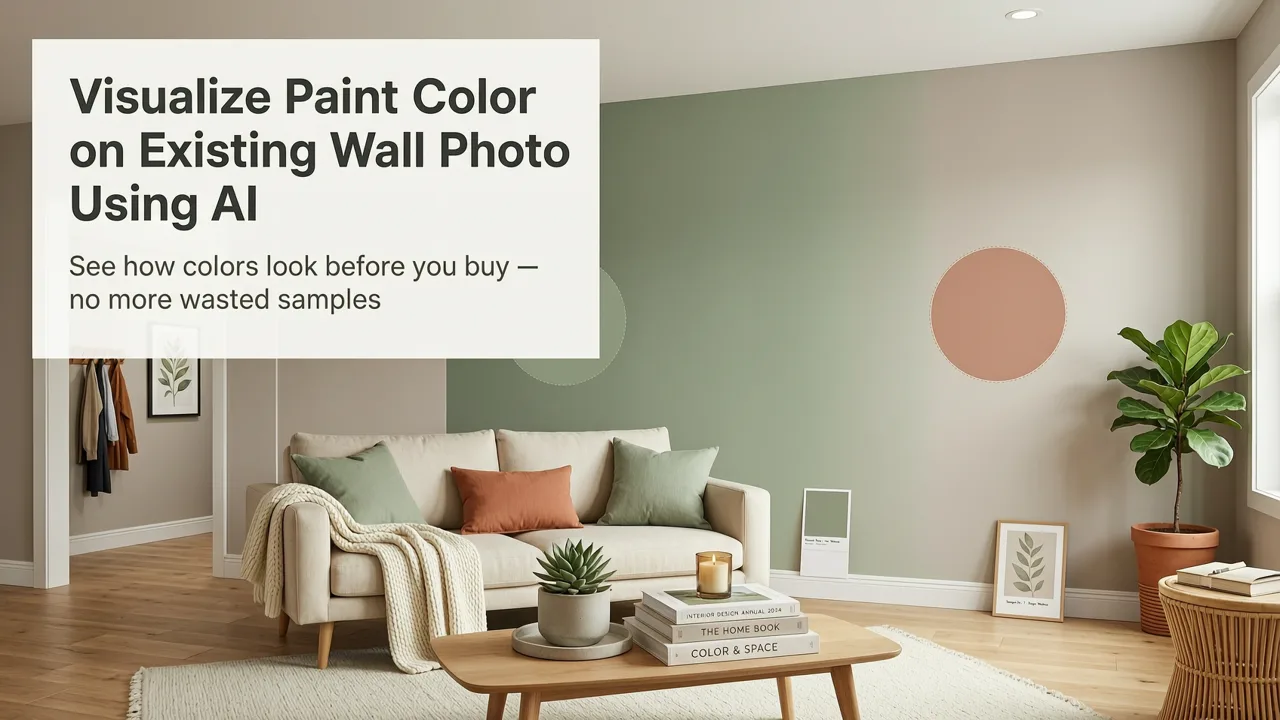
Fortunately, modern technology allows you to visualize paint color on existing wall photo in seconds, eliminating the guesswork. By leveraging advanced artificial intelligence, homeowners, renters, and professional designers can now generate photorealistic, true-to-room previews of any color before committing to a single drop of paint. This shift from physical sampling to digital visualization is transforming how we approach home renovation in 2026.
How To Visualize Paint Color on Existing Wall Photo Using AI
Modern AI room visualizer tools have moved far beyond the flat, unrealistic color overlays of the past. Today’s interior design AI understands spatial depth, lighting, and texture, allowing for a highly accurate virtual room makeover. Here is how to effectively use these tools to test paint colors.
Visualize Paint Colors in Photoshop
by Sketch to ArchViz
Step 1: Capture a High-Quality Base Image
The foundation of a great digital paint swatch is a good photograph. Stand in the corner of the room or at the doorway to capture the maximum amount of space. Ensure the room is well-lit, preferably with natural daylight, and keep the camera lens clean. Avoid extreme wide-angle lenses that distort the room's proportions, as the AI relies on accurate geometry to render the final image.
Step 2: Upload to an AI Visualization Tool
Once you have your photo, upload it to a dedicated room rendering software or AI design platform. The system will analyze the image, identifying the boundaries of the walls, the ceiling, the floor, and any fixed architectural elements like trim or built-in cabinetry. This segmentation is crucial for ensuring the paint color only applies to the intended surfaces.
Step 3: Apply Colors and Adjust Lighting
Select your desired paint shades from the platform’s library or input specific brand color codes. The AI will instantly apply the color to the segmented wall areas. Because the tool understands the room's geometry, it will automatically adjust the shading and highlights to match the existing light sources in your photo, ensuring the digital paint looks like it is actually on the wall.
Step 4: Evaluate the Photorealistic Output
Review the generated images. A high-quality photorealistic paint preview will show how the color interacts with your specific flooring, furniture, and natural light. You can easily toggle between different shades to compare options side-by-side, giving you absolute confidence in your final decision.
AI Paint Visualization vs. Traditional Methods in 2026
To understand why AI has become the industry standard for color selection, it is helpful to compare it directly against traditional sampling methods. The table below outlines the key differences in efficiency, accuracy, and cost.
| Feature | AI Visualization | Paper Swatches | Physical Sample Pots |
|---|---|---|---|
| Time to Preview | Seconds | Immediate | Hours (including drying time) |
| Lighting Accuracy | High (AI adjusts for shadows and light) | Low (static paper) | High (actual paint on wall) |
| Contextual Realism | Sees full room with furniture | Isolated color chip | Small 2x2 foot patch |
| Cost per Test | Free to low subscription | Free | $5 to $10 per color |
| Waste Generated | None | Paper waste | Chemical and plastic waste |
As the comparison shows, while physical sample pots offer true lighting accuracy, they fail to provide the full-room context that AI visualization delivers. When you need to see how a color interacts with an entire space, AI is the superior choice.
Strategic Use Cases for AI Color Previews
AI visualization is particularly valuable in specific design scenarios where color choices carry a high risk of visual error.
Optimizing Small and Dimly Lit Spaces
Painting a small room is a delicate balancing act. Colors that look warm and inviting in a large, well-lit showroom can feel cavernous or overly dark in a compact bedroom. When dealing with limited square footage, testing shades digitally helps you find the perfect balance. If you are struggling with a compact space, exploring the best white paint for small rooms through an AI visualizer can reveal how subtle undertones affect the perception of space before you buy a gallon of paint.
Designing the Perfect Accent Wall
Accent walls require a bold choice that complements the adjoining walls without overwhelming the room. The debate between accent wall paint vs wallpaper often comes down to visual impact and maintenance. With an AI tool, you can instantly test deep jewel tones, moody charcoals, or vibrant terracottas on a single wall to see if the contrast works. You can even use a free accent wall paint visualizer to rapidly iterate through dozens of bold colors in minutes.
The Technology Powering Accurate Room Previews
The ability to seamlessly blend digital color into a physical photograph relies on sophisticated machine learning models. Modern AI does not simply use a "paint bucket" tool to fill in pixels. Instead, it utilizes depth estimation and semantic segmentation to understand the three-dimensional structure of the room.
According to OpenAI documentation on multimodal AI capabilities, advanced vision models can analyze an image to distinguish between structural elements, textures, and lighting gradients. This allows the software to apply a paint color while preserving the texture of drywall, the gloss of semi-finish trim, and the natural shadows cast by window frames.
Furthermore, responsible AI development ensures that these visualizations remain grounded in reality. Following Google AI guidance on reliability and accuracy, top-tier visualization tools are designed to prevent the distortion of physical spaces. The AI is trained to enhance the existing photo with new colors without altering the fundamental architecture, ensuring that the final preview is a trustworthy representation of what the physical renovation will actually look like.
Best Practices for Getting the Most Accurate Results
To ensure your virtual room makeover is as accurate as possible, follow these professional tips when preparing your photo:
- Clear the clutter: While AI can render around furniture, removing small items and decluttering surfaces helps the algorithm focus on the wall boundaries.
- Mind the lighting: Turn on all the room's ambient lights and open the curtains. A well-lit photo gives the AI more data to calculate accurate shadows and highlights.
- Keep the camera level: Hold your phone or camera perfectly level to avoid converging vertical lines, which can confuse the spatial mapping of the software.
- Shoot from multiple angles: If you are visualizing a large open-concept area, take photos from different corners to see how the color flows from one sightline to another.
Final Thoughts on Digital Color Selection
The days of living with ugly test patches on your walls for a week are over. The ability to visualize paint color on existing wall photo using AI provides a faster, cleaner, and more confident way to make design decisions. By understanding how colors interact with your unique lighting and furnishings in a photorealistic environment, you can execute your home renovation with absolute precision.
Ready to transform your space without the mess? Upload your first room photo today and start exploring your perfect color palette instantly.