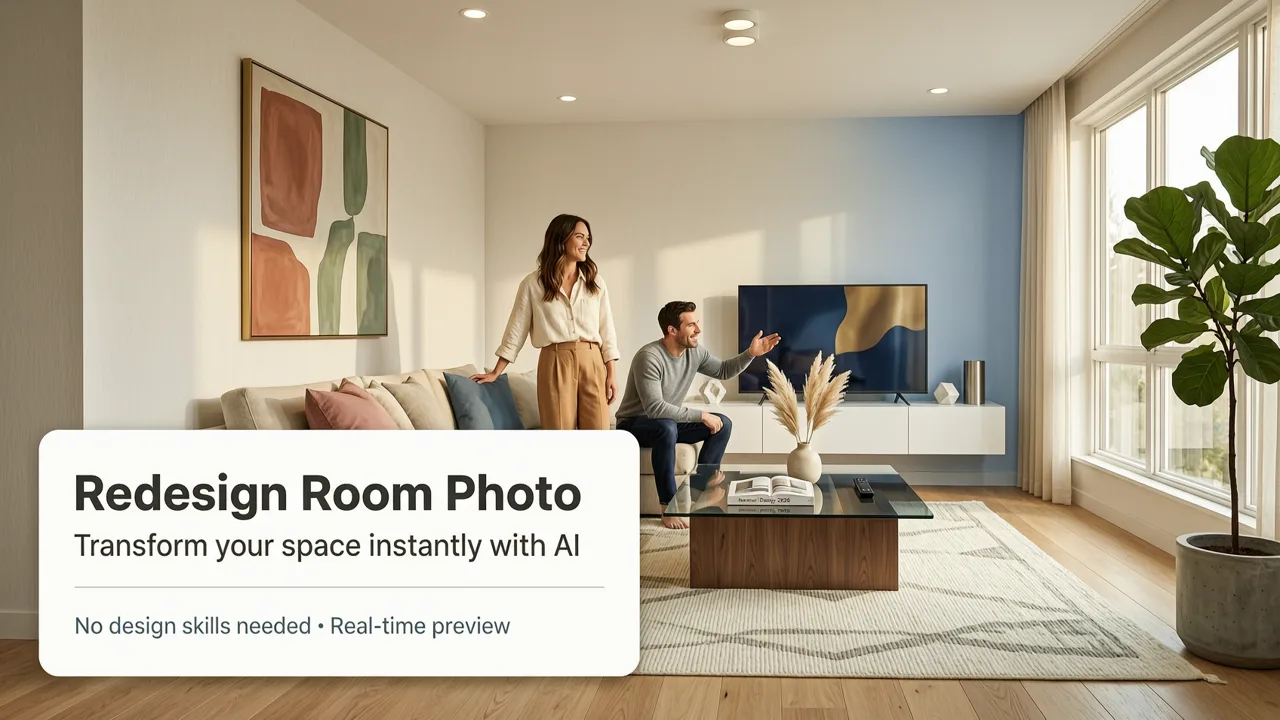
If you have ever stared at an outdated kitchen or a blank living room wall and struggled to picture a transformation, the ability to redesign a room with a photo using AI has completely shifted the landscape of home improvement. In 2026, you no longer need to hire a professional designer or learn complex 3D modeling software to visualize a makeover. By simply uploading an image of your existing space and selecting a preferred aesthetic, AI tools generate photorealistic, true-to-room previews in seconds. This guide explains exactly how to redesign a room with a photo, the best practices for capturing your space, and how to integrate these visualizations into your actual renovation plans.
Why You Should Redesign a Room with a Photo in 2026
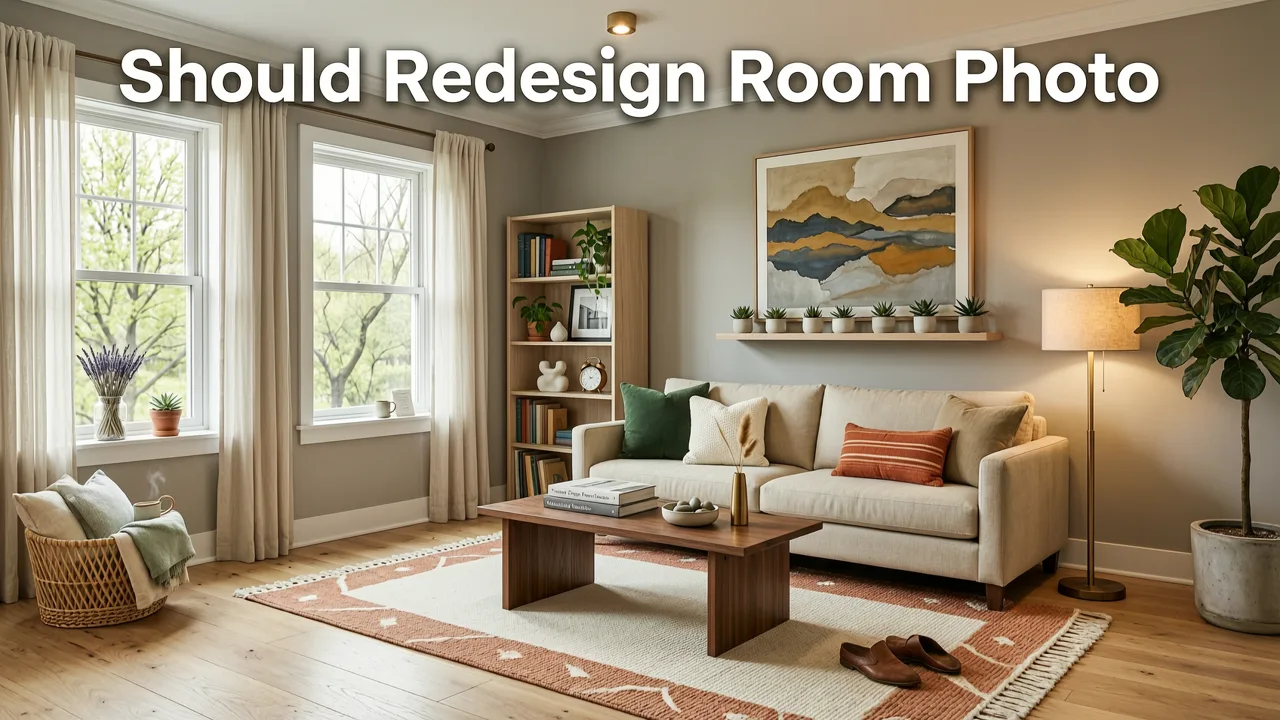
The traditional approach to interior design relies heavily on imagination, physical material samples, and expensive digital renderings. While these methods have their place, they often fail to convey how a new design will actually look within the specific context of your existing architecture. When you redesign a room with a photo, you bridge the gap between abstract concepts and physical reality.
Using AI for home renovation visualization offers several distinct advantages for homeowners, renters, and realtors alike. First, it drastically reduces the financial risk associated with remodeling. Purchasing the wrong paint color, an ill-fitting sofa, or incompatible cabinetry can result in thousands of dollars in wasted materials. AI-generated previews allow you to test these elements virtually before spending a single dollar.
Trying NINE AI Interior Design Generators to Redesign my Living Room!
by Cozy DIY Home
Second, the speed of AI visualization is unparalleled. What used to take a design firm weeks to draft and revise can now be generated in seconds. This rapid iteration allows you to explore multiple design aesthetics—from mid-century modern to minimalist Scandinavian—without committing to any single direction prematurely. Finally, it democratizes interior design. You no longer need a specialized degree or an expensive software subscription to experiment with spatial layouts, lighting, and color theory.
How the AI Redesign Process Actually Works
Understanding the mechanics behind the tool helps you maximize its output. Modern AI interior design platforms rely on advanced diffusion models that analyze the structural elements of your uploaded image and map new textures, furniture, and lighting onto those existing geometries.
Step 1: Capturing the Right Photo
The quality of your final visualization is directly tied to the quality of your source photo. The AI needs a clear understanding of your room's dimensions, perspective, and architectural features. Stand in the corner of the room or doorway to capture the widest possible angle. Ensure the camera is held at chest height to maintain a natural, human-eye perspective. Avoid extreme wide-angle or fisheye lenses, as these distort the spatial geometry and can confuse the AI during the rendering process.
Step 2: Selecting Your Design Style
Once the image is uploaded, you will be prompted to choose a design style or input a custom text prompt. The AI uses this input to determine the color palette, material textures, and furniture silhouettes to apply. As detailed in the OpenAI documentation, these models are trained on vast datasets of interior photography, allowing them to accurately interpret style descriptors like "industrial loft" or "coastal farmhouse" and apply the corresponding visual elements to your specific room layout.
Step 3: Generating and Refining the Preview
After processing, the tool generates a photorealistic room preview. Review the output carefully. Most platforms allow you to adjust the strength of the AI effect, ensuring that your existing flooring or structural walls are preserved while only the targeted elements are altered. You can regenerate specific areas or tweak the lighting parameters until the virtual room makeover perfectly matches your vision.
Best Practices for a Photorealistic Room Redesign
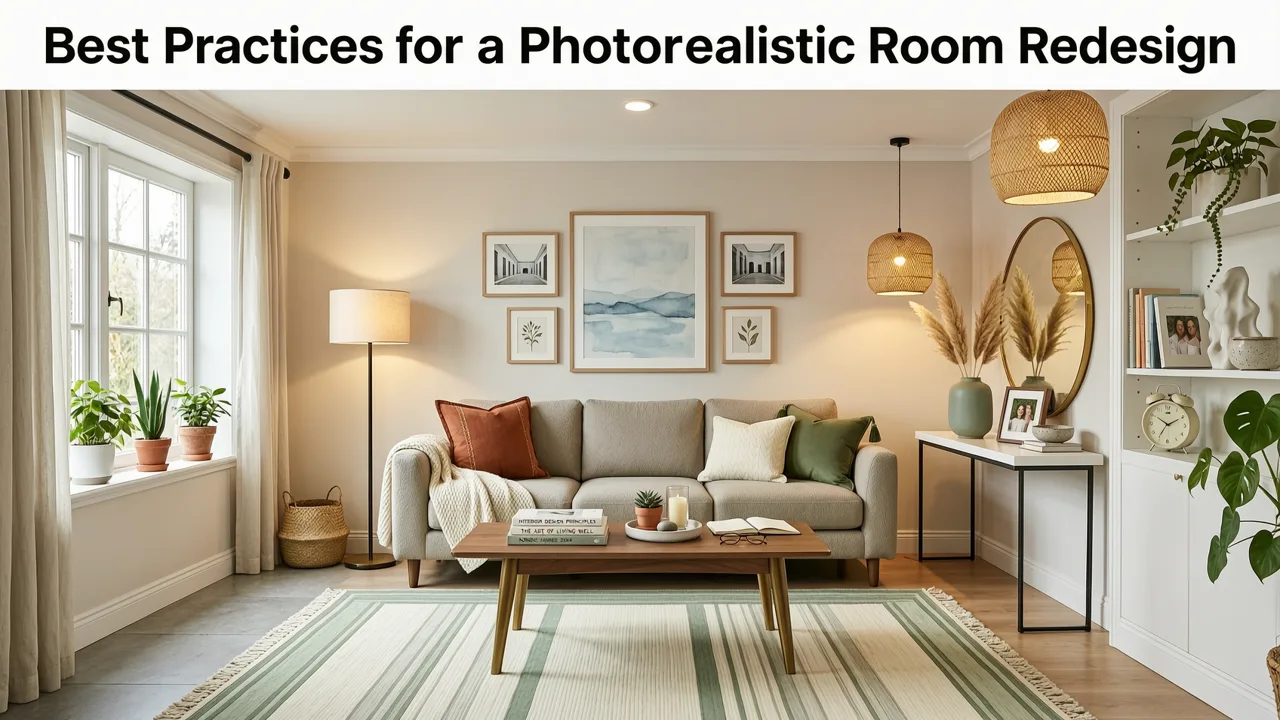
To ensure your AI-generated designs are accurate and actionable, follow these professional guidelines when preparing your space for a virtual scan.
- Maximize Natural Light: Open all blinds and curtains before taking the photo. Natural light provides the AI with accurate shadow mapping and helps the tool understand the true color temperature of the room.
- Declutter the Space: While AI can theoretically overwrite existing objects, a cluttered room can lead to confusing visual artifacts. Remove small items, personal belongings, and unnecessary furniture to give the AI a clean canvas.
- Ensure Even Exposure: Avoid taking photos with harsh backlighting from windows, which can blow out the exposure and hide details in the rest of the room. If necessary, turn on all ambient room lights to balance the exposure.
- Capture Architectural Details: If you want the AI to preserve specific elements like crown molding, a fireplace, or built-in shelving, ensure they are clearly visible and well-lit in the source image.
Traditional Design vs. AI Photo Redesign: A 2026 Comparison
To understand the value of AI visualization, it is helpful to compare it against traditional methods. The following table breaks down the key differences in cost, time, and technical requirements.
| Feature | Traditional Interior Designer | 3D Rendering Software | AI Photo Redesign App |
|---|---|---|---|
| Initial Cost | High (Consultation fees) | Medium to High (Software licenses) | Low to Free (Freemium SaaS models) |
| Turnaround Time | Weeks to Months | Days (Requires manual modeling) | Seconds to Minutes |
| Technical Skill Required | None (Managed by professional) | High (Requires 3D modeling knowledge) | None (Upload and click) |
| Photorealism | High (Depends on designer's tools) | Variable (Depends on user skill) | High (Automated lighting and textures) |
| Flexibility & Iteration | Low (Revisions cost extra) | Medium (Time-consuming to rebuild) | High (Instant regeneration) |
Integrating AI Visualization into Specific Home Projects
AI tools are not just for complete gut renovations; they are highly effective for targeted updates and finish selections.
Testing Paint Colors and Wall Treatments
Paint is the most common starting point for a room refresh, but it is also the most prone to buyer's remorse. Physical swatches look entirely different on a wall than they do on a paper card, especially as lighting changes throughout the day. When you redesign a room with a photo, you can test surface finishes instantly. You can explore the White Wall Paint AI Visualization: Instant Room Preview in 2026 to see how different shades interact with your specific lighting conditions. For compact spaces where light reflection is critical, checking out the Best White Paint for Small Rooms in 2026 (AI-Tested) guide can help you select the perfect reflective tones before you buy a single gallon.
Choosing Between Paint and Wallpaper
Deciding on wall coverings involves balancing aesthetics, maintenance, and budget. Wallpaper adds depth and pattern but requires precise installation and can be difficult to remove. Paint is simpler to apply and refresh but lacks the tactile texture of premium wallcoverings. Comparing Accent Wall Paint vs Wallpaper: Which Looks Better in Your Space? via AI visualization allows you to see both options applied to your exact wall dimensions. You can even use a Free Accent Wall Paint Visualizer to test bold, high-contrast choices on a single wall without committing to the physical labor of hanging paper.
The Future of AI in Interior Design
As generative AI continues to evolve, the line between virtual and physical design will only become more blurred. Future iterations of these tools will likely incorporate augmented reality (AR) overlays, allowing users to walk through a physically empty room while viewing a fully furnished AI-generated space through a smartphone lens or smart glasses.
However, as these tools become more integrated into our daily lives, data privacy remains a priority. When utilizing generative platforms that require you to upload images of your private living spaces, it is always wise to follow Google AI guidance and similar industry standards regarding ethical use, data encryption, and user privacy. Reputable AI design platforms in 2026 prioritize secure processing, ensuring that your personal home layouts are not stored or misused after the rendering is complete.
Conclusion
The ability to redesign a room with a photo has transformed home renovation from a leap of faith into a precise, visual science. By leveraging AI to generate photorealistic previews, you can eliminate guesswork, reduce financial risk, and confidently execute your design vision. Whether you are testing a new paint shade, planning a full kitchen remodel, or staging a property for sale, AI visualization provides the clarity you need to make informed decisions. Ready to see your space reimagined? Upload your first photo today and start exploring your design possibilities with AI.