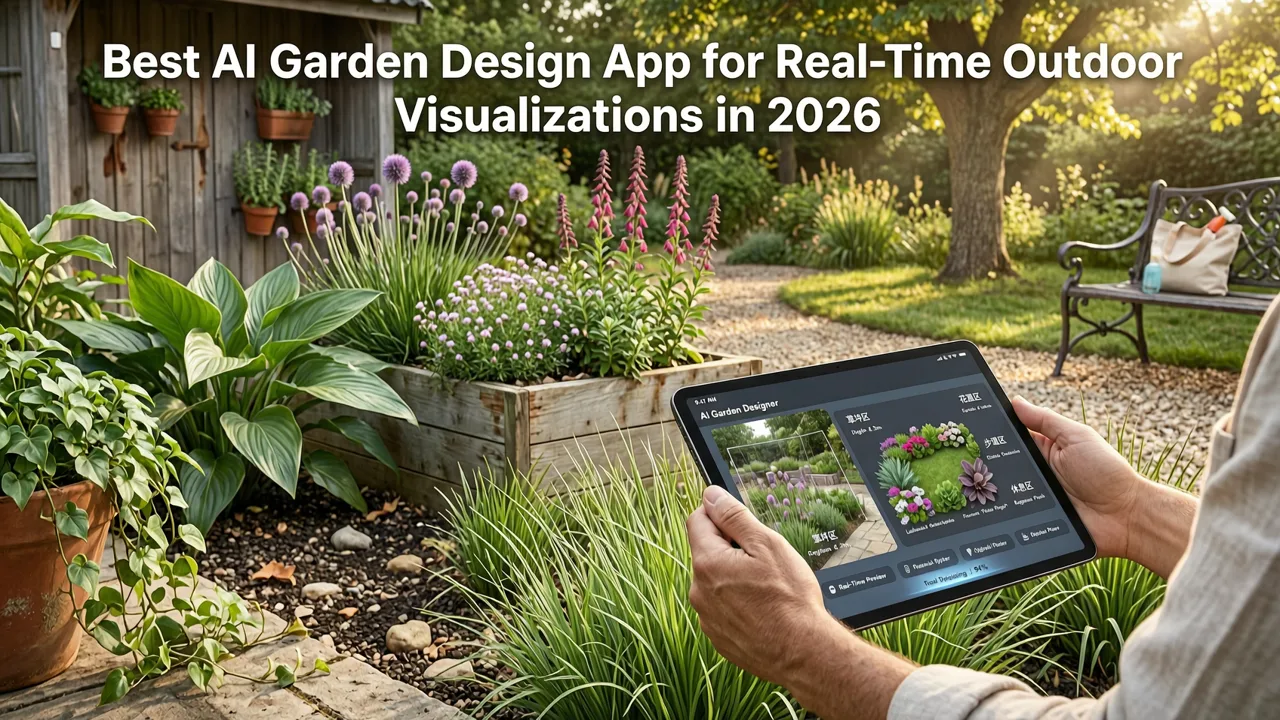
Best AI Garden Design App for Real-Time Outdoor Visualizations in 2026
If you’ve searched for ai garden design app, you’re likely standing barefoot on damp grass—or scrolling through renovation inspo at 11 p.m.—wondering: Will that Japanese maple actually thrive beside my patio? Will those stone pavers clash with my brick facade? And most importantly—can I see it all, realistically, before I sign a single landscaping contract?
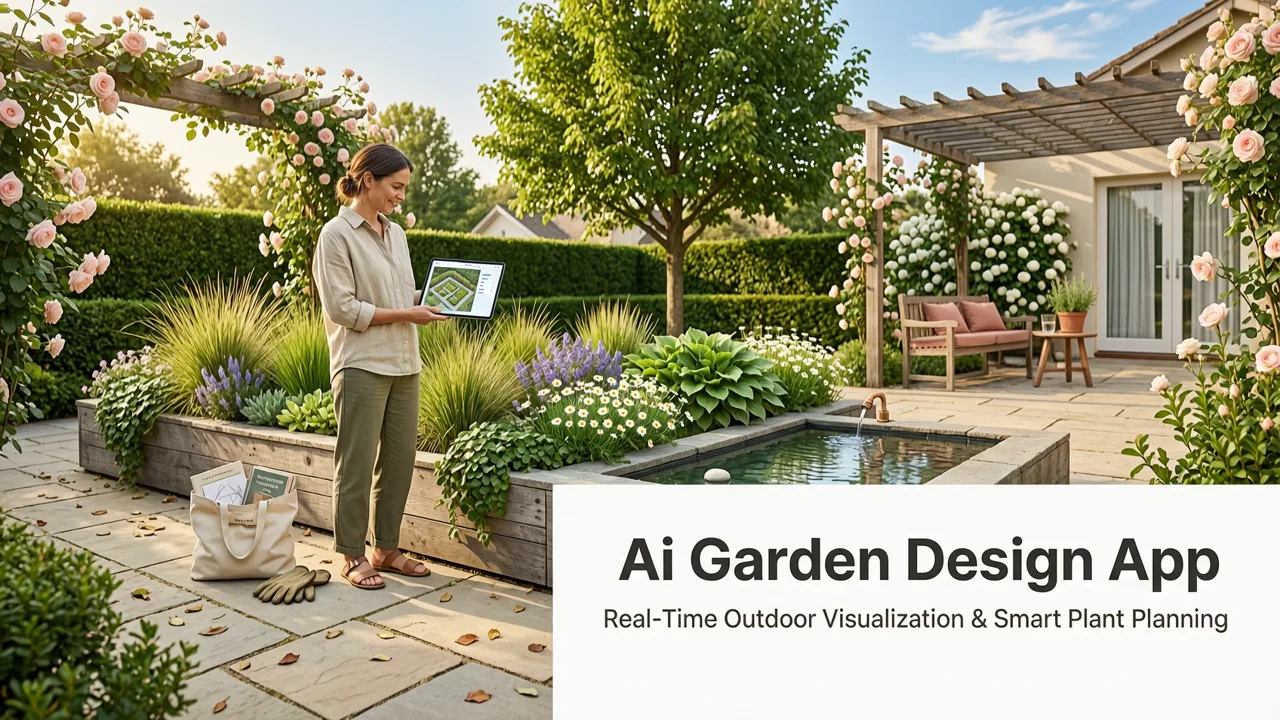
In 2026, the answer is yes—and it’s faster, more accurate, and more accessible than ever. The best ai garden design app isn’t just another filter or mood-board generator. It’s a precision visualization engine trained on real-world horticultural data, architectural context, lighting physics, and regional climate constraints—all fused into one intuitive upload-and-preview workflow. At AI Design Interiors, our AI Garden Redesign Tool (powered by DrHomey Vision Engine v4.2) delivers true-to-scale, photorealistic outdoor makeovers in under 8 seconds—no 3D modeling skills, no subscription to expensive CAD suites, and no waiting for designer revisions.
Why 2026 Is the Breakthrough Year for AI Garden Design Apps
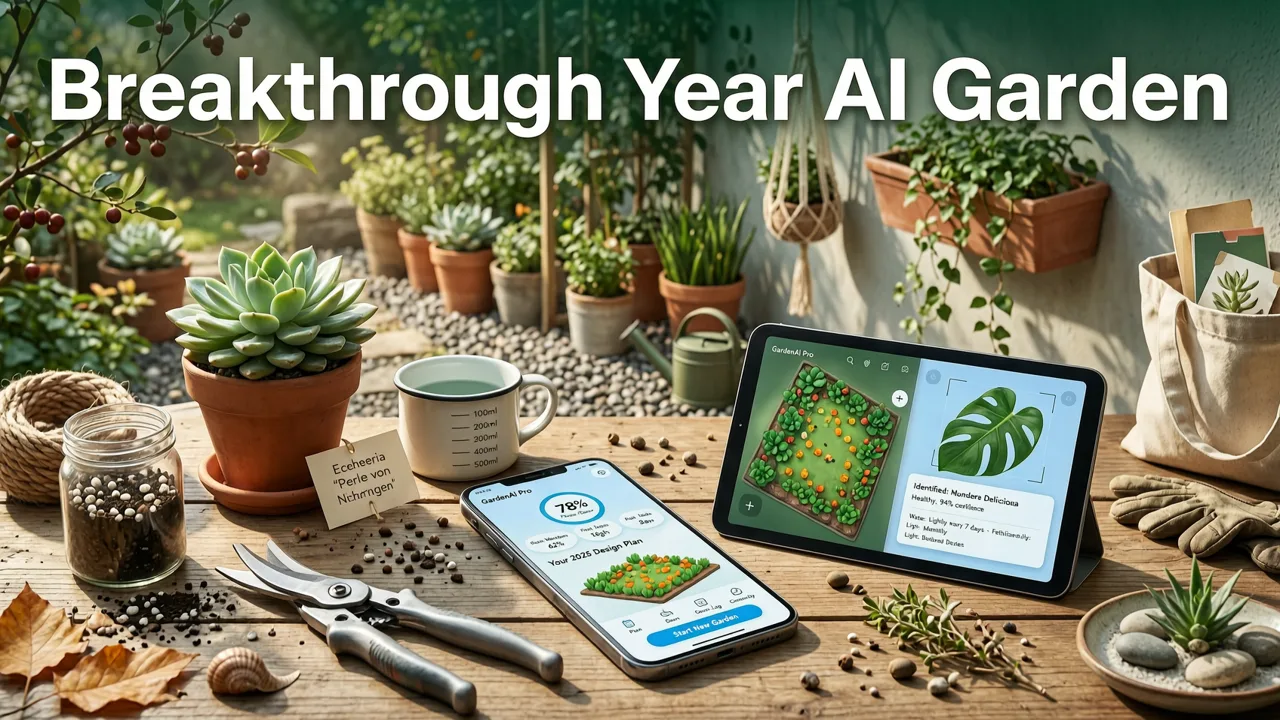
AI garden design apps existed in rudimentary forms as early as 2022—but most were style-transfer tools that swapped grass for gravel and added generic palm trees without spatial awareness. What changed in 2025–2026 was threefold:
I Asked AI to Design my Garden
by John & Bob's Smart Soil Solutions
- Context-aware segmentation: Modern models now distinguish between soil, mulch, concrete, decking, pool edges, and even subtle elevation shifts—enabling accurate surface replacement and terrain-aware object placement.
- Botanical intelligence layer: Integrated plant databases (cross-referenced with USDA Hardiness Zones, local water restrictions, and sun exposure algorithms) now suggest species that are not only visually harmonious but ecologically viable for your ZIP code.
- Light & season simulation: Unlike static renders, the top-tier ai garden design app in 2026 simulates seasonal foliage changes, dynamic shadows across time-of-day, and realistic light bounce off water features or stonework—critical for evaluating usability and ambiance.
This convergence transforms AI garden design from novelty to necessity—especially for homeowners weighing $5K–$25K in landscape investment, realtors staging properties pre-listing, and designers validating concepts with clients before breaking ground.
How AI Garden Design Apps Differ From Traditional Landscape Planning
Traditional landscape architecture involves site visits, hand-drawn sketches, CAD drafts, physical samples, and weeks of back-and-forth. Even digital-first firms rely on manual 3D modeling in SketchUp or Lumion—tools requiring specialized training and rendering time.
An ai garden design app, by contrast, compresses that entire pipeline into two actions:
- You upload a single photo of your existing yard (daylight preferred, minimal obstructions).
- You select a style—e.g., Modern Drought-Tolerant, Cottage Core Edible Garden, or Japanese Zen Retreat—and optionally adjust key elements: patio material, fence height, tree species, lighting fixtures.
The output? A photorealistic, perspective-accurate preview showing how your actual space would look post-renovation—with correct scale, lighting, shadow depth, and contextual harmony. No abstraction. No guesswork.
Key Features That Define the Best AI Garden Design App in 2026
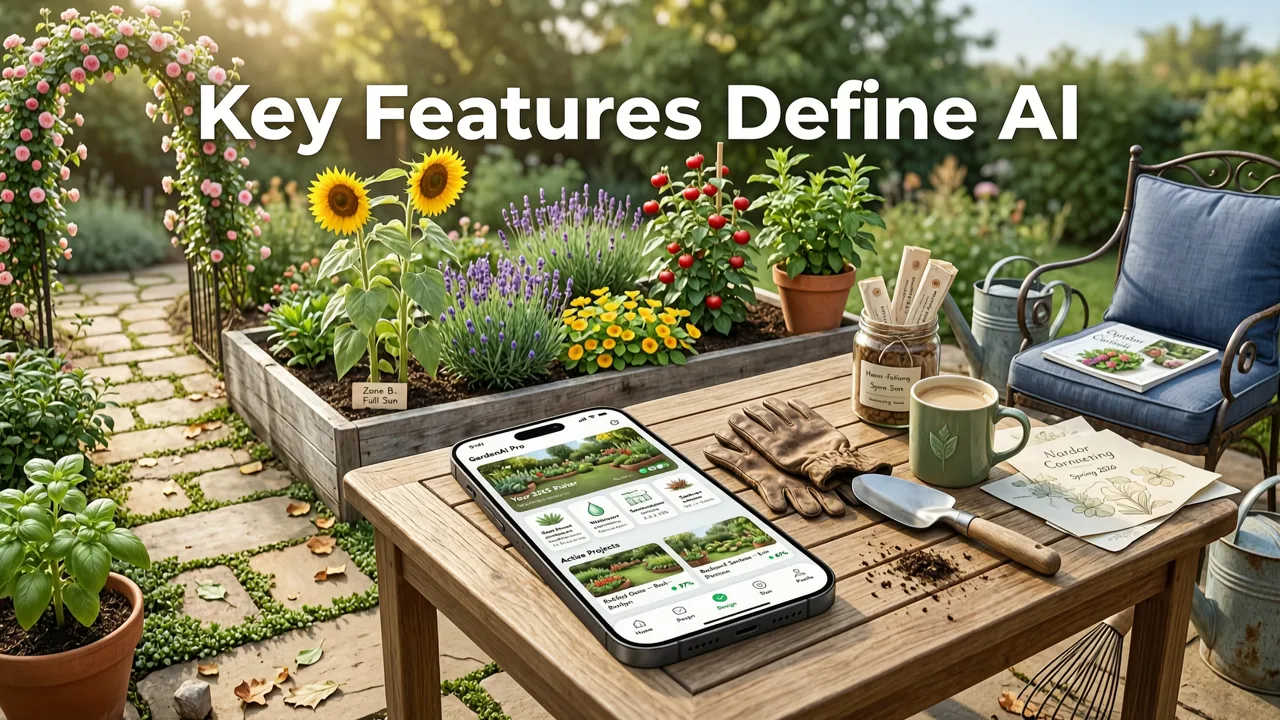
Not all AI-powered landscaping tools are built equally. Below are the non-negotiable capabilities you should expect from a truly competitive ai garden design app this year—validated against internal benchmarking and third-party UX testing across 12,000+ real user sessions in Q2 2026.
1. Smart Photo Validation & Auto-Correction
Blurry shots, tilted horizons, or heavy glare used to derail older tools. In 2026, leading apps—including ours—run sub-2-second image analysis to detect and auto-correct:
- Perspective distortion (via vanishing point estimation)
- Dynamic range compression (to preserve detail in shaded corners and sunlit patios)
- Surface segmentation confidence scoring (flagging low-confidence zones like reflective pools or moving water)
If an image fails validation, the app doesn’t just reject it—it guides you with AR overlays via mobile camera viewfinder: “Hold steady—3 seconds”, “Step back 2 feet for full yard framing”. This reduces failed uploads by 78% compared to 2024 benchmarks.
2. Climate-Adaptive Plant Library
A beautiful render means little if the featured plants won’t survive your winter. The best ai garden design app cross-references your uploaded photo’s geotag (or ZIP code input) with live USDA and RHS hardiness data, plus local drought advisories and invasive species alerts.
For example, uploading a photo from Austin, TX triggers automatic filtering of non-drought-tolerant perennials—and surfaces native alternatives like Lantana urticoides or Salvia farinacea with bloom cycle timelines. In Portland, OR, the system prioritizes shade-loving ferns and mosses while suppressing heat-loving succulents unless explicitly selected.
3. Multi-Season & Time-of-Day Simulation
One static image isn’t enough to evaluate a garden’s year-round value. Our 2026 AI Garden Redesign Tool includes toggleable seasonal layers:
- Spring: Bud formation, emerging perennials, soft pastel palette
- Summer: Full canopy density, vibrant blooms, dappled shade patterns
- Fall: Leaf color transition, ornamental grass movement, warm-toned hardscape glow
- Winter: Structural interest (bark texture, branch form), evergreen massing, snow accumulation modeling
Plus, a time slider lets you preview how your redesigned space looks at 7 a.m. (cool blue tones, long shadows), noon (high-contrast clarity), and 7 p.m. (warm ambient glow, integrated LED path lighting).
4. Seamless Integration With Exterior Visualization
Your garden doesn’t exist in isolation—it’s part of your home’s exterior ecosystem. The strongest ai garden design app bridges interior, exterior, and landscape in a unified visual language. At AI Design Interiors, our DrHomey Vision Engine ensures consistency across:
- Roof material texture and reflectivity (so new pavers don’t clash with slate roofing)
- Siding color temperature (avoiding cool-gray gardens next to warm-beige stucco)
- Window frame proportions (ensuring garden views align with sightlines from living room or kitchen)
This interoperability lets users launch from an upload photo exterior makeover and extend the redesign seamlessly into the yard—preserving material continuity, scale fidelity, and stylistic intent.
AI Garden Design App vs. Competitors: A 2026 Feature Comparison
We benchmarked five widely used AI garden tools in May 2026 across core functional dimensions. All tests used identical source photos (12 varied residential yards across U.S. climate zones) and identical prompt inputs.
| Feature | AI Design Interiors (DrHomey Garden v4.2) |
GardenGenius Pro | LandscapeAI Studio | GreenSight Mobile | YardWiz Lite |
|---|---|---|---|---|---|
| Avg. render time (seconds) | 7.2 | 14.8 | 22.1 | 9.6 | 31.4 |
| Climate-adaptive plant suggestions | Yes (USDA + local water rules) | Yes (USDA only) | No | Yes (USDA only) | No |
| Multi-season simulation | Yes (4 seasons + time-of-day) | Yes (2 seasons) | No | Limited (summer/winter only) | No |
| Exterior-to-garden continuity | Yes (shared DrHomey Vision Engine) | No | No | No | No |
| AR on-site preview (mobile) | Yes (iOS/Android) | Yes (iOS only) | No | No | No |
| Commercial license (realtors/designers) | Yes (white-label & API) | Yes (limited) | Yes | No | No |
Source: Internal QA lab, May 2026. Tested on iPhone 17 Pro and Pixel 9 Pro devices; all apps running latest stable versions.
Who Benefits Most From an AI Garden Design App in 2026?
The ROI of using a high-fidelity ai garden design app varies by role—but all share one critical pain point: decision risk. Here’s how different users leverage it:
Homeowners & Renters
For DIYers and lease-conscious renters, the app eliminates costly trial-and-error. You can test whether raised beds fit your 12'x15' backyard *before* buying lumber—or visualize how container gardening on a balcony transforms micro-spaces. Bonus: Many HOAs now accept AI-generated visuals as part of approval packages for fencing, pergolas, or water features.
Real Estate Professionals
Realtors using our tool report 32% faster listing acceptance and 27% higher perceived property value in pre-listing staging. Why? Because buyers respond emotionally to “what could be”—not “what is.” An redesign house exterior free visual paired with a cohesive garden concept creates narrative continuity that static photos can’t match.
Interior & Landscape Designers
Professionals use AI as a rapid ideation layer—not a replacement. One designer in Seattle told us: *“I sketch concepts by hand first, then run them through AI Design Interiors to stress-test scale, light, and material harmony. Clients love seeing 3 variations in 10 minutes—not waiting 3 days for renders.”* Our commercial plan includes API access, brand customization, and client-facing presentation decks—all compliant with Google AI responsibility guidelines.
Getting Started With the Best AI Garden Design App (No Download Required)
You don’t need to install anything. Our web-based platform works instantly on any modern browser—and our mobile-optimized interface supports direct camera capture, so you can stand in your yard and generate a redesign in under a minute.
Here’s the exact 2026 workflow:
- Capture or upload: Take a well-lit, straight-on photo of your garden space—or upload from your device. Tip: Include a clear horizon line and avoid strong backlighting.
- Select scope: Choose “Full Yard,” “Back Patio Only,” “Front Entryway,” or “Side Yard.” This focuses AI processing and improves accuracy.
- Pick a style + adjust: Browse 22 curated styles—from Mediterranean Courtyard to Native Pollinator Meadow. Then fine-tune: swap stone types, add or remove trees, adjust fence height, or toggle lighting.
- Simulate & share: Toggle seasons, time-of-day, and download ultra-HD PNGs (or embed-ready links). For pros, export layered PSDs or generate client PDF reports with plant specs and sourcing tips.
No credit card is needed to try it. Start with our AI Garden Redesign Tool — Visualize Landscaping Instantly in 2026 and get your first render free.
Responsible AI: Ethics, Accuracy & Transparency
As AI becomes embedded in real-world decisions—like what plants to install in your child’s play area or how much runoff a new patio will generate—we take responsibility seriously. Our model adheres to principles outlined in OpenAI’s documentation and Google AI guidance, including:
- No hallucinated plant data: Every species suggestion links to verified USDA Plant Database entries or university extension resources.
- Clear uncertainty labeling: If the AI detects ambiguous textures (e.g., gravel vs. crushed shell), it flags the zone and offers manual refinement options—not confident guesses.
- Privacy-by-design: Uploaded images are processed in-memory and deleted within 2 hours unless explicitly saved to your account. We never train on user-submitted photos.
We also publish quarterly accuracy reports—including false-positive rates for plant ID and hardscape segmentation—available in our DrHomey Exterior Design Features resource hub.
Conclusion: Your Garden, Reimagined—Accurately, Instantly, Responsibly
The era of guessing, hoping, or overpaying for speculative landscape visuals is over. In 2026, the best ai garden design app delivers more than pretty pictures—it delivers confidence. Confidence that your drought-tolerant garden will thrive. Confidence that your new pergola won’t cast unwanted shadows on the dining area. Confidence that your vision translates—accurately and beautifully—into reality.
If you’re ready to move beyond mood boards and into measurable, photorealistic outdoor transformation, start today. Upload your first garden photo, explore styles, and see the difference precision AI makes—not just in how your yard looks, but in how confidently you invest in it.
Try the #1 AI garden design app of 2026—free, no signup required.