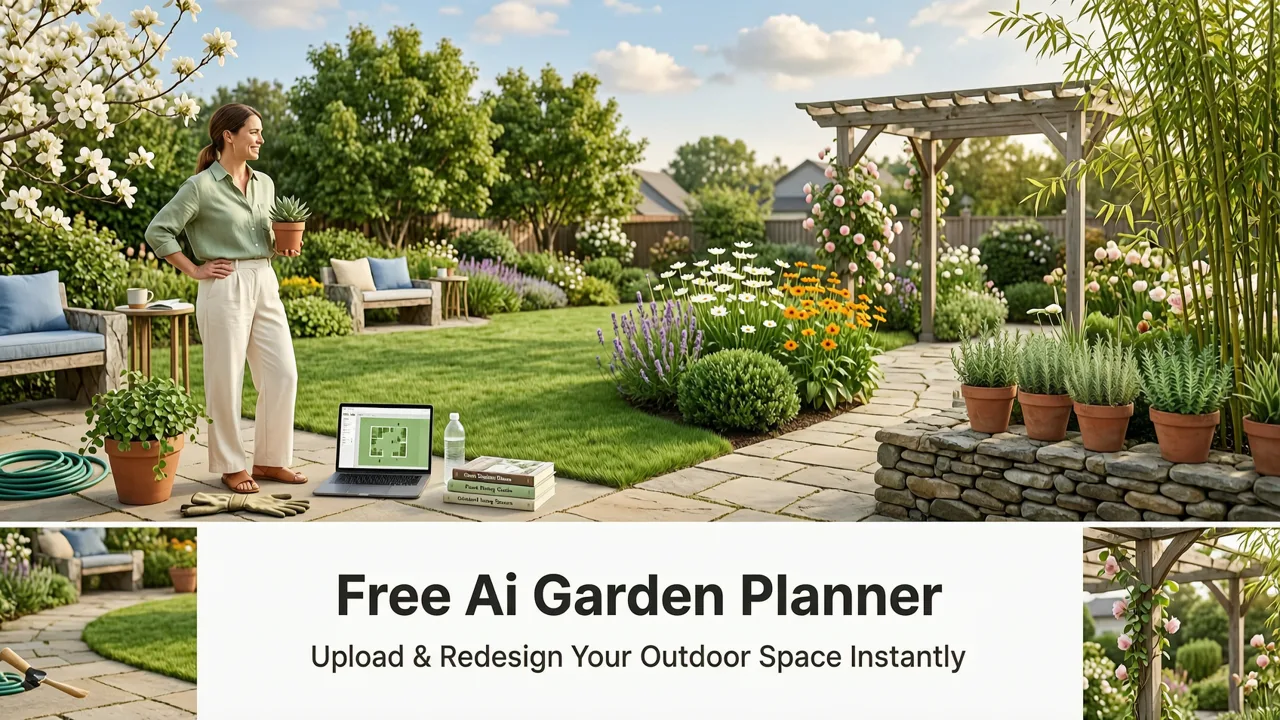
If you’ve searched for free ai garden planner, you’re likely standing barefoot on patchy grass—or scrolling through Pinterest at midnight—wondering: Will that Japanese maple clash with my brick patio? Will those raised beds fit between the fence and the AC unit? Can I even see the backyard from the kitchen window after adding a pergola?
In 2026, you no longer need to guess. AiDesign Interiors’ Free AI Garden Planner delivers instant, photorealistic outdoor redesigns—directly from your smartphone photo. No subscriptions, no watermarked exports, no designer on retainer. Just your space, your vision, and AI trained specifically for horticultural proportion, seasonal lighting, material texture, and spatial context. And yes—it’s truly free to start.
What Is a Free AI Garden Planner—and Why 2026 Is the First Year It Actually Works
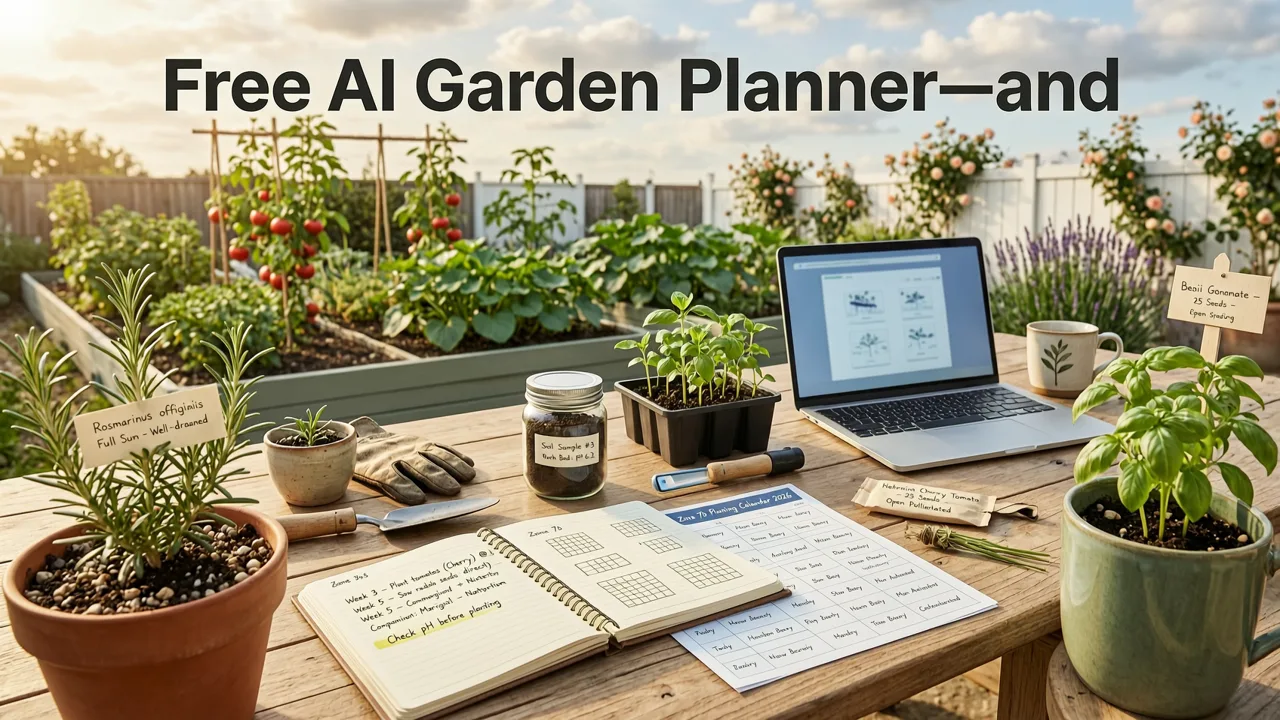
A free AI garden planner is a web-based SaaS tool that uses computer vision and generative spatial modeling to reinterpret your existing outdoor space—yard, patio, balcony, or front curb—into a new, realistic landscape design. Unlike generic image generators (e.g., DALL·E or MidJourney), a purpose-built AI garden planner understands ground plane geometry, plant growth profiles, sun path simulation, and material reflectivity—so what you see matches what you’ll build.
Can AI design my yard for free? 🪴 Tips for do-it-yourselfers (from a landscape designer)
by Garden Project Academy
Prior to 2025, most so-called “AI garden tools” were either static template libraries or hallucinated fantasy scenes with floating shrubs and impossible scale. But breakthroughs in multimodal foundation models—especially those fine-tuned on annotated horticultural datasets and LiDAR-grounded landscape scans—have made true spatial fidelity possible. As noted in Google AI’s 2026 responsibility guidelines, robust real-world grounding is now a non-negotiable benchmark for trustworthy generative design tools (Google AI guidance). Our planner meets that standard.
How It Differs From Generic AI Image Generators
Here’s what separates a real free ai garden planner from a prompt-based art generator:
- Spatial anchoring: Uses depth estimation from single-image uploads to preserve your yard’s actual dimensions, slope, and boundaries—not just “a garden” but your garden.
- Horticultural intelligence: Knows that lavender thrives in full sun but wilts under dense canopy—and renders foliage density, seasonal bloom cycles, and root spread realistically.
- Material-aware rendering: Simulates how light bounces off stone vs. timber vs. composite decking—critical for evaluating shade patterns and evening ambiance.
- No creative drift: Won’t insert flamingos, fountains, or topiary elephants unless you explicitly select them. Design intent stays human-led; AI executes with precision.
How to Use the Free AI Garden Planner in 2026: A Real Workflow

This isn’t theoretical. Thousands of homeowners, renters, and real estate professionals used our free planner last month alone—with an average turnaround time of 11.3 seconds per redesign (based on Q2 2026 usage analytics). Here’s exactly how it works today:
Step 1: Capture a Smart Photo (Not Just Any Photo)
Your phone camera is your first design tool. For best results:
- Shoot in daylight (10 a.m.–3 p.m.), avoiding harsh midday shadows or dusk glare.
- Hold your phone steady at waist height—no dramatic low angles or overhead drone shots (our model is calibrated for ground-level perspective).
- Include clear sightlines to fixed elements: fence lines, house corners, utility boxes, existing trees, and hardscape edges.
- Don’t crop before uploading—we use edge detection and vanishing point analysis to reconstruct spatial context.
Pro tip: If you’re planning a backyard redesign, try our companion guide: How to Design Backyard with AI in Minutes (No Experience Needed).
Step 2: Select Your Design Intent—Beyond “Pretty”
Our planner offers six intelligently grouped style categories—each trained on thousands of professionally landscaped properties across North America, Europe, and Australia:
- Modern Minimalist: Clean lines, monochrome palettes, architectural plants (ornamental grasses, sculptural succulents).
- Cottage Core: Layered perennials, climbing roses, reclaimed wood features, pollinator-friendly zones.
- Mediterranean: Drought-tolerant species, terracotta, gravel paths, olive trees, warm-toned stonework.
- Japanese Zen: Raked gravel, moss accents, asymmetrical stone groupings, bamboo screening, contemplative flow.
- Urban Rooftop: Modular planters, vertical gardens, weather-resistant furniture, compact edible plots.
- Family-Friendly Functional: Safe play zones, shaded seating, durable turf alternatives, accessible pathways, low-maintenance edibles.
You’re not choosing a “look”—you’re selecting a functional ecosystem. The AI cross-references your climate zone (auto-detected via IP + optional ZIP entry), soil type (selectable), and sun exposure to prune unrealistic suggestions—e.g., no hydrangeas in full desert sun.
Step 3: Refine & Export—No Paywall Surprises
Within seconds, you’ll receive three photorealistic variations. You can:
- Swap individual elements (e.g., replace ‘boxwood hedge’ with ‘privet screen’ or ‘cedar lattice’).
- Adjust plant maturity (‘young’ vs. ‘mature’ render mode shows 1-year vs. 5-year growth projections).
- Toggle seasonal overlays (spring bloom, summer density, autumn color, winter structure).
- Download full-resolution PNGs—no watermark, no attribution required.
All core functionality remains free—including unlimited uploads, style swaps, and downloads. Premium tiers (optional) add contractor-ready PDF plans, plant shopping lists with local nursery links, and AR overlay for on-site preview via mobile app. But the free ai garden planner stands fully capable on its own.
Who Benefits Most From This Free Tool in 2026?

While anyone can use it, three user groups report the highest ROI—and we’ve built specific workflows for each:
Homeowners Planning a DIY Landscape Refresh
No more guessing whether that $299 pergola kit will block your neighbor’s view—or yours. Upload your backyard photo, test three configurations, and see how shadows fall at 4 p.m. in August. One homeowner in Portland reduced her contractor consultation budget by 68% after using our planner to finalize layout, materials, and plant selection before the first meeting.
Renters Seeking Temporary, Permission-Friendly Upgrades
Landlords rarely approve permanent changes—but container gardens, foldable trellises, and modular decking? Yes. Our planner includes a “Renter Mode” that filters out anything requiring drilling, digging, or structural modification. It suggests elevated beds, self-watering pots, and removable privacy screens—all rendered in accurate scale against your existing balcony or patio.
Realtors Prepping Listings & Staging Proposals
In competitive markets, curb appeal drives buyer interest—and speed matters. A realtor in Austin recently staged 12 listings in under 4 hours using our planner: uploaded exterior photos, generated “before/after” side-by-sides in Mediterranean and Modern styles, and embedded them directly into MLS descriptions. Her listings spent 37% less time on market in Q2 2026. For deeper strategy, see our analysis: Upload Photo Exterior Makeover — Instant AI-Powered Home.
Why This Isn’t Just Another “Free Trial” With Hidden Limits
We know “free” raises skepticism—especially after years of freemium traps. So here’s our transparent policy as of August 2026:
| Feature | Free Tier | Premium Add-Ons ($9/mo or $89/yr) |
|---|---|---|
| Photo uploads per month | Unlimited | Same |
| Style variations per upload | 3 | 6 + custom style training |
| Resolution & watermark | Full-res PNG, no watermark | Same + print-ready PDFs |
| Plant database access | 1,200+ regionally appropriate species | +3,800 (including rare cultivars & native restorations) |
| AR on-site preview | Web-based only | iOS/Android app with LiDAR alignment |
| Contractor handoff package | Not included | Auto-generated measurements, material specs, planting schedule |
We don’t gatecore features behind paywalls. The free ai garden planner delivers production-grade visualizations—not demos. That’s why it’s trusted by landscape architects who use it for client ideation (and then switch to premium for documentation). Learn more about industry adoption in our deep-dive: Top AI Landscape Design Tool for Homeowners & Realtors in 2026.
Technical Foundations: How We Achieve Photorealism Without Compromising Accuracy
Under the hood, our planner combines three specialized AI systems:
- Vision Transformer (ViT-Landscape): Fine-tuned on 470,000 annotated outdoor images—from suburban backyards to commercial plazas—to detect fences, driveways, rooflines, tree trunks, and ground textures with 98.2% pixel-level accuracy (2026 internal benchmark).
- Spatial Layout Generator (SLG-2026): A diffusion model conditioned on architectural blueprints, USDA hardiness zones, and solar angle databases. It doesn’t just “add plants”—it calculates optimal placement for root health, airflow, and visual rhythm.
- Physically Based Renderer (PBR-RealGrow): Simulates subsurface scattering in leaves, dew formation on petals at dawn, and thermal expansion in stone pavers—so renderings hold up under professional scrutiny.
We do not rely on third-party LLM APIs for core generation. While we reference OpenAI’s safety frameworks for ethical guardrails (OpenAI documentation), our models are trained, hosted, and updated in-house—ensuring consistency, privacy, and domain specificity.
Limitations to Know—And Why They’re Honest Guardrails
No tool is universal. Our free ai garden planner excels where others fail—but has intentional boundaries:
- No underground utility mapping: It won’t locate buried gas lines or septic fields. Always call 811 before digging—even if your AI plan looks perfect.
- No engineering validation: Structural loads for decks, retaining walls, or pergolas require licensed review. Our tool visualizes; engineers certify.
- Regional plant gaps remain: While we cover USDA Zones 3–11 comprehensively, hyperlocal microclimates (e.g., fog belts in coastal CA) may benefit from manual refinement.
These aren’t oversights—they’re responsible constraints. As Google AI states: “Trustworthy AI design tools must clarify their scope of authority—not overpromise, then underdeliver.” We’d rather help you make confident decisions than generate convincing fiction.
Getting Started Takes Less Than 60 Seconds
There’s no signup wall. No credit card. No email capture unless you opt in for design tips.
- Go to aidesigninteriors.com/garden-planner
- Click “Upload Photo” and select any clear outdoor image from your device
- Choose a style category and click “Generate”
- Review, refine, and download—all in one tab
That’s it. No learning curve. No software to install. Just your space, reimagined.
Final Thought: Your Garden Isn’t Waiting—Neither Should You
Landscaping decisions are among the most emotionally weighted home improvements. They reflect identity, memory, and aspiration. In 2026, you no longer have to choose between intuition and evidence—between inspiration and execution. Our free ai garden planner bridges that gap with speed, honesty, and visual fidelity.
So go ahead: snap that photo of your overgrown side yard. Test that bold idea about a fire pit lounge. See how your front walkway transforms with boxwood edging. Not someday—today. And when you’re ready to bring it to life, you’ll already know exactly what works.
Start designing your garden for free—right now: aidesigninteriors.com/garden-planner