Why an AI Wall Paint Visualizer Changes the Way You Choose Paint in 2026
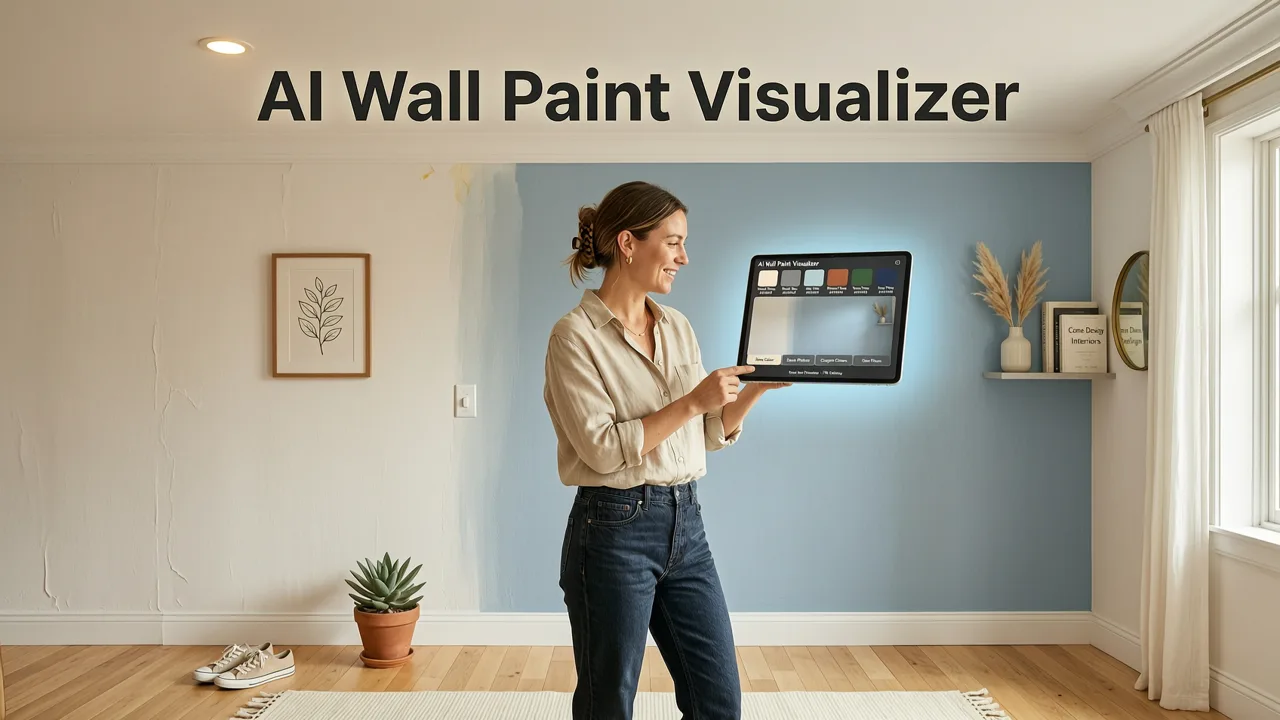
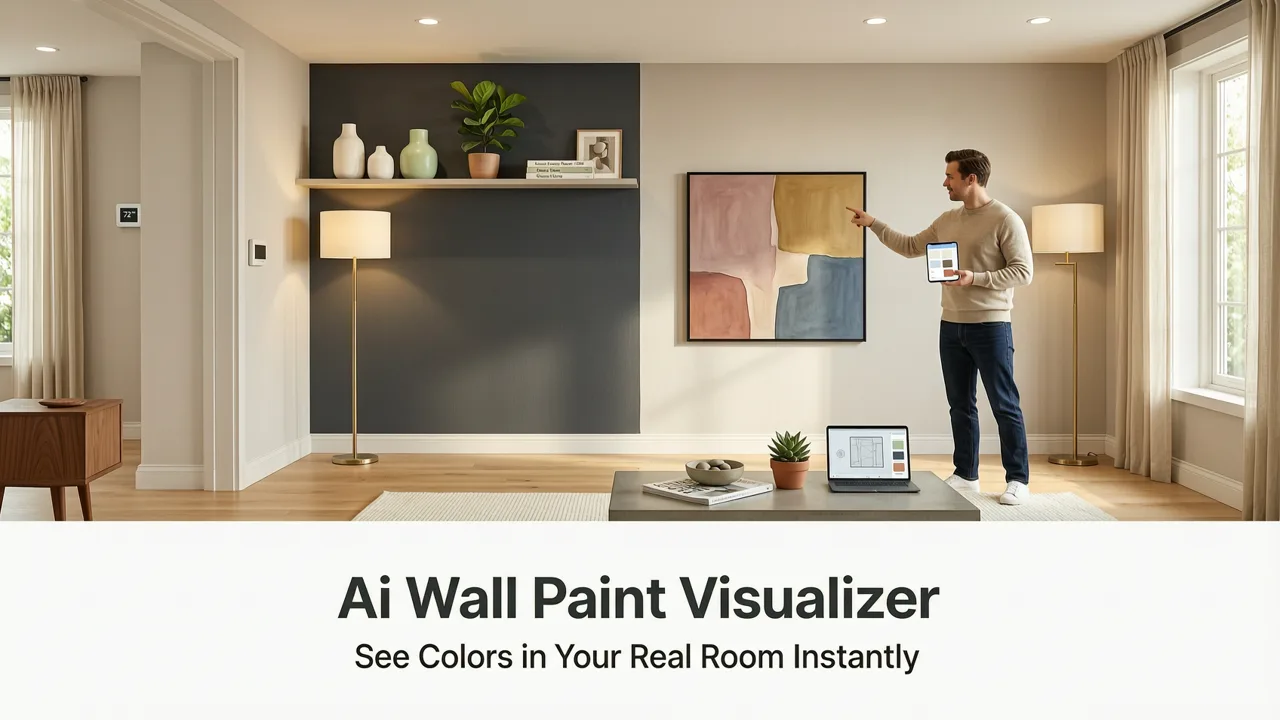
Picking a paint color from a two-inch swatch and hoping it looks right on a full wall is one of the most expensive mistakes a homeowner can make. An AI wall paint visualizer eliminates that gamble by projecting real paint colors onto a photo of your actual room, accounting for your lighting, shadows, furniture, and trim, in seconds. The short answer: you upload a photo, choose a color or style, and get a photorealistic preview that tells you exactly what the wall will look like before you buy a single gallon.
In 2026, AI-powered visualization has moved far beyond the flat, cartoonish overlays that plagued early paint apps. Modern tools use depth-aware segmentation, color-accurate rendering, and material-aware blending so the result looks like a professional mockup, not a filter. Whether you are refreshing a single accent wall, repainting an entire living room, or staging a home for sale, an AI wall paint visualizer gives you the confidence to commit to a color the first time.
What an AI Wall Paint Visualizer Actually Does
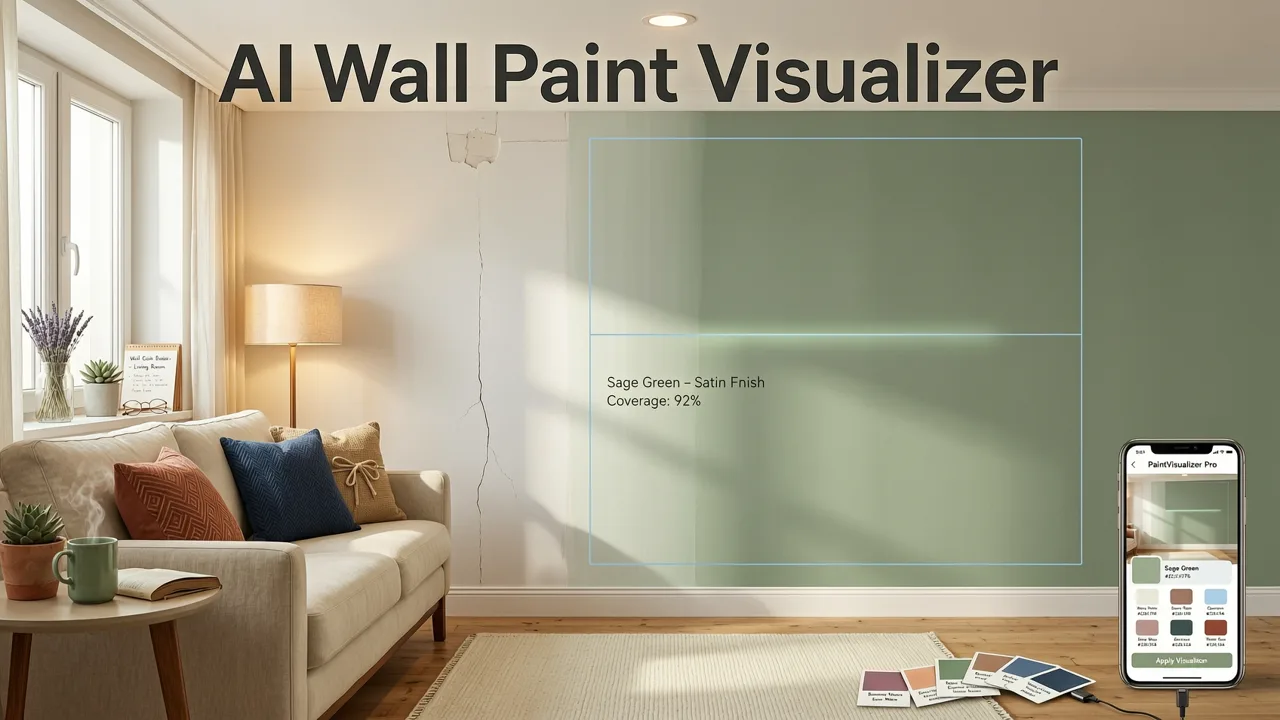
At its core, an AI wall paint visualizer is a generative image tool trained to understand architectural surfaces. It identifies walls, ceilings, trim, and architectural features in a photograph, separates them from furniture and decor, and then applies your chosen color with realistic shading, texture, and light interaction. The result preserves the personality of your room while showing you exactly how a new hue will feel in that specific space.
Color Visualization Made Easy: House Paint Selection with Remodel AI
by Remodel AI
Unlike traditional color-matching tools that simply tint a flat mask over your image, a 2026-grade AI visualizer respects the physics of your room. It keeps the grain of your wallpaper visible through a translucent wash if you choose a semi-transparent finish. It darkens corners where natural light does not reach. It maintains the sheen difference between matte and satin paint. These details are what separate a useful visualization from a misleading one.
How It Differs from Older Paint Apps
- Surface segmentation: Modern AI distinguishes walls from ceilings, trim, cabinetry, and decor, so color is applied only where you intend.
- Lighting awareness: The tool reads highlights and shadows in your photo and adjusts the rendered paint color to match how it will appear under your room's actual light.
- Material fidelity: Brick, drywall, plaster, and wood paneling each render paint differently. AI preserves those substrate textures instead of flattening them.
- Instant iteration: You can cycle through dozens of colors in the time it takes to drive to a paint store, letting you compare options side by side.
How to Use an AI Wall Paint Visualizer: A Practical Step-by-Step
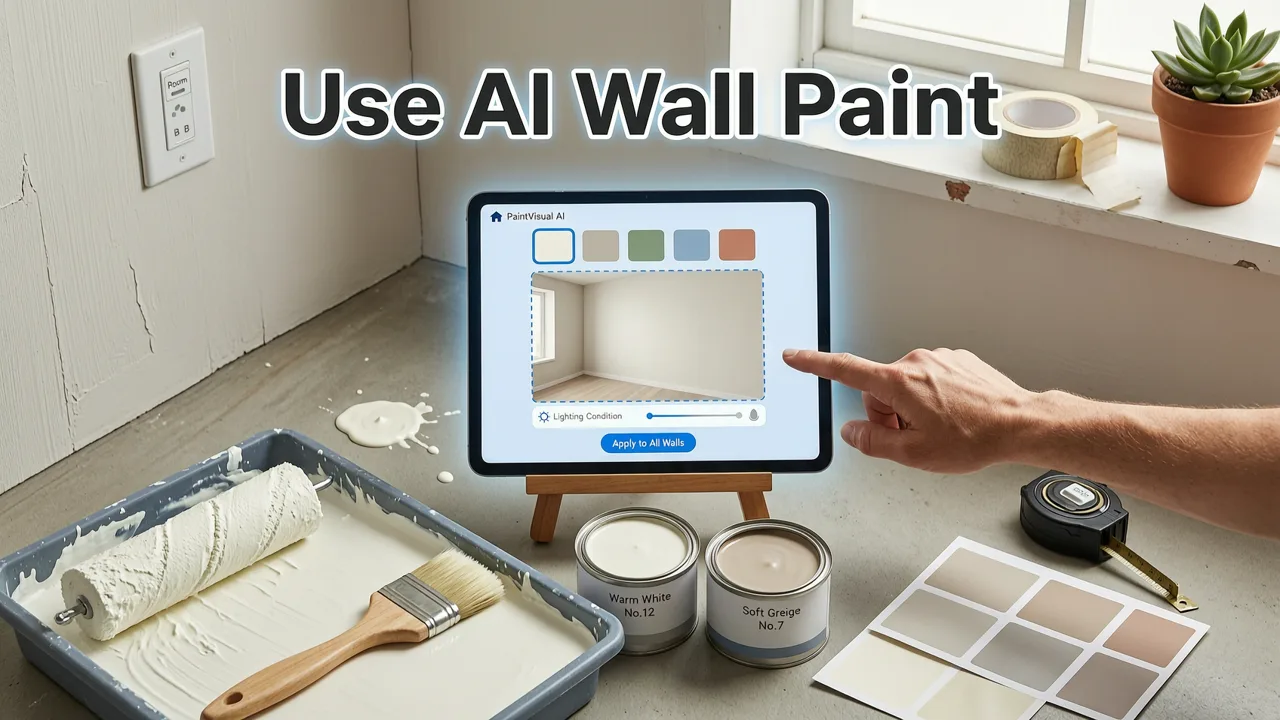
The process is straightforward, but the quality of your result depends on the quality of your input. Follow these steps to get the most accurate preview possible.
Step 1: Photograph Your Room Thoughtfully
Stand in a corner or doorway and capture the widest view of the wall you want to test. Use natural daylight if possible, or turn on the room lights you normally use in the evening. Avoid heavy shadows from your phone or body. A straight-on, well-lit photo gives the AI the cleanest data to work with.
Step 2: Upload and Let the AI Segment the Scene
Upload your photo to the visualizer. In 2026, leading tools complete segmentation in under three seconds, highlighting every paintable surface. You can accept the automatic selection or manually refine it if you want to exclude a built-in bookshelf or include an adjacent wall.
Step 3: Choose Your Color or Explore Styles
You can select a specific paint brand color by name or code, browse curated palettes, or describe a mood and let the AI suggest hues. Many visualizers now let you apply entire room styles, shifting wall color alongside complementary trim and accent tones. If you are also considering changes beyond paint, you can explore broader room transformations using tools like those featured in our guide on upload photo exterior redesign for curb-appeal projects that start outside and flow inward.
Step 4: Compare, Save, and Share
Generate multiple versions of the same room in different colors and view them side by side. Save your favorites, share them with a partner or designer, and export a reference sheet you can bring to the paint counter. This workflow collapses what used to be weeks of sampling into a single afternoon.
Key Features to Look for in a 2026 AI Wall Paint Visualizer
Not every visualizer delivers the same level of realism. When evaluating tools, focus on the capabilities that separate a professional-grade experience from a novelty demo.
| Feature | What It Does | Why It Matters |
|---|---|---|
| Depth-aware segmentation | Detects wall planes and separates them from objects in front | Prevents color bleed onto furniture, art, and fixtures |
| Lighting simulation | Adjusts paint tone based on natural and artificial light in the photo | Shows how color will look at different times of day |
| Brand-accurate color matching | Maps selections to real paint brand formulas | Lets you buy the exact color you previewed |
| Finish rendering | Simulates matte, eggshell, satin, and semi-gloss sheens | Helps you judge how reflectivity changes perceived color |
| Multi-room consistency | Applies the same palette across connected spaces | Ensures flow between rooms before you commit |
| Export and sharing | Generates high-resolution images and side-by-side comparisons | Makes it easy to get second opinions and contractor quotes |
AI Wall Paint Visualizer vs. Traditional Paint Sampling
To understand why homeowners and designers are switching to AI visualization, it helps to compare the old process with the new one.
The Traditional Sampling Workflow
You visit a store, collect paper swatches, buy sample pots, paint test patches on multiple walls, live with them for several days, and observe how they shift under morning, afternoon, and evening light. The process costs money, takes time, and still leaves room for doubt because a small patch never fully represents a full wall.
The AI Visualizer Workflow
You photograph your room, upload it, and preview dozens of colors in minutes. You see each color on the full wall, in your actual lighting conditions, alongside your existing furniture. You narrow down to two or three finalists, then order real sample pots only for those. The result is faster, cheaper, and more accurate because you are making decisions based on a realistic representation of the final outcome.
For homeowners tackling larger projects, this same logic extends beyond interiors. Our guide on how to visualize house exterior remodel before renovating covers how AI preview tools apply the same principles to siding, trim, and front door colors at scale.
Who Benefits Most from an AI Wall Paint Visualizer
Homeowners Planning a Refresh
If you are repainting one room or an entire house, the visualizer lets you test bold choices, like a deep navy dining room or a warm terracotta bedroom, without the commitment of a full can. You can see how a color interacts with your existing flooring, cabinetry, and textiles before making a decision.
Renters Looking for Reversible Updates
Renters who are allowed to paint, or who are considering peel-and-stick wallpaper in a coordinating hue, can use the visualizer to plan a look that feels personal without risking their deposit on a color they will regret.
Realtors and Home Stagers
A neutral, well-chosen paint color can transform how a listing photographs. Realtors use AI visualizers to test staging palettes across multiple rooms in a property, then share the mockups with sellers to align on a refresh strategy before listing day.
Interior Designers and Contractors
Professionals use visualizers to accelerate client presentations. Instead of describing a color concept verbally, a designer can show the client their actual living room in three different palettes during a single consultation. This reduces revision cycles and speeds up approval.
For those exploring career paths in this evolving field, our overview of AI interior design jobs in 2026 highlights how visualization fluency is becoming a core skill across the industry.
Tips for Getting the Most Accurate Color Previews
- Shoot in the lighting you live with. If you mostly use the room in the evening, photograph it with your usual lamps on. The AI will render the paint tone under those conditions.
- Include surrounding surfaces. Capture enough of the floor, trim, and adjacent walls so the AI can render color relationships accurately.
- Use a high-resolution photo. Sharper images give the segmentation model more detail to work with, reducing edge artifacts.
- Test at full wall scale. Resist the urge to zoom in on a corner. View the full-room render to judge how the color feels in context.
- Compare finalists side by side. Generate two or three versions and toggle between them. Small hue shifts become obvious when images are directly compared.
Common Mistakes to Avoid When Visualizing Paint Colors
Relying on a Single Photo
One angle can be misleading. Photograph the same wall from two or three positions, especially if the room has multiple light sources. This gives you a fuller picture of how the color wraps around the space.
Ignoring Undertones
A gray that looks neutral on a swatch may pull blue, green, or violet on your wall, depending on your flooring and lighting. Use the visualizer to compare the same hue family across several undertones before narrowing down.
Forgetting About Trim and Ceilings
Wall color does not exist in isolation. A strong wall hue can make white trim feel crisp or, conversely, dingy. Visualize the wall, trim, and ceiling together to confirm the combination works as a system.
Overlooking Finish
The same color reads differently in matte versus satin. If your visualizer offers finish options, test them. A glossy deep green will feel dramatically different from a matte version of the same shade.
How AI Wall Paint Visualization Fits Into a Larger Renovation Plan
Paint is often the first update in a renovation because it delivers the highest visual impact for the lowest cost. But it also sets the tone for everything that follows, from flooring and furniture to lighting and decor. Using an AI wall paint visualizer early in the process gives you a color foundation that informs every subsequent decision.
If your project extends beyond a single room, consider visualizing the entire home in one session. Many 2026 tools let you move from room to room within the same project file, maintaining a consistent palette and adjusting tones as spaces connect. For exterior projects that pair with an interior refresh, the redesign house exterior online tool lets you coordinate curb appeal with your indoor color story.
Responsible AI platforms follow transparency and accuracy guidelines, such as those outlined in Google's AI responsibility principles, ensuring that visualizations are clearly labeled as previews and that rendered colors are mapped to real-world formulas you can purchase.
The Future of AI Wall Paint Visualization
The trajectory is clear: visualizations are becoming indistinguishable from photographs. By late 2026, leading tools render paint with such fidelity that homeowners, contractors, and designers treat AI previews as decision-grade references rather than rough drafts. Expect continued improvements in multi-light simulation, real-time collaboration, and direct integration with paint manufacturer ordering systems.
For anyone planning a paint project, the message is simple. Stop guessing from swatches. Stop buying sample pots you will use once. Upload a photo, visualize the color on your actual wall, and make a decision you can stand behind. That is what an AI wall paint visualizer delivers, and it is now the standard starting point for every smart renovation.
Final Thoughts
Choosing paint is no longer a leap of faith. An AI wall paint visualizer gives you a realistic, room-specific preview in seconds, saving time, money, and the frustration of a color you regret. Whether you are updating a bedroom, staging a listing, or planning a full-home refresh, start with a photo and let the AI show you what the wall will really look like. Try it on your own room today and see how quickly confidence replaces uncertainty.