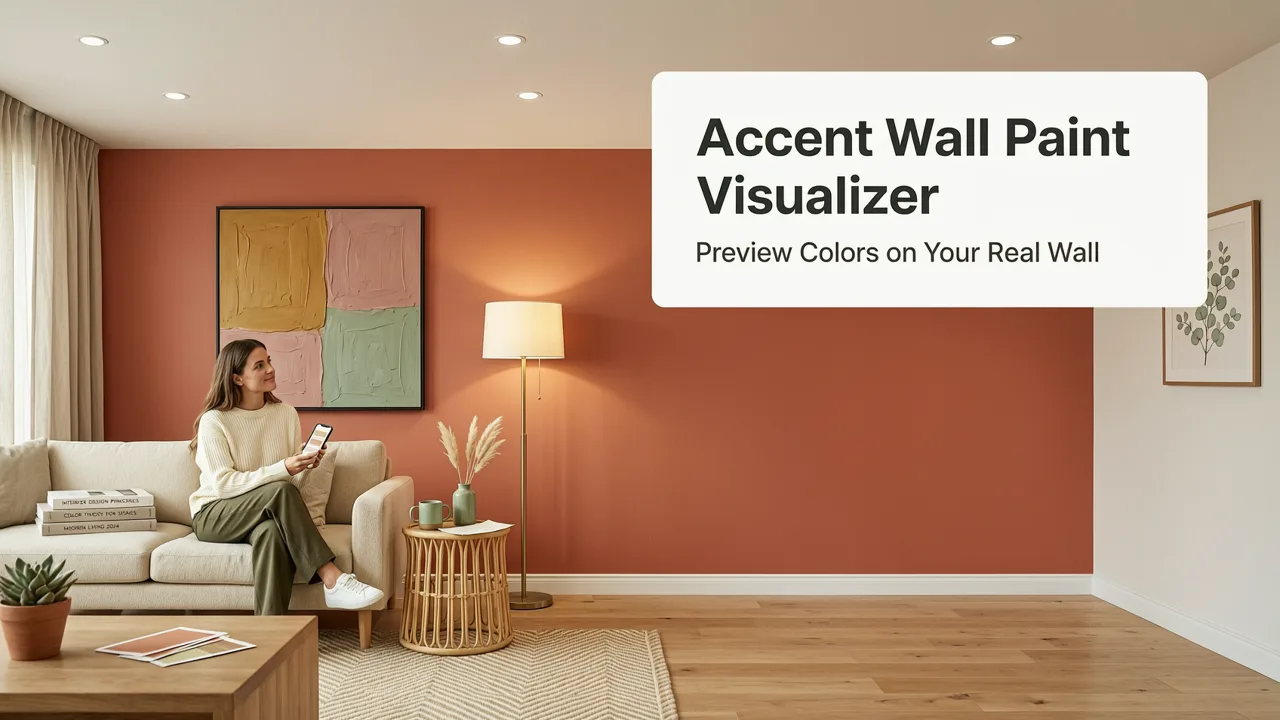
Free Accent Wall Paint Visualizer — Preview Colors on Your Real Wall
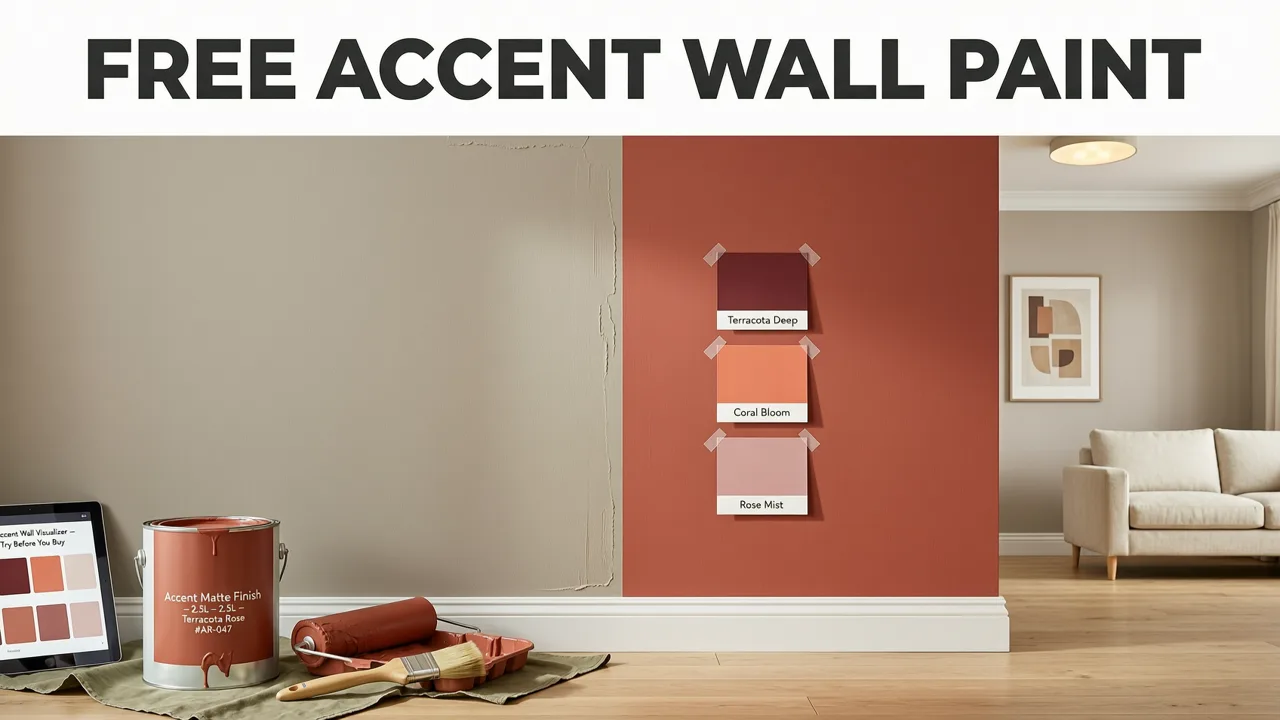
If you've ever stood in a paint aisle holding six swatches and still walked out empty-handed, you're not alone. Choosing an accent wall color is one of the most common renovation decisions — and one of the easiest to get wrong under store lighting. Our free accent wall paint visualizer lets you upload a photo of your room and instantly see how dozens of paint colors look on your actual wall, in your actual lighting, at zero cost.
No software to install. No designer to hire. No 3D modeling skills required. Just a photo, a color, and a photorealistic preview in seconds.
Why a Dedicated Accent Wall Paint Visualizer Matters
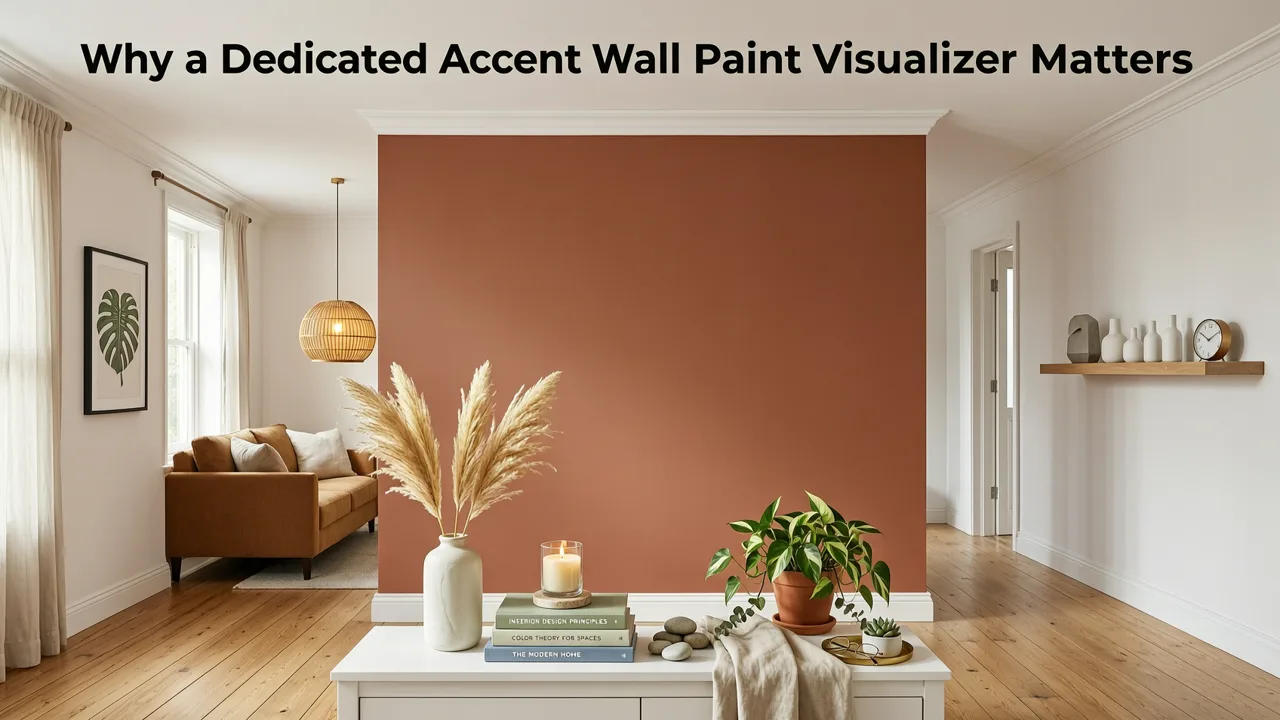
Paint is the single highest-impact, lowest-cost transformation you can make in a room. But unlike furniture or art, you can't return a gallon of paint once it's on the wall. That's why visualizing before committing isn't optional — it's essential.
How To Paint a Feature Wall - Top tips for an Accent Wall
by Justin Bailly JBTV
Traditional paint visualizers from major brands often fall short. They use flat color overlays that ignore shadows, furniture, texture, and natural light. The result looks like a sticker, not a preview. A modern AI-powered accent wall paint visualizer solves this by understanding the geometry, depth, and lighting of your actual space.
What Separates a Good Visualizer From a Gimmick
- True-to-wall accuracy — the color follows the wall's perspective, corners, and edges.
- Lighting awareness — shadows and highlights remain natural, not washed out.
- Furniture preservation — your sofa, shelving, and decor stay intact in the preview.
- Speed — results in under ten seconds, not ten minutes.
How AI Accent Wall Paint Visualizers Work in 2026
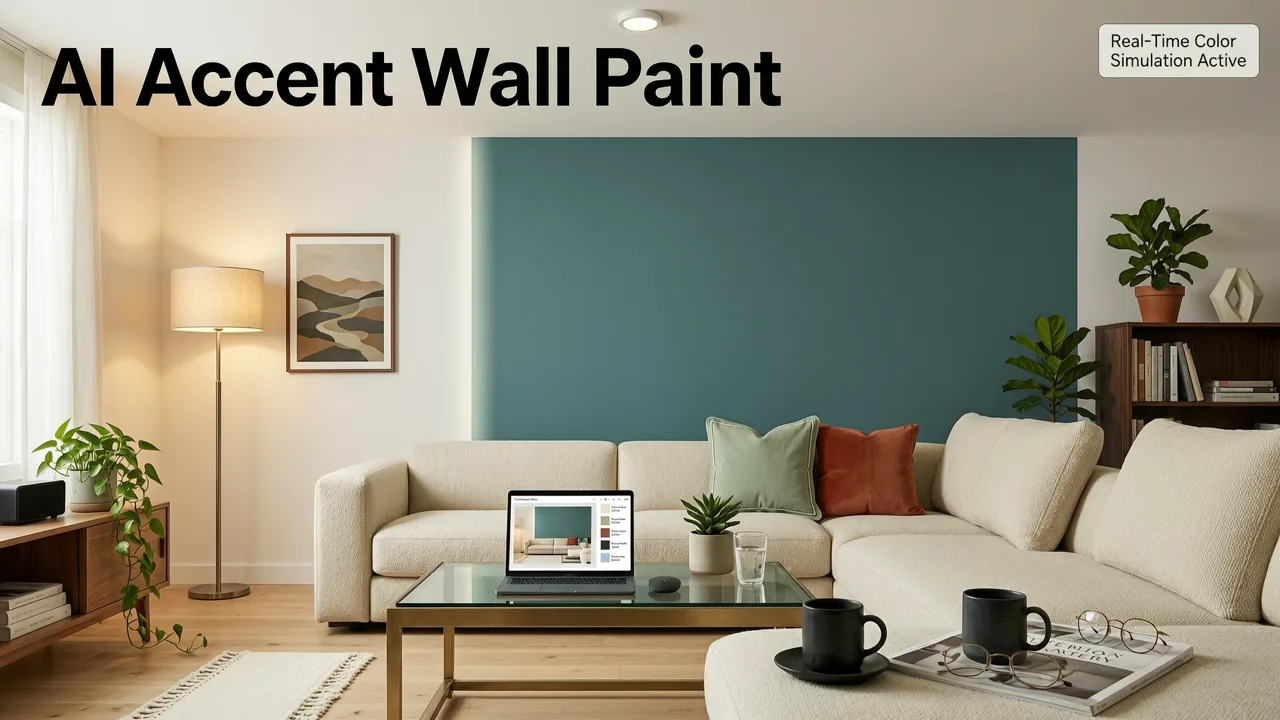
The technology behind today's visualizers has matured significantly. Modern tools use semantic segmentation models trained on millions of interior images to identify walls, trim, ceilings, and furnishings with near-perfect accuracy. Once the wall is isolated, the AI applies the selected paint color while preserving the wall's original texture, shadows, and ambient light reflections.
Unlike the early days of flat Photoshop-style overlays, 2026-era visualizers understand material properties. A matte finish renders differently than a satin or eggshell sheen. The AI accounts for this, giving you a preview that matches what you'll actually see once the paint dries.
For a deeper look at the underlying models and responsible AI practices, platforms like ours align with guidance from Google AI responsibility principles and leverage architectures documented in the OpenAI documentation.
Step-by-Step: How to Use the Accent Wall Paint Visualizer
- Take a photo of your wall. Stand squarely facing the wall. Use natural daylight if possible — avoid flash.
- Upload the photo to the visualizer tool. JPG or PNG, any resolution.
- Select the wall you want to accent. The AI auto-detects walls, but you can refine the selection.
- Choose a paint color. Browse by family (warm neutrals, cool blues, earthy greens, bold jewel tones) or enter a specific brand code.
- Preview instantly. The tool renders a photorealistic image showing the color on your wall with all existing furniture and lighting preserved.
- Compare side by side. Save multiple color options and toggle between them to narrow your choice.
The entire process takes about 30 seconds from upload to final preview. You can explore as many colors as you like — there's no limit and no paywall on the free tier.
Best Accent Wall Colors to Try in 2026
Trends shift, but certain accent wall strategies remain timeless. Here's a quick reference for popular directions homeowners are exploring this year:
| Color Family | Best For | 2026 Trend Status | Visualizer Tip |
|---|---|---|---|
| Warm Terracotta | Living rooms, dining areas | Rising — earthy warmth is dominant | Preview in evening light to test coziness |
| Deep Navy | Bedrooms, home offices | Steady — classic and grounding | Pair with white trim in the visualizer |
| Sage Green | Kitchens, bathrooms | Plateauing — still popular but saturating | Test against your cabinet color |
| Charcoal / Near-Black | Media rooms, powder rooms | Growing — dramatic and modern | Ensure adequate lighting in your photo |
| Dusty Rose / Blush | Bedrooms, nurseries | Moderate — niche but loyal following | Compare with warm and cool whites |
| Muted Gold / Ochre | Entryways, accent niches | Emerging — warm alternative to yellow | Preview next to wood tones in your room |
Common Mistakes People Make When Choosing an Accent Wall Color
Picking a Color in the Store, Not the Room
Paint swatches look dramatically different under fluorescent store lights versus your living room's warm LED bulbs or north-facing natural light. This is the single biggest reason accent walls disappoint. A visualizer that uses your own photo eliminates this problem entirely.
Choosing the Wrong Wall
An accent wall should be the focal point — the wall your eye lands on first. Behind the bed. Behind the sofa. Behind the TV console. Accent walls on side walls or walls broken by multiple doors rarely have the intended impact. Before you visualize, identify which wall anchors the room.
Ignoring the Existing Palette
Your accent color needs to harmonize with your flooring, furniture, and fixed elements. If you have warm oak floors and a cream sofa, a cool icy blue accent wall will clash. Use the visualizer to test colors against your existing setup rather than imagining an idealized version of your room.
Going Too Bold Without Testing
A rich emerald green looks stunning in a magazine spread but can feel overwhelming in a small, dimly lit room. The visualizer lets you push the saturation to see where the breaking point is — often one shade lighter than you initially chose is the sweet spot.
Accent Wall Paint Visualizer vs. Traditional Methods
| Method | Cost | Time | Accuracy | Reversibility |
|---|---|---|---|---|
| Physical sample pots | $5–$15 per color | Hours to days | High on wall, but limited to 2–3 colors | Requires repainting |
| Brand web visualizers | Free | 1–3 minutes | Low — flat overlays, no depth | Unlimited |
| AI accent wall paint visualizer | Free | Under 30 seconds | High — photorealistic, lighting-aware | Unlimited |
| Hiring an interior designer | $200–$1,000+ | Days to weeks | Very high — expert judgment | Varies |
How to Get the Best Results From Your Photo
The quality of your visualizer output depends partly on the quality of your input photo. Follow these guidelines for the most accurate previews:
- Shoot straight on. Avoid extreme angles. Stand centered on the wall, about six to eight feet back.
- Use natural light. Open the curtains. Turn off mixed artificial lights if possible to avoid color casts.
- Clear clutter from the wall surface. Remove hanging art or mirrors temporarily so the AI can map the wall cleanly.
- Include surrounding context. Capture some of the adjacent walls, floor, and nearby furniture so the visualizer can render a realistic scene.
- Use a high-resolution image. Smartphone cameras in 2026 produce more than enough quality — just make sure the image isn't blurry or overexposed.
Using the Visualizer Beyond Accent Walls
While the tool excels at accent wall color testing, it's equally powerful for whole-room repaints, exterior color changes, and even landscape planning. If you're considering a full room transformation, you can visualize every wall at once. For exterior projects, our DrHomey exterior design tool extends the same photorealistic AI approach to siding, roofing, and trim colors on your home's facade.
Planning a garden refresh to complement your newly painted exterior? The best AI garden design app lets you visualize landscaping changes in real time, so your outdoor spaces feel as intentional as your interiors.
Who Benefits Most From an Accent Wall Paint Visualizer
Homeowners Planning a DIY Paint Weekend
Test five colors in five minutes before driving to the hardware store. Eliminate buyer's remorse before it starts.
Renters Looking for Removable Options
If you're considering peel-and-stick wallpaper or removable paint, visualizing the color first ensures you choose a shade you'll love for the duration of your lease.
Real Estate Agents Staging Listings
Show sellers exactly how a fresh accent wall could transform a dated room — without spending a dollar on actual paint. It's a powerful tool for renovation consultations and listing presentations.
Interior Designers Pitching Concepts
Speed up client presentations. Instead of bringing physical boards to a first meeting, generate photorealistic color options on the client's own walls and narrow choices together in real time.
Tips for Pairing Your Accent Wall With the Rest of the Room
An accent wall doesn't exist in isolation. Here are professional guidelines for making it feel cohesive:
- Pull a secondary color from the accent. If your accent wall is deep navy, carry that blue into throw pillows, a rug pattern, or artwork elsewhere in the room.
- Keep adjacent walls neutral. Warm whites, soft greys, and creamy off-whites let the accent wall breathe without competing.
- Mind the sheen. Most designers recommend matching the accent wall's sheen to the surrounding walls — typically eggshell or satin — so the difference is color, not finish.
- Consider the room's sightlines. If the accent wall is visible from adjoining rooms, make sure it works from multiple viewpoints, not just head-on.
For guidance on choosing the right white or neutral for surrounding walls, our guide to the best white paint for small rooms pairs perfectly with accent wall planning.
Why AI Visualizers Are Replacing Physical Paint Samples
Physical sample pots will always have a place — there's no substitute for seeing dried paint on an actual wall over several days of changing light. But for the early exploration phase, AI visualizers have become the industry standard. They let you test twenty colors in the time it takes to paint one sample board.
The technology has matured to the point where the previews are genuinely reliable. Homeowners, designers, and realtors routinely use AI-generated previews to make final color decisions — and the results match the painted outcome at a rate that satisfies even detail-oriented professionals.
Start Visualizing Your Accent Wall Today
Choosing an accent wall color shouldn't require a leap of faith. With a free accent wall paint visualizer, you can explore unlimited options, compare side by side, and commit with confidence — all from a single photo of your room.
Upload your photo now, pick a color family, and see your wall transformed in seconds. Your perfect accent wall is one upload away.
Frequently Asked Questions
Is the accent wall paint visualizer really free?
Yes. You can upload photos, test unlimited colors, and download previews at no cost. There is no trial period or credit card requirement for the core visualizer tool.
How accurate are the color previews?
The visualizer uses AI-driven photorealistic rendering that accounts for your room's lighting, shadows, and wall geometry. While screen calibration can cause minor variation, the previews are accurate enough to make confident color decisions. For absolute certainty, order a physical sample of your top two choices after narrowing down with the visualizer.
Can I use my own paint brand color codes?
Yes. The tool supports major paint brand color systems and also allows custom hex or RGB input, so you can match any specific shade you've found online or in a catalog.
Does the visualizer work for exterior walls too?
The accent wall visualizer is optimized for interior spaces. For exterior color and material visualization, the DrHomey exterior design tool is purpose-built for facades, siding, roofing, and trim.
What photo format and size should I upload?
JPG and PNG files are supported. Any resolution from standard smartphone cameras works well. For best results, use a well-lit, straight-on photo of the wall without extreme wide-angle distortion.