What Is an AI Bedroom Redesign Tool and How Does It Work?
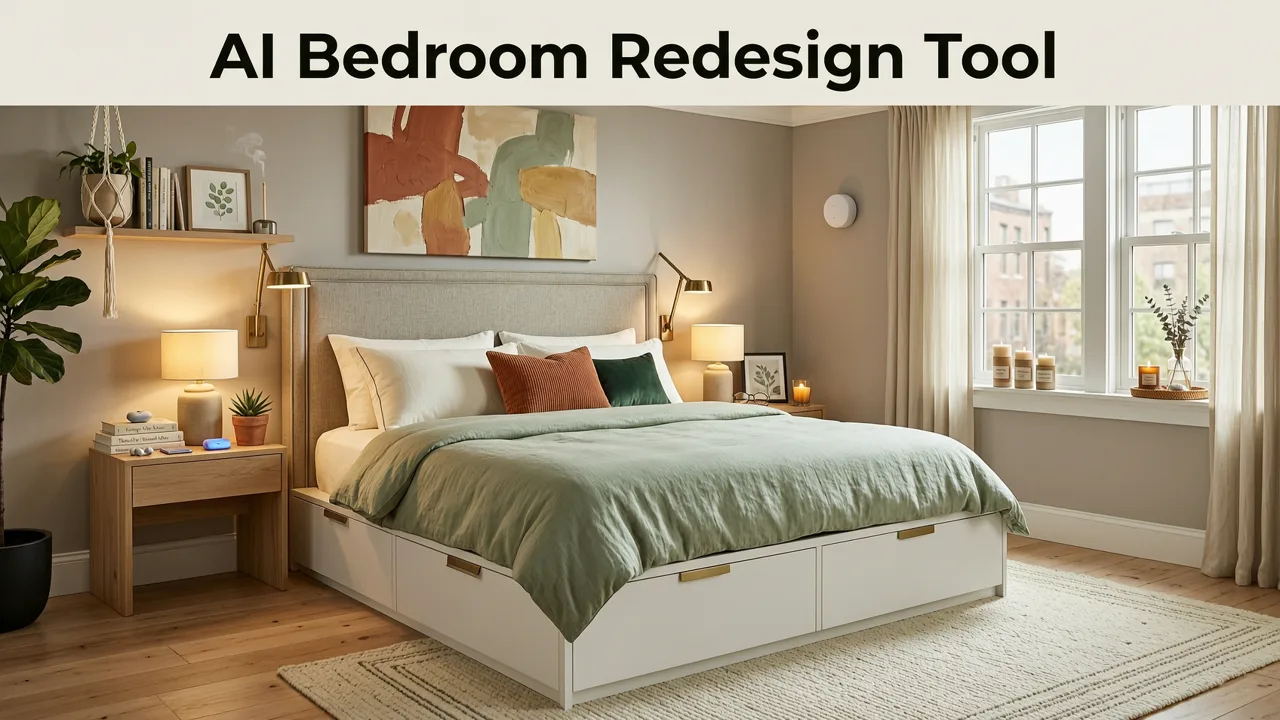
If you have ever stared at a blank bedroom wall, unsure whether a moody navy or a crisp linen would suit the space, you understand the paralysis of choice. An AI bedroom redesign tool solves this by letting you upload a single photo and instantly generating photorealistic makeovers in multiple design styles. Instead of guessing how a mid-century modern bed frame or a specific paint color will look in your actual room, AI visualization provides true-to-room previews in seconds, eliminating the need for expensive 3D software or initial designer consultations.
At its core, this technology relies on advanced generative AI and computer vision. When you upload an image of your bedroom, the system analyzes the spatial geometry, existing lighting conditions, and architectural features. It then maps your selected design parameters—such as Scandinavian minimalism or industrial chic—onto the physical dimensions of your room. According to foundational principles outlined in OpenAI documentation, multimodal models achieve this by processing both visual and textual inputs simultaneously, ensuring that the generated furniture and textures respect the physical boundaries and perspective of the original photograph.
Why Homeowners and Designers Rely on AI Visualization in 2026

The shift toward AI-driven home renovation visualization has fundamentally changed how spaces are planned. In the past, conceptualizing a bedroom makeover required either a vivid imagination or a significant financial investment in professional rendering. Today, the accessibility of these tools offers distinct advantages for both casual homeowners and industry professionals.
Redesigning a Bedroom Without Touching the Walls | AI Bedroom Transformation
by HomeDesignsAI
Cost and Time Efficiency
Traditional interior design involves multiple iterations, physical material sampling, and lengthy consultation periods. An AI bedroom redesign tool compresses this timeline from weeks to minutes. Users can explore dozens of layout variations, color palettes, and furniture styles without paying hourly design fees. This rapid iteration allows for confident decision-making before a single can of paint is opened or a piece of furniture is ordered.
Risk Reduction in Renovation
Renovations are expensive, and mistakes are costly. Visualizing a space digitally mitigates the risk of buyer's remorse. By seeing exactly how a dark accent wall interacts with the natural light in your specific bedroom, or how a bulky king-size bed affects the walking space, you can avoid impractical design choices. Responsible AI development, as emphasized in Google AI guidance, ensures that these visual tools prioritize accuracy and user trust, providing reliable representations rather than misleading idealizations.
Core Features of a High-Quality AI Bedroom Redesign Tool
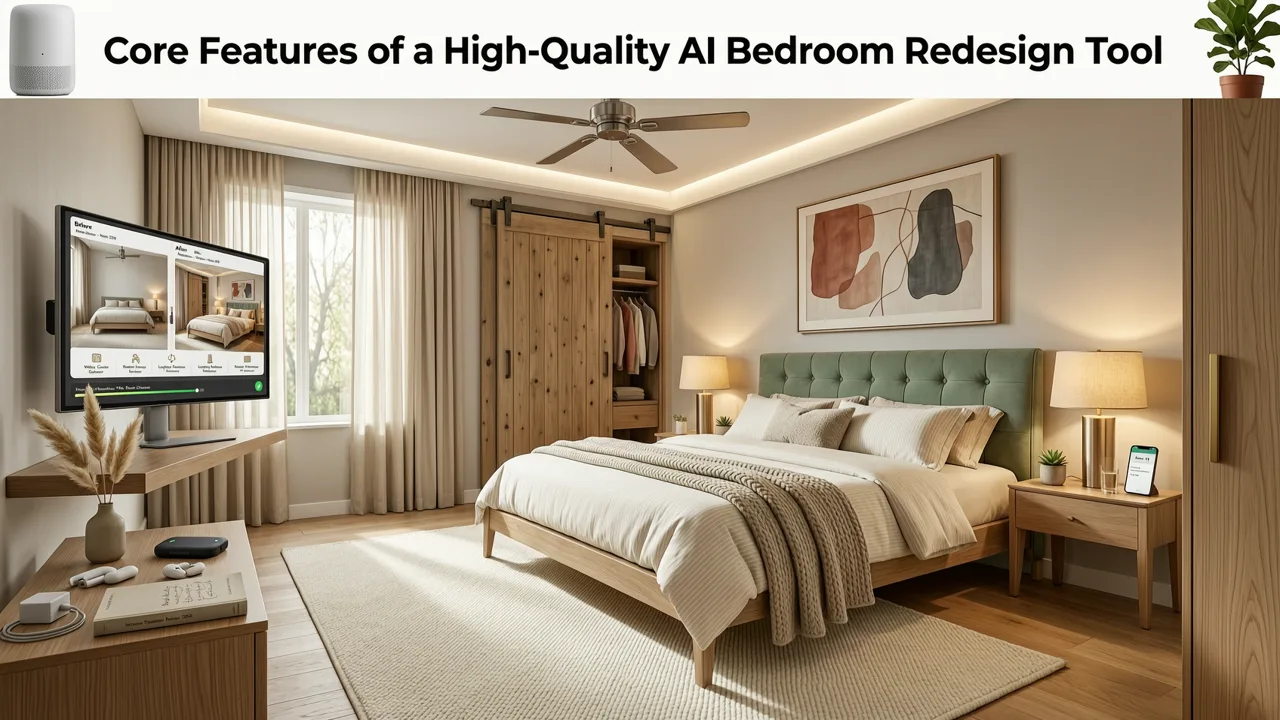
Not all visualization platforms are created equal. When evaluating an AI bedroom redesign tool, certain capabilities separate basic filters from professional-grade rendering engines.
- Photorealistic Rendering: The tool must accurately simulate how light interacts with different textures, such as matte paint, velvet upholstery, and hardwood flooring.
- Object Retention and Replacement: Advanced platforms allow you to keep existing structural elements or specific furniture pieces while changing everything else, ensuring the redesign fits your actual lifestyle.
- Style Transfer Accuracy: The AI should understand the nuanced differences between design aesthetics, applying correct architectural details and decor elements for each specific style.
- Lighting Simulation: The ability to adjust the time of day or lighting conditions in the generated image helps verify how a design will look from morning to night.
Step-by-Step Guide to Redesigning Your Bedroom with AI
Achieving a flawless virtual staging or room makeover requires a strategic approach to the source material and the generation process.
Step 1: Capture the Optimal Source Photo
The quality of the AI output is directly tied to the quality of the input image. Stand in the corner of your bedroom to capture the maximum depth. Ensure the room is well-lit, ideally with natural daylight, and remove excessive clutter. A clean, wide-angle shot provides the AI with the clearest understanding of your room's proportions.
Step 2: Define Your Design Intent
Before generating, clarify the mood and function you want for the bedroom. If you are focusing on wall treatments, you might want to explore how different shades affect the perception of space. For smaller bedrooms, understanding color theory is crucial, and resources like the Best White Paint for Small Rooms in 2026 guide can help you select the right foundational tones to feed into your visualization process.
Step 3: Generate, Refine, and Compare
Upload your photo to the AI bedroom redesign tool and select your desired style. Generate multiple variations to compare how different layouts and color schemes impact the room. If you are specifically testing wall colors, utilizing a dedicated White Wall Paint AI Visualization workflow can provide hyper-accurate shade matching that general room stylizers might approximate.
AI Bedroom Redesign Tool vs. Traditional 3D Rendering Software
For those accustomed to traditional design methods, the transition to AI-powered platforms represents a significant paradigm shift. The following table highlights the operational differences between modern AI visualization and legacy 3D modeling.
| Feature | AI Bedroom Redesign Tool | Traditional 3D Rendering Software |
|---|---|---|
| Setup Time | Seconds (upload a photo) | Hours to days (build the 3D model from scratch) |
| Learning Curve | Minimal; intuitive interface | Steep; requires technical training in 3D modeling |
| Photorealism Speed | Instantaneous generation | Requires lengthy rendering times for high-quality output |
| Hardware Requirements | Standard smartphone or web browser | High-end PC with dedicated graphics processing units |
| Cost | Low subscription or freemium models | High software licensing and hardware investment |
While traditional software offers absolute granular control over every polygon, AI tools provide unparalleled speed and accessibility, making them the superior choice for rapid conceptualization and client presentations.
Coordinating Colors and Textures After AI Generation
Once the AI bedroom redesign tool has provided you with a stunning visual concept, the next phase is physical execution. Translating a digital render into a physical space requires careful selection of materials.
Navigating Wall Treatments
If your AI generation features a striking focal point, you must decide how to replicate it physically. The debate between painted accents and applied materials is common. Understanding the pros and cons of each, as detailed in the Accent Wall Paint vs Wallpaper comparison, will help you choose the most practical and cost-effective method for your specific bedroom layout.
Fine-Tuning Specific Shades
AI tools are excellent for overall style, but when it comes to exact paint matching, specialized tools are necessary. After settling on a general color family from your AI renders, use a Free Accent Wall Paint Visualizer to test specific brand-name paint colors directly on your original photo. This ensures the physical paint you purchase matches the exact hue you fell in love with during the AI visualization process.
Common Mistakes to Avoid When Using AI for Interior Design
To maximize the effectiveness of your virtual makeovers, be mindful of these frequent pitfalls.
- Ignoring Scale and Proportion: AI can sometimes generate furniture that looks perfect in isolation but overwhelms the physical space. Always cross-reference the generated items with the actual dimensions of your bedroom.
- Poor Source Photography: Uploading dark, blurry, or heavily obstructed photos will result in inaccurate AI generations. The system needs clear sightlines to understand the room's architecture.
- Overlooking Lighting Context: A design that looks incredible in a digitally brightened render might feel cavernous or dull in a room with limited natural light. Always consider your room's actual lighting constraints.
Conclusion
An AI bedroom redesign tool is an indispensable asset for anyone looking to renovate, redecorate, or simply explore new design possibilities for their sleeping space. By bridging the gap between imagination and reality, these platforms empower users to make confident, cost-effective design decisions. Whether you are a homeowner planning a weekend refresh or a realtor preparing a property for the market, AI visualization ensures your final result is exactly what you envisioned.
Ready to see your bedroom transformed? Explore the full capabilities of AI interior design and start generating your photorealistic room makeovers today by visiting the AI Interior Design platform to upload your first photo and choose your style.