What Is the aidesigninteriors paint tool?
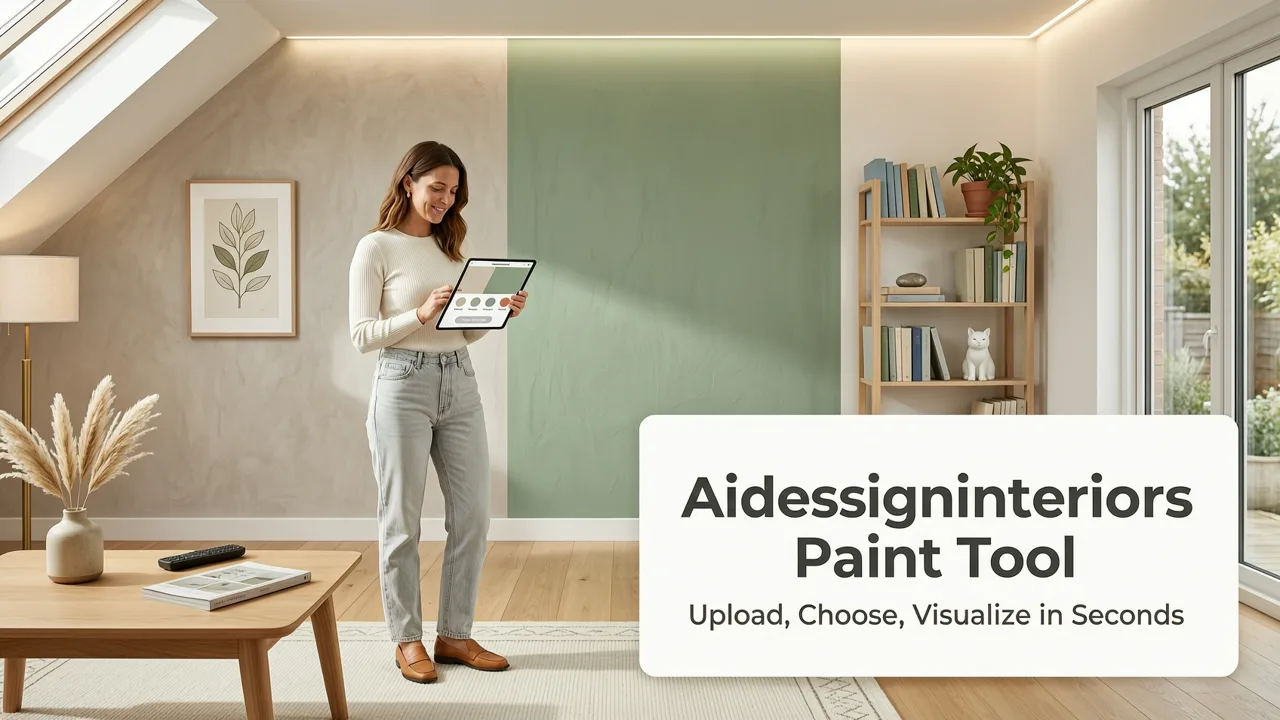
Finding the perfect wall color should not require buying a dozen sample pots, painting swatches on the drywall, and waiting days to see how they look in different lighting. The aidesigninteriors paint tool lets you instantly visualize how different paint colors and design styles will look in your actual space. By simply uploading a photo of your room, selecting your preferred palette, and processing the image through advanced AI, you receive a photorealistic preview in seconds. This approach eliminates the guesswork, saves money on wasted materials, and prevents costly renovation mistakes before a single brush touches the wall.
Unlike basic color overlay apps that simply paint a flat, two-dimensional block of color over your image, this platform utilizes spatial awareness and lighting recognition. It understands the geometry of your room, identifies architectural features like baseboards, crown molding, and window frames, and applies the selected paint color with accurate shadows and highlights. The result is a true-to-room preview that reflects how the color will actually behave in your specific environment.
How the aidesigninteriors paint tool Works
The workflow is designed to be intuitive, requiring no prior experience with 3D modeling software or interior design platforms. The process follows a straightforward sequence to ensure accurate and visually compelling results.
Trying NINE AI Interior Design Generators to Redesign my Living Room!
by Cozy DIY Home
- Upload Your Photo: Begin by taking a clear, well-lit photograph of the room or exterior you want to redesign. Upload this image directly to the platform.
- Select Your Paint Color or Style: Choose from a comprehensive library of paint colors, or select a broader design style if you want the AI to suggest complementary textures and furnishings alongside the wall color.
- Generate the Visualization: The AI analyzes the spatial dimensions, existing lighting, and architectural boundaries of your uploaded photo. It then maps the selected color onto the walls, adjusting for depth and perspective.
- Review and Refine: Examine the photorealistic preview. If the shade is too dark or the lighting does not match your preference, adjust the inputs and regenerate the image until it perfectly aligns with your vision.
This rapid iteration process allows users to test dozens of color combinations in the time it would normally take to paint a single test patch.
Key Features of the AI Paint Visualizer
Photorealistic Lighting and Shadow Mapping
One of the most significant challenges in selecting paint is understanding how natural and artificial light will affect the final appearance. The visualizer accounts for the light sources present in your original photo. It applies the new color while preserving the existing shadows cast by furniture, window frames, and architectural details. This ensures that a color that looks vibrant in a sunlit corner does not unexpectedly turn muddy in a shaded alcove.
True-to-Room Proportions and Edge Detection
Advanced edge detection algorithms differentiate between walls, ceilings, trim, and flooring. This precision prevents color bleed, ensuring that your chosen wall color stays strictly within the boundaries of the wall. The tool respects the existing proportions of the room, meaning the visualization remains an accurate representation of your physical space rather than a stylized or distorted interpretation.
Instant Style Translations
Beyond just applying a hex code to a wall, the tool can interpret broader design aesthetics. If you select a specific interior design style, the AI can suggest how that color palette integrates with different textures, materials, and decor elements, providing a more holistic view of the renovation.
Who Benefits Most from This AI Paint Visualizer?
The utility of this technology extends across various user groups, each leveraging the tool to solve specific visualization challenges.
Homeowners and Renters
For individuals planning a DIY weekend project or coordinating with contractors, the ability to see the final result before committing is invaluable. It removes the anxiety of choosing a bold color and helps renters visualize how they can personalize a space within the bounds of their lease. If you are exploring specific shades for compact areas, the guide on Best White Paint for Small Rooms in 2026 provides excellent recommendations to test in the visualizer.
Realtors and Property Stagers
Real estate professionals use AI visualization to offer virtual staging and renovation previews to potential buyers. Showing a prospective buyer an empty room with a fresh, modern coat of paint can significantly accelerate the decision-making process and help them visualize the property's potential.
Interior Designers
Designers utilize the platform to create rapid concept presentations for clients. Instead of spending hours building 3D renders in complex software, designers can generate accurate color concepts in minutes, facilitating faster feedback loops and more collaborative design sessions. To understand the mechanics behind the rendering, you can read more about White Wall Paint AI Visualization.
Traditional Paint Sampling vs. AI Visualization
Understanding the advantages of AI visualization becomes clearer when comparing it directly to traditional paint sampling methods. The following table outlines the key differences in time, cost, and accuracy.
| Feature | Traditional Paint Sampling | aidesigninteriors paint tool |
|---|---|---|
| Time Required | Days to weeks (purchasing, painting, drying, observing) | Seconds to minutes |
| Financial Cost | High (cost of multiple sample pots, brushes, and supplies) | Low (digital platform access) |
| Accuracy in Different Lighting | Requires physical observation over multiple days | Instantly simulates lighting based on the uploaded photo |
| Number of Colors Tested | Typically limited to 3-5 due to cost and effort | Unlimited digital variations |
| Mess and Cleanup | Requires physical cleanup and wall preparation | Zero physical mess |
Best Practices for Getting Accurate AI Paint Previews
The quality of the AI output is directly tied to the quality of the input image. Following a few professional photography guidelines will ensure the most accurate and useful visualizations.
- Capture Even Lighting: Take the photo during the day with natural light filling the room. Avoid using harsh flash photography, as this can create unnatural highlights that the AI might misinterpret as permanent architectural features.
- Mind the Angles: Shoot the room from a corner or a wide angle to capture the maximum amount of wall space. Keep the camera level to prevent distorted perspective lines, which can confuse the spatial mapping algorithms.
- Clear the Clutter: While the AI is designed to map walls behind furniture, removing small, distracting objects from the foreground helps the system focus on the architectural boundaries and larger furniture pieces.
- Include Architectural Details: Ensure that baseboards, window trims, and doors are visible in the frame. These elements provide crucial reference points for the AI to understand where the wall color should stop and the trim color should begin.
When deciding between finishes and textures for a specific wall, the comparison of Accent Wall Paint vs Wallpaper offers practical insights. You can also test specific focal point ideas using the Free Accent Wall Paint Visualizer to see how a bold color interacts with your existing decor.
The Technology Behind the Visualization
The aidesigninteriors paint tool relies on advanced computer vision and generative AI principles. The system first performs semantic segmentation, identifying and labeling every pixel in the image according to the object it represents (e.g., wall, floor, window, sofa). Once the walls are isolated, the AI applies the selected color while analyzing the existing luminance and shadow gradients in the original photo.
By preserving the original lighting data, the tool ensures that the new paint color looks integrated into the space rather than pasted on top of it. For a deeper understanding of the underlying machine learning models that power modern visual applications, you can review the OpenAI documentation or explore Google AI guidance on responsible AI development in visual and spatial computing.
Making the Final Decision
While AI visualization is an incredibly powerful tool for narrowing down choices and building confidence, it is always advisable to order a physical sample of your final top choice. The digital preview provides a highly accurate representation of the color's tone, depth, and interaction with your room's lighting, but a physical sample confirms the exact finish and texture. Use the digital tool to reduce fifty options down to three, and then use physical samples to make the final selection.
By integrating digital foresight with physical verification, you ensure a renovation process that is both efficient and perfectly aligned with your aesthetic goals. The aidesigninteriors paint tool transforms the most stressful part of home renovation into a creative, instantaneous, and highly accurate experience.
Ready to see your space in a new light? Visit the AIDesignInteriors platform today to upload your first photo and start visualizing your dream interior.