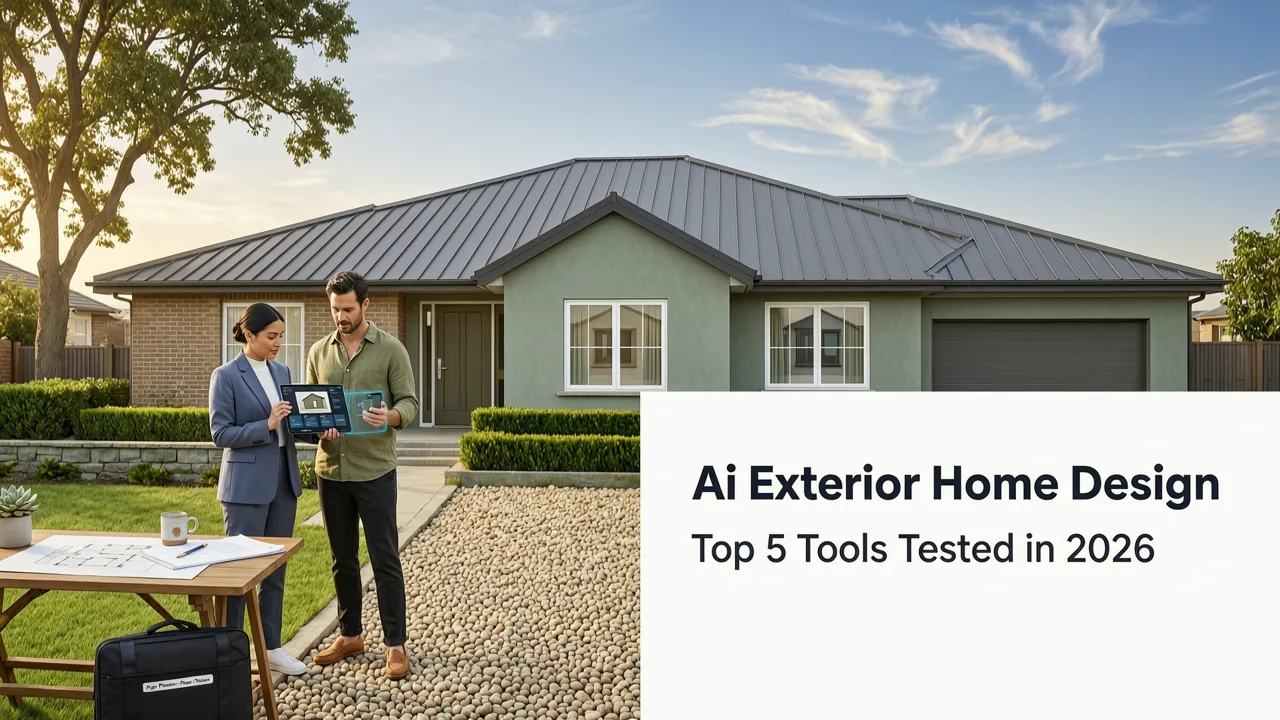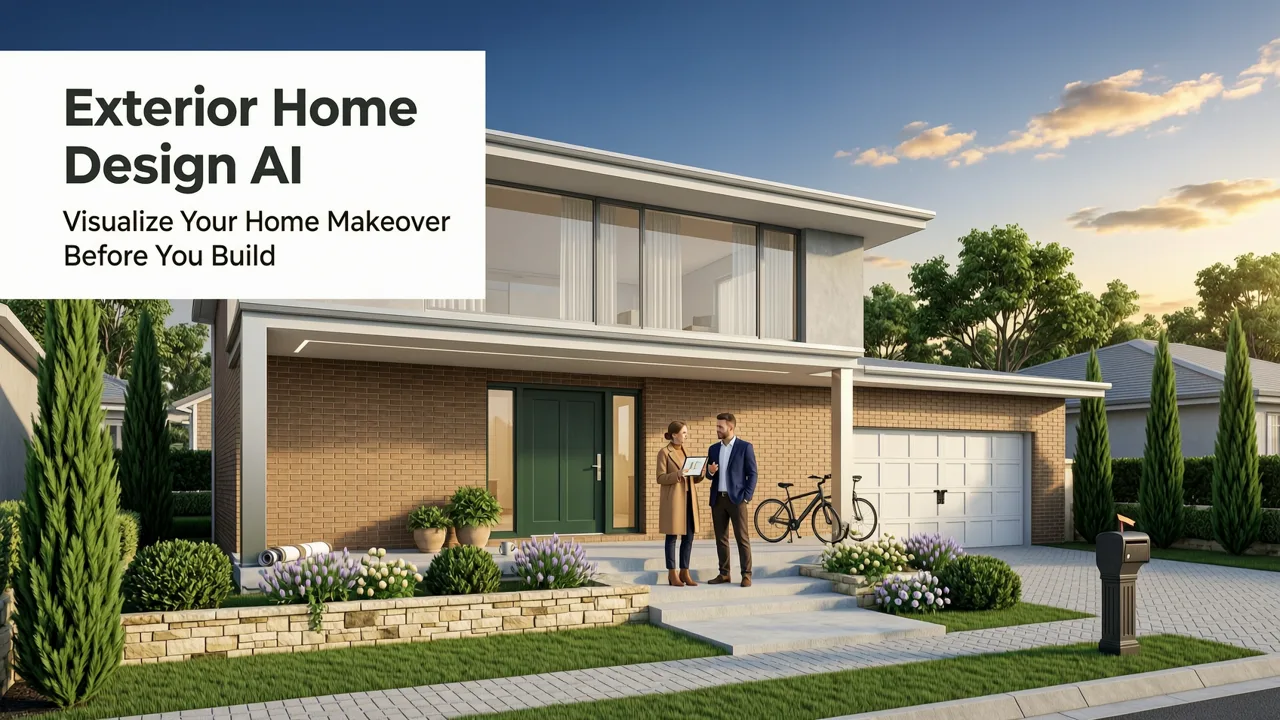
Exterior Home Design AI: Visualize Your Home Makeover Before You Build
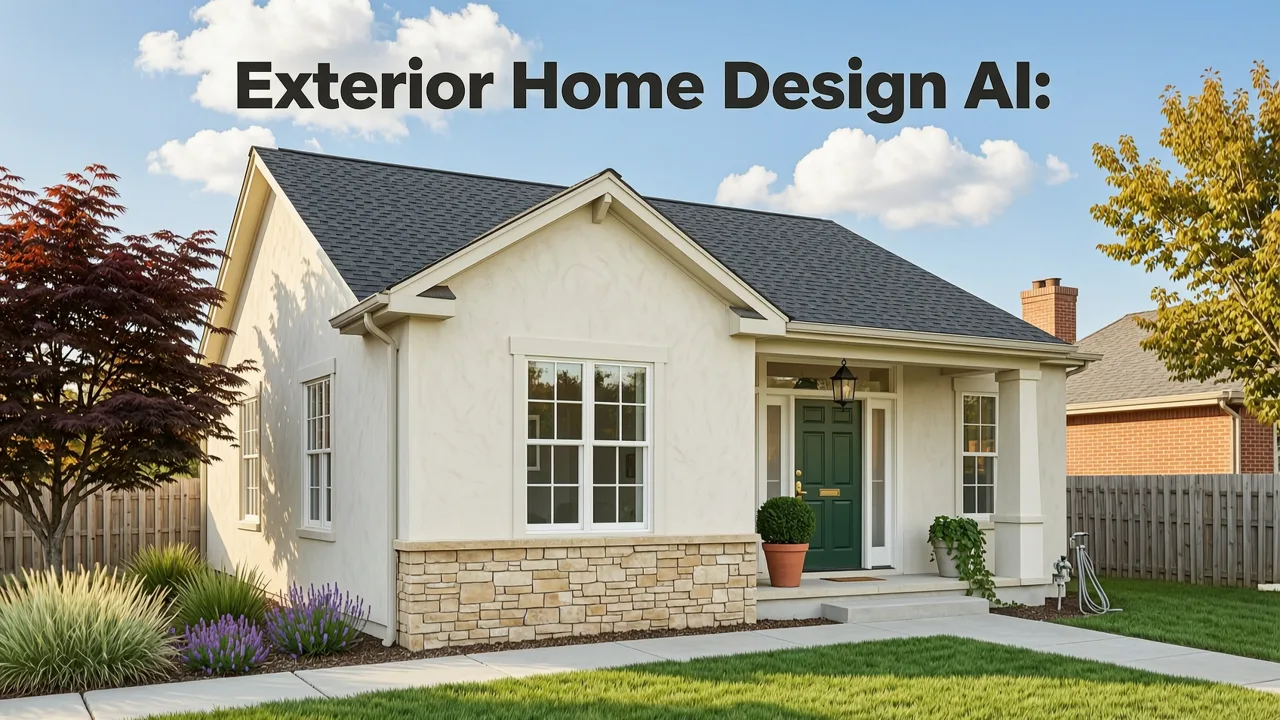
If you have searched for exterior home design AI, you are probably staring at weathered siding, an outdated roofline, or a patchy front yard, wondering whether the next renovation will look like the inspiration photos you saved — or like an expensive mistake. The short answer: in 2026, you no longer need to guess. Exterior home design AI tools can transform a single smartphone photo of your house into multiple photorealistic style variations in under a minute, giving homeowners, renters, realtors, and designers a reliable preview before a single contractor is hired.
This guide explains exactly how exterior home design AI works today, what separates a useful rendering from a gimmick, and the step-by-step workflow you can follow to plan a siding swap, a new color palette, a porch upgrade, or a full curb-appeal overhaul with confidence.
Why Exterior Home Design AI Matters More Than Ever in 2026

Renovation costs have kept climbing, and the price of a wrong material choice — a brick veneer that clashes with the roof, a front door color that disappears against the siding, a landscape style that fights the architecture — is no longer a small correction. It is a five-figure problem. Exterior home design AI solves that by compressing the visualization stage from weeks of mood boards and sample deliveries into seconds of photo-to-render output.
Exterior Renovation On a Section of a Home | Remodel AI: Step-by-Step Tutorial
by Remodel AI
Three shifts have made this technology mainstream in 2026:
- Photorealism that respects the original photo. Modern models preserve window placement, roof pitch, driveway geometry, and even the neighbor's fence line, so the output looks like your house, not a generic template.
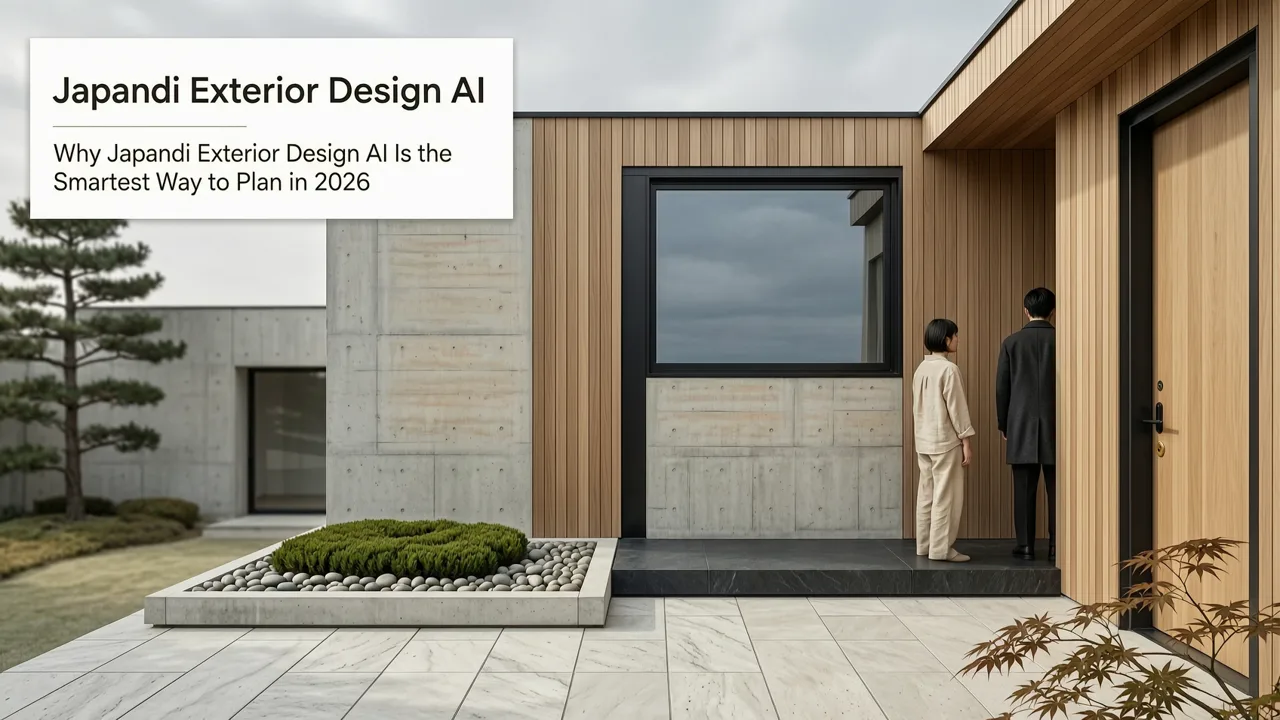
- Style diversity beyond a handful of presets. Contemporary, Craftsman, Mediterranean, Modern Farmhouse, Coastal, Mid-Century, and Japandi exteriors are all renderable from a single upload.
- Integration with real product catalogs. Leading tools now map AI-generated finishes to actual siding brands, roofing systems, and paint codes, bridging the gap between inspiration and procurement.
How Exterior Home Design AI Actually Works
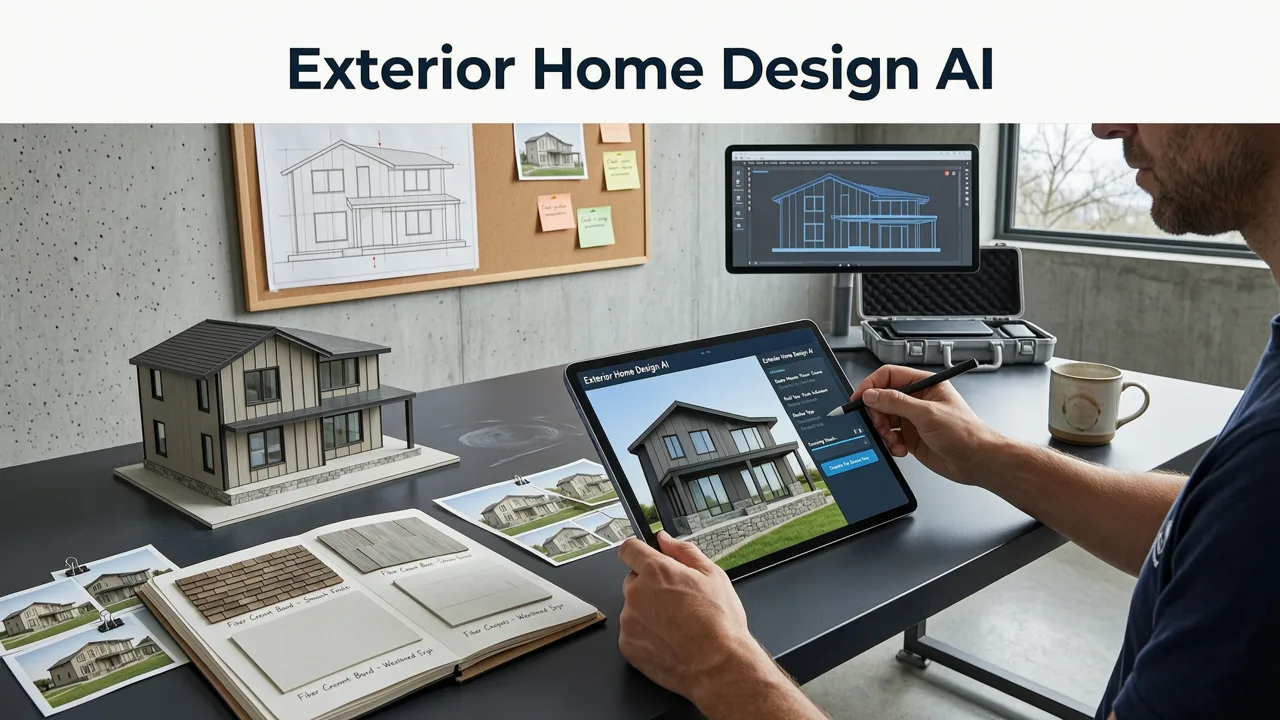
Under the hood, exterior home design AI is a specialized form of image-to-image generative modeling. You upload a photo, the system segments the structure into semantic layers — sky, roof, walls, windows, doors, trim, landscaping, hardscape — and then re-synthesizes those layers according to the style prompt you choose. The result is a new image that keeps the geometry of your home while swapping materials, colors, textures, and surrounding elements.
This is distinct from traditional 3D rendering, which requires a manual model of your house. It is also distinct from simple photo filters, which only tint or overlay. A well-built exterior home design AI understands architectural context: it knows that a steeply pitched roof should pair with different siding profiles than a flat modernist roofline, and it adjusts details like trim width, window mullions, and porch proportions accordingly.
What the AI Preserves
- Overall footprint and massing of the home
- Window and door locations and relative sizes
- Roof shape and pitch
- Driveway, walkway, and lot orientation
- Surrounding context such as neighboring structures and mature trees
What the AI Can Transform
- Siding material and color (brick, stone, stucco, wood, fiber cement, metal panels)
- Roofing material and tone (asphalt shingle, standing seam, clay tile, slate)
- Trim, fascia, and accent colors
- Front door style and finish
- Garage door design
- Porch, railing, and column details
- Landscaping, hardscape, lighting, and seasonal foliage
Step-by-Step: Using Exterior Home Design AI for Your Renovation
Here is the workflow that produces the most reliable, decision-grade renders in 2026.
Step 1: Capture a High-Quality Base Photo
Stand back far enough to capture the full front elevation, ideally on an overcast day to avoid harsh shadows. Keep the camera level — tilt distorts the roofline and makes AI segmentation less accurate. If you have multiple angles (front, side, rear), upload each separately; most tools now handle multi-angle sessions.
Step 2: Define Your Style Intent
Rather than a vague prompt like "make it look nice," specify the architectural language you are aiming for. "Modern Farmhouse with black windows and board-and-batten siding" will produce a far more useful render than "contemporary update." If you are unsure, generate three to five variations across different styles and compare side by side.
Step 3: Constrain With Real Materials
If your tool supports product mapping, select actual siding profiles, roofing systems, or paint codes you are considering. This keeps the visualization honest and lets you move straight from render to quote with your contractor.
Step 4: Review Lighting and Season Context
A south-facing home at golden hour will read very differently than the same home at noon in winter. Generate renders in multiple lighting conditions if the tool allows it; this is especially important for color-sensitive decisions like stone veneer tone or roof shingle shade.
Step 5: Share and Iterate
Send the top two or three renders to your contractor, landscape architect, or partner. Use their feedback to refine the prompt. Most platforms let you adjust individual elements — swap the door without changing the siding, or change the landscaping without touching the roof — which keeps iteration fast.
Exterior Home Design AI vs. Traditional Design Methods
To understand why this technology has become the default starting point for exterior projects, it helps to compare it directly against the older workflows homeowners and designers relied on.
| Factor | Traditional Method | Exterior Home Design AI (2026) |
|---|---|---|
| Time to first visual | Days to weeks | Seconds to minutes |
| Cost per iteration | $200–$1,500 per rendering | Near-zero marginal cost |
| Number of styles tested | 1–3 due to cost | Unlimited variations |
| Photorealism | High with skilled artist; variable otherwise | Consistently high with modern models |
| Architectural accuracy | Very high (manual 3D modeling) | High for facade; lower for complex additions |
| Best use case | Large-scale new builds, permitting | Renovation planning, curb appeal, quick iteration |
The takeaway is not that traditional architectural visualization is obsolete — it is not. For permitting, structural additions, or custom new builds, a licensed architect's 3D model remains essential. But for the majority of exterior renovations where the question is what will this look like rather than how will this be built, exterior home design AI is now the faster, cheaper, and more iterative starting point.
Common Exterior Projects That Benefit Most From AI Visualization
Siding Replacement
Choosing between cedar shake, horizontal lap, board-and-batten, or stucco is one of the highest-stakes decisions in an exterior renovation. AI lets you test all four on your actual house in minutes, with accurate shadow behavior and material texture.
Roof Color and Material
Roofing is expensive and long-lived. Seeing a charcoal architectural shingle versus a warm terracotta tile on your real roofline prevents a thirty-year regret.
Front Door and Garage Door Upgrades
These are the two highest-impact accent elements on a facade. A visualizer lets you test door styles, glass inserts, and hardware finishes against every siding color you are considering.
Landscaping and Hardscape
If you are also rethinking the front yard — walkway materials, planting beds, lighting, fence style — exterior home design AI extends to outdoor spaces. For more targeted garden projects, specialized tools like an AI Japanese Garden Visualizer or a modern Japanese garden layout planner can go deeper into region-specific planting and design language.
Full Curb Appeal Overhaul
When you are combining siding, roofing, landscaping, lighting, and hardscape into one project, AI helps you see the whole picture before you commit to any single trade. This is where the technology delivers its greatest return, because the interactions between elements are hard to imagine from material samples alone.
How to Get the Most Realistic Exterior Renders
Not all AI outputs are created equal. The gap between a convincing render and an obviously synthetic one usually comes down to input quality and prompt specificity.
- Use a straight-on, well-lit photo. Angled shots and heavy shadows confuse segmentation.
- Remove temporary objects. Cars, trash bins, and seasonal decorations in the base photo can bleed into the render.
- Be architecturally specific. Reference actual styles and materials rather than vague adjectives.
- Generate multiple variants. The first render is rarely the best; treat it as a starting point.
- Cross-check with interior visualizations. If you are also updating the inside, tools that handle both — like those covered in our guide to the best AI exterior design app — keep the exterior and interior aesthetics aligned.
Who Should Use Exterior Home Design AI
Homeowners Planning a Renovation
If you are about to spend tens of thousands on siding, roofing, or landscaping, AI visualization is the cheapest insurance policy available. It reduces buyer's remorse and gives you a clear brief to hand to your contractor.
Real Estate Agents Preparing a Listing
Virtual curb appeal staging is now a standard part of pre-listing preparation. A well-rendered exterior can reposition a property in buyer searches and justify a higher asking price, especially when paired with interior staging using tools like the accent wall color visualizer for indoor spaces.
Interior and Exterior Designers
Designers use AI visualization to accelerate the concept phase, present multiple directions to clients in a single meeting, and reserve detailed 3D work for the final design development stage.
Contractors and Builders
Clear visualizations reduce change orders and scope disputes. A shared render becomes the reference document for material selection and finish approval.
Limitations to Understand Before You Rely on AI Renders
Exterior home design AI is powerful, but it is not a replacement for professional judgment in every situation.
- Structural changes are not reliable. Adding a dormer, moving a window, or extending a porch footprint requires architectural and engineering input; AI renders of structural changes are suggestive, not buildable.
- Material availability varies by region. A render may show a stone veneer that is not stocked near you. Always cross-check with local suppliers.
- Color under real light differs from renders. Order physical samples of your top two or three choices and view them on the actual facade at different times of day.
- HOA and local code compliance is not automated. AI does not know your neighborhood's covenants or your municipality's design review requirements.
Treat AI renders as a high-fidelity shortlist tool, not a final specification. The technology is designed to help you make better decisions faster — not to remove the need for those decisions entirely.
What to Look for in an Exterior Home Design AI Tool in 2026
If you are evaluating platforms, these are the capabilities that separate a professional-grade tool from a consumer toy.
- Accurate facade segmentation. The tool should cleanly separate roof, walls, trim, windows, doors, and landscape without bleeding colors across boundaries.
- Style consistency across elements. A Craftsman prompt should produce Craftsman-appropriate windows, trim, and porch details — not a random mix.
- Product-level mapping. The ability to select specific siding brands, shingle lines, or paint codes keeps the output actionable.
- Multi-angle and multi-lighting support. A single front elevation is rarely enough; the best tools handle rear, side, and oblique views.
- Export quality. Renders should be available at resolution sufficient for contractor review and client presentation, not just social media sharing.
- Privacy and data handling. Your home photos are sensitive. Choose a platform with clear data policies and, ideally, the option to process images without storing them long-term.
The Bottom Line on Exterior Home Design AI
In 2026, exterior home design AI has moved from novelty to essential planning tool. It compresses the visualization phase of a renovation from weeks to minutes, lets you test dozens of styles and materials on your actual house, and gives every stakeholder — homeowner, designer, contractor, buyer — a shared visual reference before any money is spent on physical materials.
The technology is not perfect. It does not replace an architect for structural work, a landscape architect for planting plans, or a physical sample board for final color approval. But as the first step in any exterior renovation — the step where you answer the question what are we actually building — it is now the fastest, most iterative, and most cost-effective option available.
Ready to see your home reimagined? Upload a photo of your exterior to AI Interior Design and generate your first render in seconds — no 3D software, no designer retainer, just your house in the style you have been picturing.
Related resources
Related Articles
- Redesign Living Room with Photo: Instant AI Visualization in 2026
- How to Choose Accent Wall Color with AI (Free Visualizer)
- AI Wall Paint Visualizer: See Colors in Your Real Room Instantly
- Free Kitchen Remodel Visualizer — Upload & Redesign in Seconds
- Sage Green Wall Paint Visualization — Upload & Preview Instantly