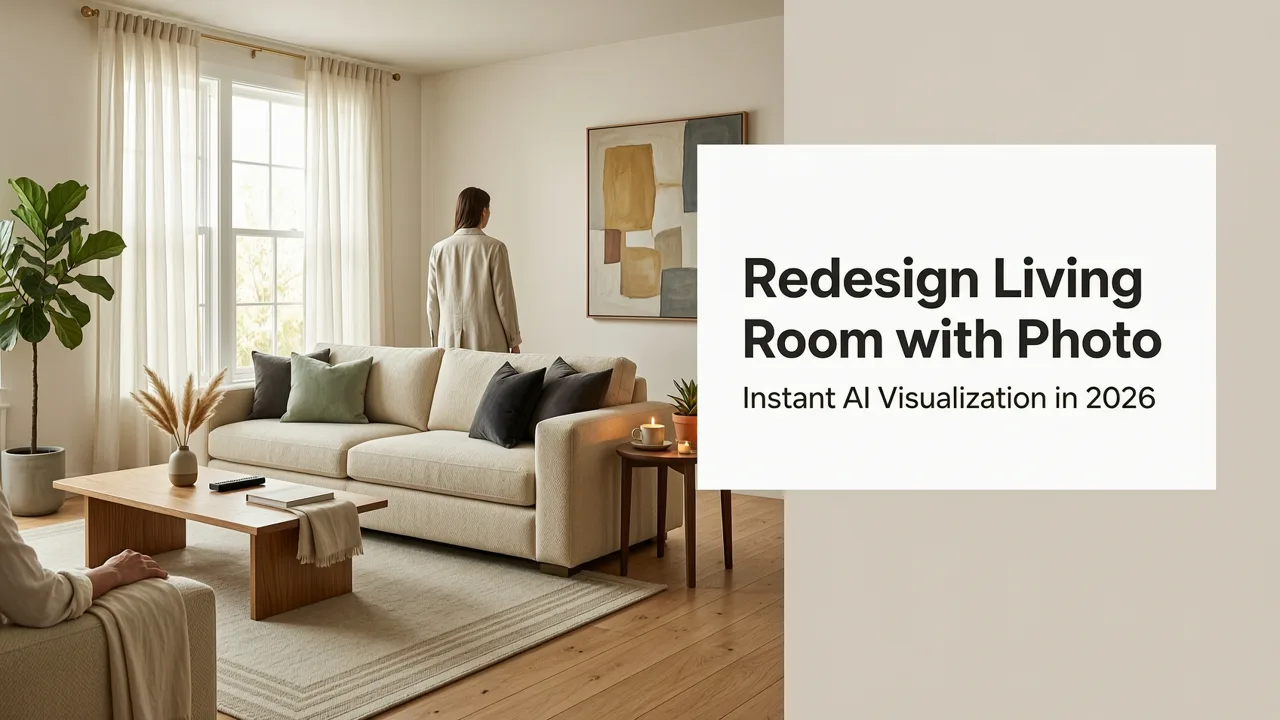
Why Redesign Living Room with Photo Is the Smartest Move in 2026
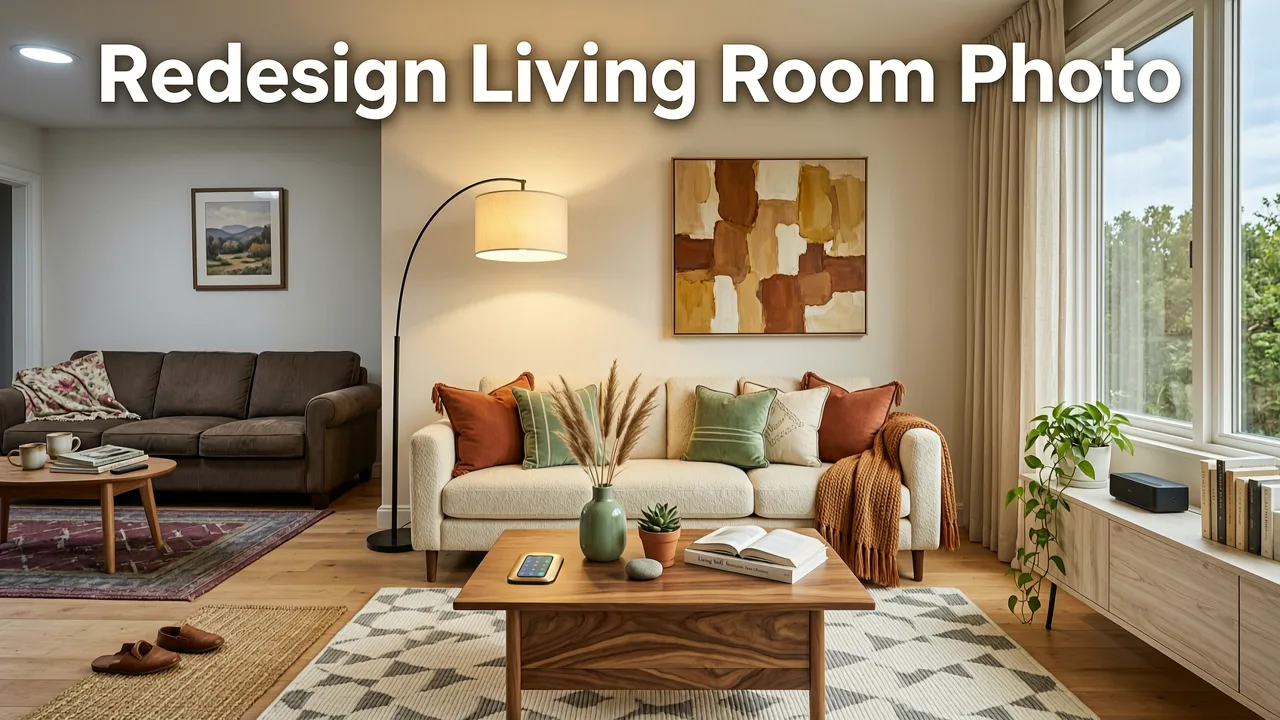
If you have been searching for a way to redesign living room with photo before committing to a single paint swatch or furniture purchase, you already know the frustration of guessing how a space will actually look. The good news is that in 2026, AI-powered visualization tools let you upload one photo and instantly preview dozens of photorealistic living room makeovers — no 3D software, no designer retainer, and no second-guessing.
Whether you are a homeowner planning a full remodel, a renter testing layout ideas, a realtor staging a listing, or an interior designer pitching concepts to clients, the ability to redesign living room with photo has become the fastest, most cost-effective way to move from inspiration to confident action.
What It Means to Redesign Living Room with Photo Using AI
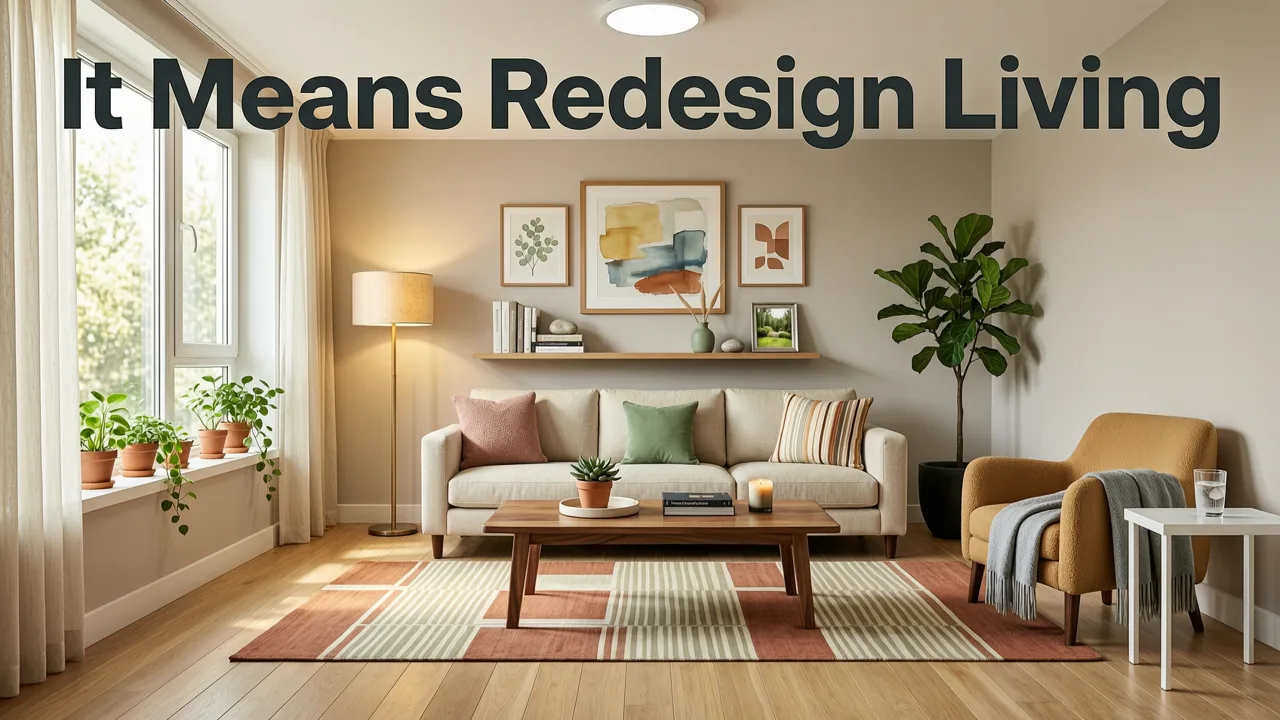
Redesigning a living room with photo means uploading an image of your existing space and letting an AI engine reinterpret the room in a new style, palette, or layout. Unlike mood boards or flat 2D renderings, modern AI visualization preserves your room's actual proportions, lighting, windows, and architectural details while swapping in new furniture, wall finishes, flooring, and decor.
Trying NINE AI Interior Design Generators to Redesign my Living Room!
by Cozy DIY Home
The result is a true-to-room preview that looks like a professional interior design rendering — generated in seconds rather than days.
How the AI Interprets Your Living Room
When you upload a photo, the AI performs several steps behind the scenes:
- Scene recognition — identifies walls, ceiling, floor, windows, doors, and existing furniture.
- Depth and perspective mapping — understands camera angle and spatial relationships so new elements sit naturally in the room.
- Lighting analysis — matches shadows, reflections, and ambient tone to keep the preview photorealistic.
- Style application — applies your chosen design style (modern, Scandinavian, mid-century, industrial, etc.) while respecting the room's architecture.
For a deeper look at how AI visualization works across different room types, the team behind White Wall Paint AI Visualization explains how the engine handles light and surface interpretation in detail.
Step-by-Step: How to Redesign Your Living Room with a Photo
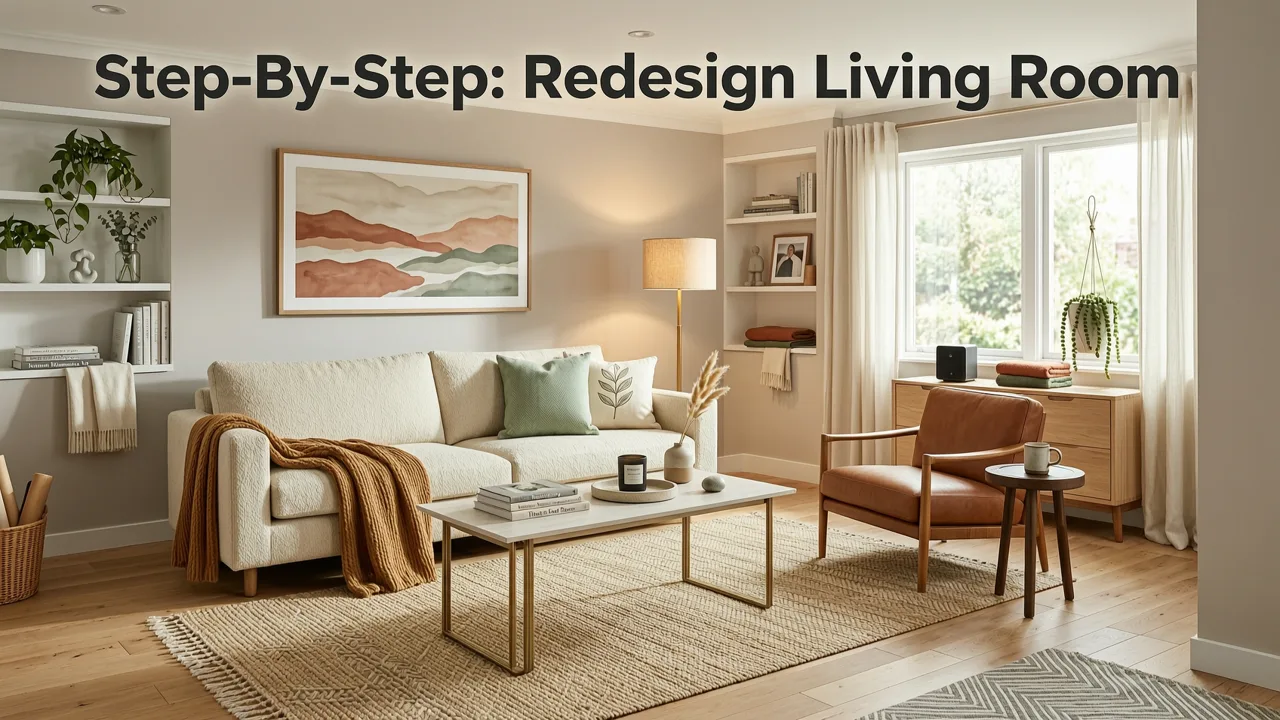
The process is designed to be simple enough for first-time users while still offering the control that professionals need.
Step 1 — Take a Clear Photo of Your Living Room
Use your smartphone and shoot from a corner or doorway to capture as much of the room as possible. Make sure the lighting is even and avoid heavy shadows. A straight, level shot gives the AI the best foundation to work with.
Step 2 — Upload the Photo to the AI Design Tool
Drag or upload your image into the platform. The AI will process the scene in seconds and prepare it for style transformation.
Step 3 — Choose a Design Style
Browse available styles such as modern minimalist, Japandi, coastal, industrial, bohemian, or traditional. Each style adjusts furniture, textures, color palette, and accessories as a cohesive set.
Step 4 — Review and Refine the Preview
Compare multiple generated variations side by side. Some tools let you adjust wall color, flooring type, or furniture density. If you are also considering textured wall finishes, our guide on the best textured paint for living room walls in 2026 pairs perfectly with AI previews to help you decide between smooth and textured surfaces.
Step 5 — Save, Share, and Plan
Download your favorites, share them with family or clients, and use them as a shopping and renovation roadmap.
Top Living Room Styles to Test with AI Visualization in 2026
One of the biggest advantages of using AI to redesign living room with photo is the ability to test styles that would be expensive or time-consuming to mock up manually. Here are the styles trending most with homeowners and designers this year.
| Style | Key Characteristics | Best For |
|---|---|---|
| Modern Minimalist | Clean lines, neutral palette, uncluttered surfaces | Small to medium living rooms |
| Japandi | Warm wood tones, organic textures, low-profile furniture | Open-plan spaces with natural light |
| Coastal | Soft blues, whites, linen fabrics, natural fibers | Beach-adjacent homes or bright rooms |
| Industrial | Exposed materials, metal accents, dark neutrals | Lofts and urban apartments |
| Mid-Century Modern | Walnut wood, bold accent colors, iconic furniture silhouettes | Retro-inspired homes |
| Bohemian | Layered textiles, global patterns, warm earth tones | Eclectic, personality-rich spaces |
| Transitional | Blend of classic and contemporary, balanced neutrals | Resale-friendly renovations |
Why AI Visualization Outperforms Traditional Methods
Before AI tools became mainstream in 2026, redesigning a living room meant hiring a designer for concept boards, using complex 3D modeling software, or relying on imagination and paint samples. Each approach had drawbacks.
Speed and Iteration
A professional rendering can take days or weeks. AI visualization delivers multiple photorealistic options in seconds, letting you iterate freely until the look feels right.
Cost Savings
Design consultations and 3D renderings carry significant fees. AI visualization reduces upfront costs dramatically, especially for homeowners who want to explore several directions before committing.
Accuracy and Confidence
Because the AI works from your actual photo, the previews reflect real proportions and lighting conditions. This reduces the gap between expectation and reality — one of the biggest sources of renovation regret.
Who Benefits Most from Redesigning a Living Room with Photo
Homeowners Planning a Renovation
Seeing your living room reimagined in multiple styles before demolition begins helps you lock in design decisions with confidence. It also makes contractor conversations more precise because you can show exactly what you want.
Realtors and Home Stagers
Virtual staging with AI is now a standard tool in real estate marketing. Upload a photo of an empty or dated living room and generate staged versions that help buyers visualize the home's potential — without moving a single piece of furniture.
Renters Testing Ideas
If you cannot make permanent changes, AI visualization lets you experiment with layouts, color schemes, and decor combinations to find a look you love within your lease constraints.
Interior Designers Presenting to Clients
Designers use AI previews to accelerate the concept phase, showing clients multiple directions in a single meeting rather than waiting weeks for traditional renderings.
Tips for Getting the Best Results When You Redesign Living Room with Photo
Like any tool, AI visualization performs best when you feed it quality input. Follow these practical tips to get the most accurate and inspiring previews.
Shoot in Natural Daylight
Turn on all the lights in the room and shoot during the day. Even, natural-looking light helps the AI understand true wall color and surface texture.
Declutter Before Shooting
Remove as many personal items as possible. The AI will replace furnishings with the new style, so a cleaner starting photo gives a more accurate preview.
Capture the Full Room
Stand in a corner or doorway and include as much of the room as possible in a single frame. Wide-angle shots give the AI more spatial data to work with.
Try Multiple Styles Before Deciding
Do not settle on the first preview. Test at least three to five styles to compare how each transforms the same space. You may discover a look you never considered.
Pair AI Previews with Real Product Research
Use the AI-generated look as your design direction, then source real furniture, paint, and materials that match. If you are exploring wall color options, our AI-tested guide on the best white paint for small rooms in 2026 can help you translate AI previews into real-world paint choices.
Common Mistakes to Avoid
- Using dark or blurry photos — low-quality input produces lower-quality previews.
- Expecting exact furniture matches — AI generates style-appropriate pieces, not specific product models. Treat previews as directional, not catalog-perfect.
- Ignoring architectural constraints — the AI respects your room's structure, but structural changes like removing walls require professional assessment.
- Relying on a single preview — always generate multiple variations to compare before making decisions.
How AI Visualization Fits Into the Broader Renovation Workflow
Redesigning your living room with photo is most powerful when treated as the starting point of a structured renovation workflow rather than the final step.
- Visualize — upload your photo and explore styles with AI.
- Narrow down — select two or three directions that resonate.
- Research — source real products, materials, and finishes that match your chosen direction.
- Validate — order samples, test paint swatches, and confirm measurements.
- Execute — hand your AI previews and product selections to your contractor or install the changes yourself.
If your project extends beyond the living room, the same workflow applies to other spaces. For exterior projects, the guide on how to visualize house exterior remodel before renovating in 2026 walks through the same AI-first approach for curb appeal upgrades.
The Technology Behind the Previews
Modern AI interior design tools are built on large-scale generative models trained on millions of interior design images. These models understand spatial relationships, material properties, and style conventions well enough to produce previews that feel genuinely photorealistic.
Leading platforms follow responsible AI practices, including transparent data usage and bias mitigation, as outlined in resources like Google's AI responsibility principles. Understanding how these models work helps set realistic expectations: the previews are highly accurate directional tools, not replacement for professional architectural or structural assessment.
Is Redesigning Your Living Room with Photo Worth It in 2026?
The short answer is yes. The combination of faster AI models, higher-resolution output, and broader style libraries makes 2026 the best year yet to visualize a living room redesign before spending money on materials or labor.
Whether you are a homeowner avoiding costly mistakes, a realtor staging a listing, or a designer accelerating client presentations, the ability to redesign living room with photo gives you a clear, confident visual foundation for every decision that follows.
Final Thoughts
Redesigning a living room no longer requires guesswork, expensive renderings, or weeks of waiting. Upload a photo, choose a style, and see your space reimagined in seconds. Start experimenting today and move from inspiration to a renovation plan you can trust.
Related Articles
- How to Visualize Textured Paint on Your Wall Instantly
- AI Wall Paint Visualizer: See Colors in Your Real Room Instantly
- How to Choose Accent Wall Color with AI (Free Visualizer)
- Sage Green Wall Paint Visualization — Upload & Preview Instantly
- Sherwin Williams Pure White AI Preview — Upload & See Instantly