Best AI Interior Design App for Real-Time Room Makeovers in 2026

If you have ever stared at a tired living room, a bland bedroom, or a dated kitchen and wondered what it could look like with a full makeover, the wait-and-see era of home renovation is officially over. The best AI interior design app in 2026 lets you upload a single photo, pick a design style, and receive a photorealistic reimagining of your actual space in under a minute—no mood boards, no expensive consultations, and no 3D modeling skills required.
Whether you are a homeowner planning a weekend refresh, a renter testing ideas before asking a landlord for changes, or a realtor staging a listing for a faster sale, AI-powered visualization tools have become the fastest, most accurate way to preview design decisions before committing a single dollar to paint, furniture, or contractors.
What Makes an AI Interior Design App Different in 2026

Early room-visualization tools relied on flat 2D overlays or crude 3D templates that bore little resemblance to your actual space. The latest generation of AI interior design apps uses advanced diffusion models trained on millions of interior photographs, architectural plans, and material libraries. The result is a tool that understands spatial geometry, lighting direction, furniture proportions, and even the way natural light shifts across a room at different times of day.
Trying NINE AI Interior Design Generators to Redesign my Living Room!
by Cozy DIY Home
In practical terms, this means the app can take a photo of your current kitchen and show you the same kitchen with matte navy cabinetry, brass hardware, white quartz countertops, and warm pendant lighting—all while preserving the exact dimensions, window placement, and sightlines of your real room.
Key Capabilities to Expect
- Photorealistic rendering: Outputs that look indistinguishable from professional photography, complete with accurate shadows, reflections, and material textures.
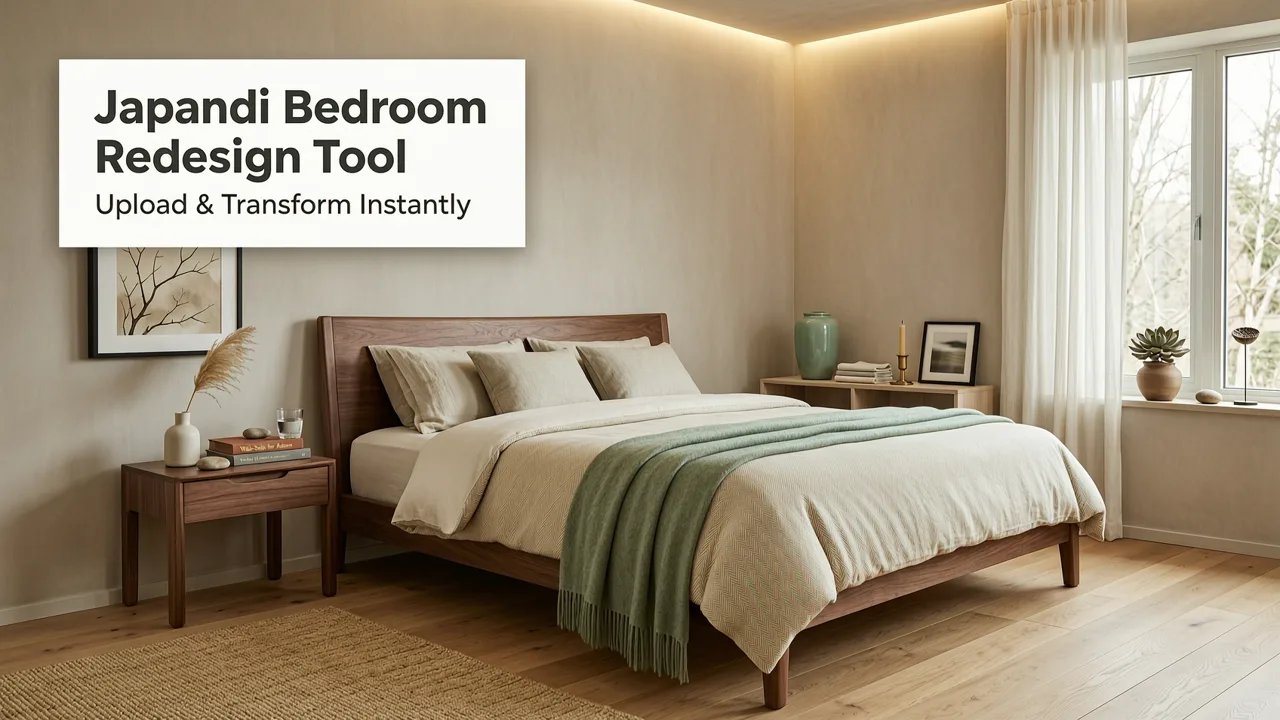
- Style transfer across rooms: Apply mid-century modern, Japandi, Scandinavian, industrial, coastal, or farmhouse aesthetics to any space while keeping your room's structural identity intact.
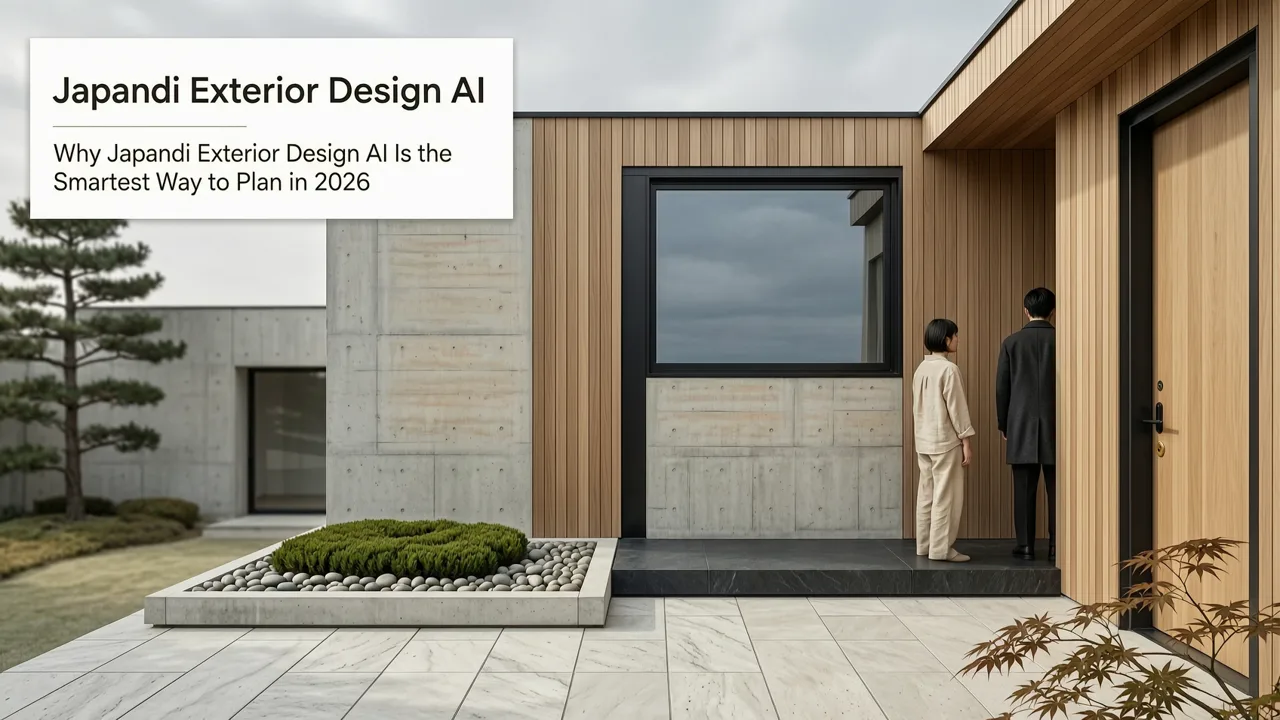
- Exterior visualization: Preview siding colors, roofing materials, landscaping, and front-door styles on your actual home facade.
- Multi-angle consistency: Generate views from different positions in the same room so the design holds together from every perspective.
How an AI Interior Design App Actually Works

Understanding the workflow removes any intimidation factor. The process is designed for people who have never used design software before.
Step 1: Upload a Photo of Your Room
Snap a picture with your smartphone. For best results, stand in a corner or doorway to capture as much of the room as possible. Keep the lens level and make sure lighting is even. The AI will analyze the image to identify walls, floors, ceilings, windows, doors, and existing furniture.
Step 2: Choose a Design Style
Browse curated style libraries. Most apps in 2026 offer 30 to 60 distinct design aesthetics, from minimalist and biophilic to maximalist and Art Deco revival. Some tools also let you upload inspiration images so the AI can blend your references into a custom look.
Step 3: Generate and Refine
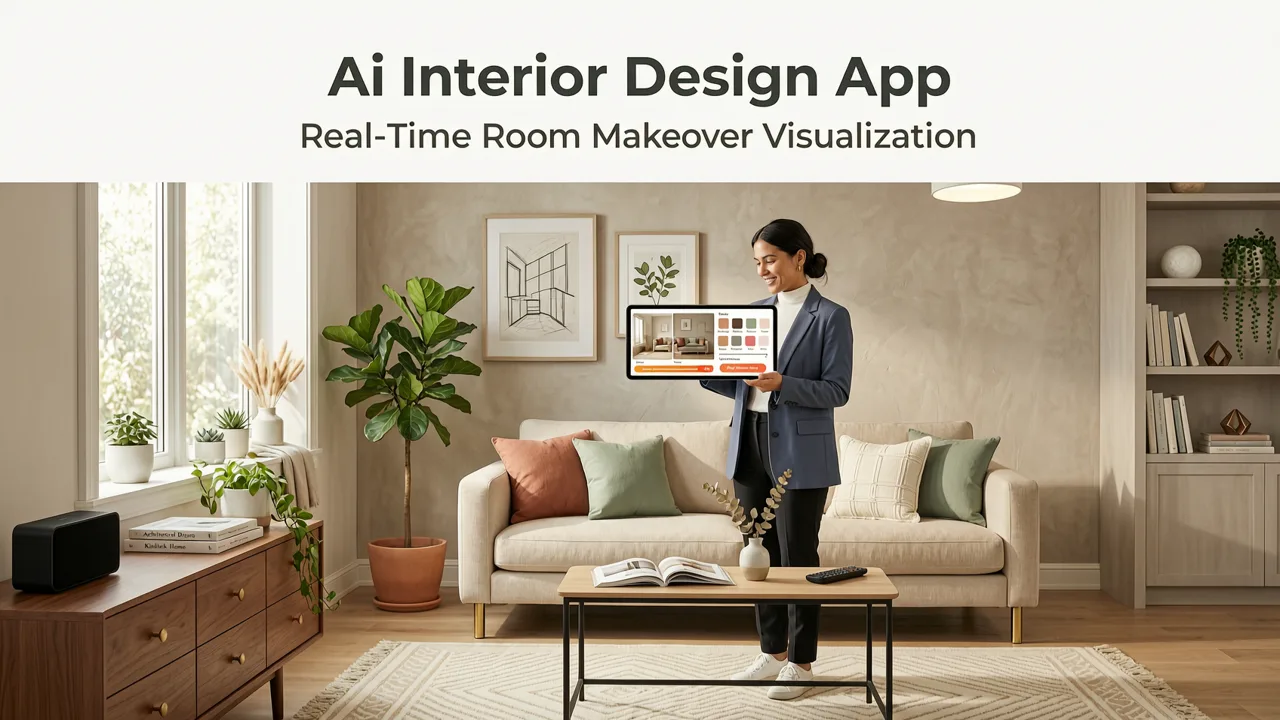
Hit generate. Within seconds, the app produces multiple design variations. Review them, tweak individual elements—swap a sofa, change wall color, adjust flooring—and regenerate until the result matches your vision. Many tools now include a real-time slider that lets you blend between your original photo and the AI-generated version so you can see exactly what is changing.
Step 4: Export and Share
Download high-resolution images, create side-by-side before-and-after comparisons, or share a link with your contractor, partner, or designer for feedback.
Who Benefits Most from an AI Interior Design App
The appeal of AI-powered room visualization extends far beyond professional designers. Here is how different users put the technology to work.
| User Type | Primary Use Case | Key Benefit |
|---|---|---|
| Homeowners | Planning renovations and redecorating | Avoid costly mistakes by previewing designs in your actual space |
| Renters | Testing layout and decor ideas within lease constraints | Visualize changes without purchasing anything upfront |
| Realtors | Virtual staging for property listings | Generate appealing room visuals faster and cheaper than traditional staging |
| Interior Designers | Client presentations and concept exploration | Accelerate the ideation phase and align with clients before sourcing materials |
| Contractors | Communicating design intent with clients | Show realistic previews to get faster approvals on material and layout choices |
AI Interior Design App vs. Traditional Design Methods
To understand why AI visualization has become the default starting point for so many projects, it helps to compare it directly with conventional approaches.
Traditional Interior Design Consultation
Hiring a professional designer typically involves an initial consultation, a measured floor plan, mood boards, material samples, and 3D renderings that can take weeks to produce. The process delivers exceptional results, but the timeline and cost make it impractical for quick decisions or exploratory brainstorming.
DIY with Free Online Tools
Older web-based room planners let you drag generic furniture models onto a floor plan. They are useful for spatial planning, but the visual output rarely looks like your actual room, making it hard to judge whether a design will truly work.
AI Interior Design App
An AI interior design app bridges the gap. It uses your real room as the canvas, generates photorealistic results in seconds, and costs a fraction of a designer retainer. It is not a replacement for a professional when you need construction drawings or building-code compliance, but it is an extraordinarily efficient first step.
Best Use Cases to Try First
If you are new to AI-powered room visualization, start with projects where the before-and-after impact is dramatic and easy to evaluate.
Living Room Makeovers
The living room is the heart of most homes and the space where design choices are most visible. Test bold wall treatments, new furniture layouts, and lighting changes. If textured finishes catch your eye, explore options like the ones covered in our guide on the best textured paint for living room walls and preview them instantly with AI visualization.
Bedroom Refresh
Swap bedding styles, test headboard designs, and experiment with calming color palettes. AI tools make it easy to see how a warm neutral wall shade interacts with your existing flooring and window treatments before you buy a single gallon of paint.
Kitchen Cabinet and Countertop Swaps
Kitchen renovations are among the most expensive home projects. Use an AI interior design app to test cabinet colors, countertop materials, backsplash tiles, and hardware finishes. Seeing all these elements together in your actual kitchen prevents the common mistake of loving individual samples but hating the combination.
Exterior Curb Appeal
Do not limit yourself to interiors. AI visualization tools now handle full home exteriors, letting you preview siding colors, stone accents, front-door styles, and landscaping. For a deeper look at this process, read our detailed walkthrough on how to visualize a house exterior remodel before renovating.
Tips for Getting the Most Accurate AI Room Visualizations
The quality of the output depends significantly on the quality of the input. Follow these guidelines to ensure the AI has the best possible data to work with.
Lighting Matters
Take photos during the day with natural light. Avoid harsh direct sunlight that creates blown-out highlights or deep shadows. Even, diffused light gives the AI the cleanest information about your room's geometry and colors.
Capture the Full Space
Use a wide-angle lens or your phone's standard wide setting. Stand as far back as the room allows—ideally in a corner—so the AI can map the entire layout. If the room is very large, take two overlapping photos and use the one that covers the most ground.
Declutter Before Shooting
The AI works best when it can clearly identify architectural features. Remove small objects, personal items, and loose clutter from countertops, shelves, and floors. This does not mean the room needs to be spotless, but fewer distractions lead to cleaner results.
Be Specific with Style Prompts
Instead of selecting a vague label like "modern," narrow it down: "mid-century modern living room with walnut tones, olive-green accents, and brass lighting." The more precise your direction, the closer the output will align with your vision.
Common Mistakes to Avoid
- Relying on a single photo angle: Generate designs from at least two or three perspectives to confirm the look holds together throughout the room.
- Ignoring scale: AI tools preserve your room's proportions, but oversized furniture in the generated image may look great on screen yet feel cramped in person. Always cross-check dimensions.
- Skipping material verification: The AI renders a visual approximation of materials. Before ordering, confirm actual product samples for color accuracy and texture.
- Forgetting about lighting design: A room can look stunning in daytime renders but feel flat under your existing fixtures. Consider how the design will look under both natural and artificial light.
How AI Interior Design Apps Are Evolving
The pace of improvement in AI visualization has been remarkable. Models that once struggled with perspective and material accuracy now produce results that even seasoned designers find useful for client presentations. Leading AI research organizations continue to refine the underlying architectures, improving spatial understanding and reducing artifacts. You can follow broader developments in responsible AI practices through resources like Google's AI responsibility guidelines, which shape how these tools are built and deployed.
In 2026, the most advanced AI interior design apps also integrate with product catalogs, meaning the furniture and materials shown in your visualization can be linked to real items available for purchase. This closes the gap between inspiration and execution, turning a beautiful render into a shoppable design plan.
AI Visualization for Specific Paint Choices
Paint is one of the most impactful—and most frequently second-guessed—design decisions. AI visualization eliminates the guesswork by showing you exactly how a shade will look in your room with your lighting, your flooring, and your existing furnishings.
If white walls are on your mind, test multiple shades simultaneously. Our guide on white wall paint AI visualization walks through the eight best white shades to try and how the tool interprets each one in context.
For smaller rooms where the wrong white can feel clinical or dingy, our AI-tested guide to the best white paint for small rooms pairs real product recommendations with instant visualization so you can see the difference before committing.
Is an AI Interior Design App Worth It in 2026?
The short answer is yes. The technology has matured to the point where it delivers genuine practical value, not just novelty. It saves time, reduces renovation anxiety, and helps you make confident design decisions backed by visual evidence rather than imagination alone.
That said, an AI interior design app is a powerful starting point, not a complete replacement for professional expertise on complex structural projects. Use it to explore, refine, and communicate your vision—then bring in specialists for execution when the project calls for it.
Final Thoughts
The best AI interior design app in 2026 puts the power of professional-grade visualization in your pocket. Whether you are refreshing a single room or reimagining your entire home, the ability to see realistic, true-to-space design options in seconds transforms how homeowners, renters, realtors, and designers approach renovation. Upload a photo, explore a style, and watch your space reimagined before you spend a dime on the real thing.
Ready to see what your rooms could look like? Head to AI Design Interiors, upload your first photo, and start visualizing your dream space today.
Related Articles
- AI Design App for Professionals: The 2026 Standard for Interior &
- 12 Green Wall Paint Ideas for Living Room in 2026
- Free Accent Wall Paint Visualizer — Try Colors in Your Photo
- Sherwin Williams Pure White AI Preview — Upload & See Instantly
- White Paint That Hides Imperfections — Visualize Before You Buy