Why You Should Redesign Living Room with AI in 2026

If you are tired of guessing how a new sectional will look or whether a dark accent wall will overwhelm your space, the solution is simpler than ever. You can now redesign living room with AI in under 60 seconds, transforming a simple smartphone photo into a photorealistic, fully furnished space. By uploading an image of your current layout and selecting a design style, generative AI instantly maps new furniture, textures, and lighting to your exact room dimensions, eliminating the guesswork and expensive mistakes of traditional renovation.
A few years ago, visualizing a room makeover required hiring an interior designer, purchasing expensive 3D rendering software, or spending hours dragging and dropping low-resolution assets in a living room layout planner. Today, the landscape of AI home renovation has completely shifted. In 2026, AI-driven visualization is no longer a novelty; it is the industry standard for homeowners, renters, realtors, and professional designers who demand instant, accurate, and highly detailed spatial planning.
The primary advantage of using an AI interior design app is the drastic reduction in both time and financial risk. When you can generate a photorealistic room preview in seconds, you can test dozens of color palettes, furniture arrangements, and architectural tweaks before committing to a single purchase. This technology bridges the gap between imagination and reality, ensuring that your final renovation matches the vision in your head.
Trying NINE AI Interior Design Generators to Redesign my Living Room!
by Cozy DIY Home
How Modern AI Tools Interpret Your Space

To trust the output of a virtual staging tool, it helps to understand how the technology actually sees your room. Modern AI models do not just paste 2D images over your photo; they perform complex spatial reasoning. According to the OpenAI documentation on multimodal spatial models, these systems use advanced semantic segmentation and depth mapping to identify the floor, walls, ceiling, windows, and existing furniture.
Once the AI understands the geometry of your living room, it applies lighting physics and perspective correction. This means that if your original photo was taken in the afternoon with shadows casting from the left, the AI-generated furniture will cast shadows in the exact same direction. Furthermore, following the latest Google AI guidance on responsible and accurate spatial representations, top-tier tools in 2026 are trained to respect architectural constraints. They will not generate a floating sofa or a window where a solid wall exists, ensuring your room makeover visualization remains grounded in physical reality.
Step-by-Step Guide to Redesign Living Room with AI

Getting started with AI visualization is incredibly straightforward, but the quality of your final image depends heavily on the inputs you provide. Follow this step-by-step process to achieve the most accurate results.
Step 1: Capture and Upload Your Current Layout
The foundation of a great AI redesign is a high-quality source photo. Stand in the corner of your living room to capture the widest possible angle. Ensure the room is well-lit, ideally with natural daylight, and try to keep the camera perfectly level to avoid distorted perspectives. While you can leave some existing furniture in the frame to show the scale, clearing out clutter helps the AI focus on the architectural shell of the room. Once you have the perfect shot, simply upload it to your chosen platform.
Step 2: Select Your Design Style and Constraints
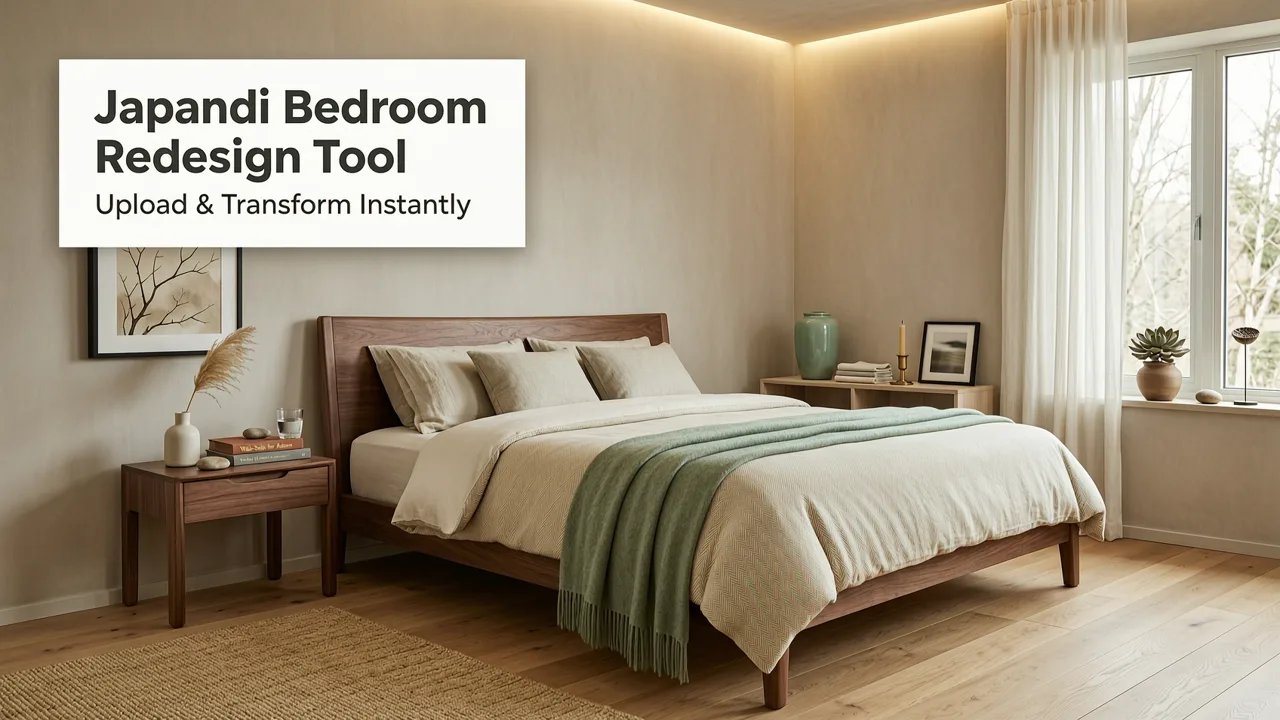
Next, define the aesthetic you want to achieve. Most AI interior design apps offer a curated library of styles, ranging from Mid-Century Modern and Japandi to Industrial and Contemporary. You can also input specific constraints, such as keeping the existing hardwood floors or changing only the wall color. If you are specifically testing paint shades, you might want to pair your room redesign with a dedicated white wall paint AI visualization tool to see how different finishes interact with your room's natural light throughout the day.
Step 3: Generate and Refine Photorealistic Previews
Hit generate and wait for the AI to process the image. In under a minute, you will receive a fully rendered version of your living room. Do not settle for the first result if it is not perfect. Use the refinement tools to swap out specific items, adjust the color temperature of the lighting, or change the texture of the upholstery. Iteration is key to finding the perfect balance of comfort and style.
Comparing Design Methods in 2026
Understanding why AI has become the preferred method for room makeovers requires looking at how it compares to traditional alternatives. The table below highlights the differences between the most common design approaches available to homeowners today.
| Feature | Traditional Interior Designer | Manual 3D CAD Software | AI Room Makeover Visualization (2026) |
|---|---|---|---|
| Time to First Concept | 2 to 4 weeks | 5 to 10 hours | Under 60 seconds |
| Cost | $$$ (High) | $ (Software subscription) | Free to $ (Freemium models) |
| Learning Curve | None (Done for you) | Steep (Requires training) | None (Upload and click) |
| Photorealism | Extremely High | High (Requires manual rendering) | Very High (Instant generation) |
| Flexibility to Iterate | Low (Costs extra per revision) | High (But time-consuming) | Unlimited and Instant |
As the comparison illustrates, AI visualization offers the best balance of speed, cost-efficiency, and visual fidelity. It democratizes high-end design concepts, making them accessible to anyone with a smartphone.
Pro Tips for the Most Realistic Living Room Makeovers
While AI is incredibly powerful, it still requires a human touch to guide it toward the best possible outcome. Keep these expert tips in mind to ensure your virtual staging tools produce results that translate perfectly to the real world.
- Respect the Architecture: AI might suggest knocking down a wall or adding a massive window. Always filter these suggestions through the reality of your home's structural limitations. Use the AI for furniture, decor, and surface treatments rather than structural changes unless you are actually planning a major renovation.
- Mind the Scale: In small living rooms, it is tempting to fill the space with as much furniture as possible. However, oversized pieces can make the room feel cramped. If you are working with a compact space, focus on streamlined furniture and reflective surfaces. You can explore more strategies for optimizing compact spaces by reading our guide on the best white paint for small rooms, which pairs perfectly with AI visualization to make tight spaces feel expansive.
- Balance Textures: A room with only smooth surfaces will look flat and clinical. Use your AI tool to mix materials. Pair a bouclé sofa with a reclaimed wood coffee table and a textured wool rug to add depth and warmth to the generated image.
- Match the Lighting: If your original photo was taken on a cloudy day, do not ask the AI to generate a design with bright, harsh midday sun. Matching the ambient lighting of the source photo to the generated design ensures the final result looks like a natural extension of your actual space.
Expanding Your AI Design Beyond the Living Room
Once you have mastered the living room, the same principles apply to every other area of your property. The best modern interior design app for real-time redesign allows you to seamlessly transition from your living area to your kitchen, bedrooms, and bathrooms, maintaining a cohesive design language throughout your home.
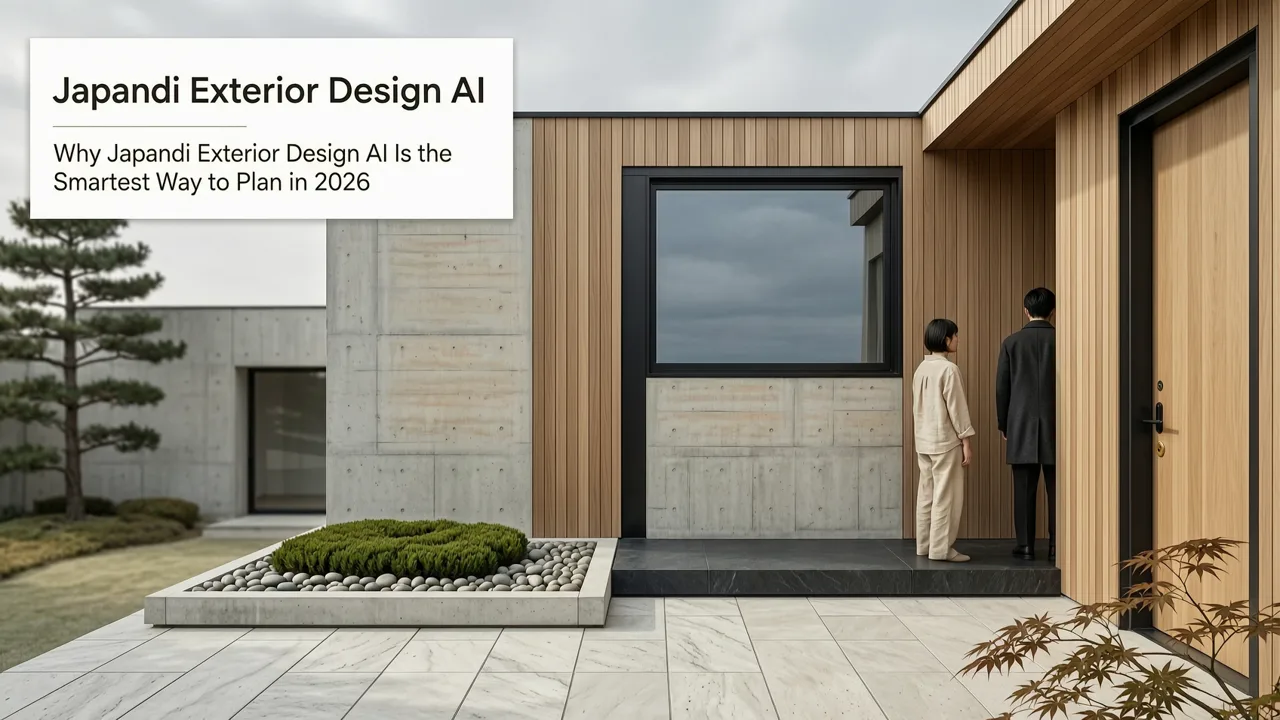
Furthermore, AI visualization is not limited to indoor spaces. Curb appeal is just as critical as interior aesthetics, especially if you are preparing to sell your home. You can easily redesign house exterior online using the exact same upload-and-generate workflow. Test new siding colors, visualize a modern front door, or see how a landscaped garden would look against your current architecture, all before hiring a single contractor.
Conclusion
The ability to redesign living room with AI in under 60 seconds has fundamentally changed how we approach home improvement. By removing the barriers of cost, time, and technical skill, AI empowers you to take total control of your design journey. Whether you are a homeowner planning a full gut renovation, a renter looking for renter-friendly decor ideas, or a realtor needing to virtually stage a listing, AI visualization provides the clarity and confidence you need to make the right choices.
Stop guessing and start visualizing. Upload your first photo today, experiment with different styles, and watch your dream living room come to life in seconds. Your perfect space is just one click away.